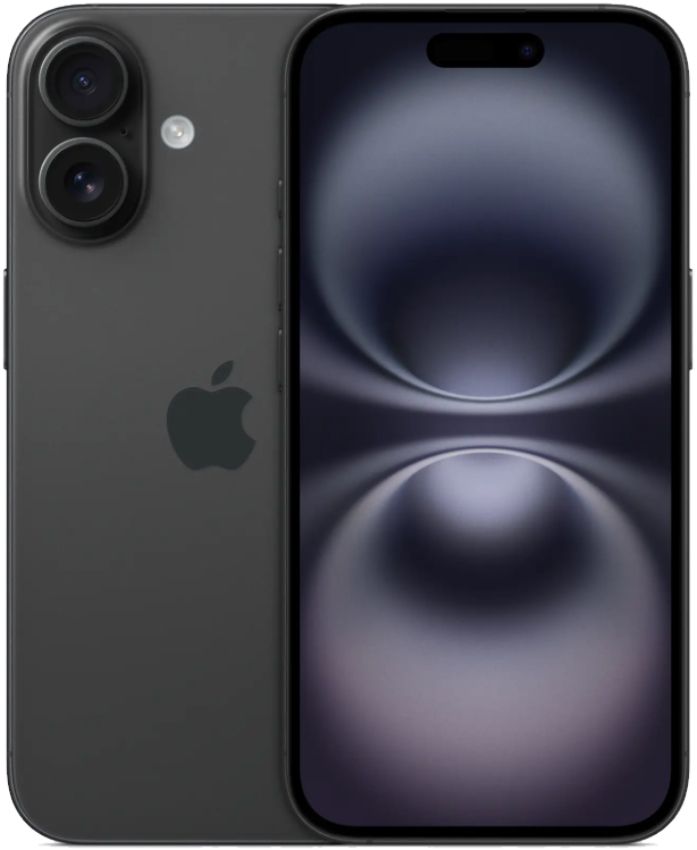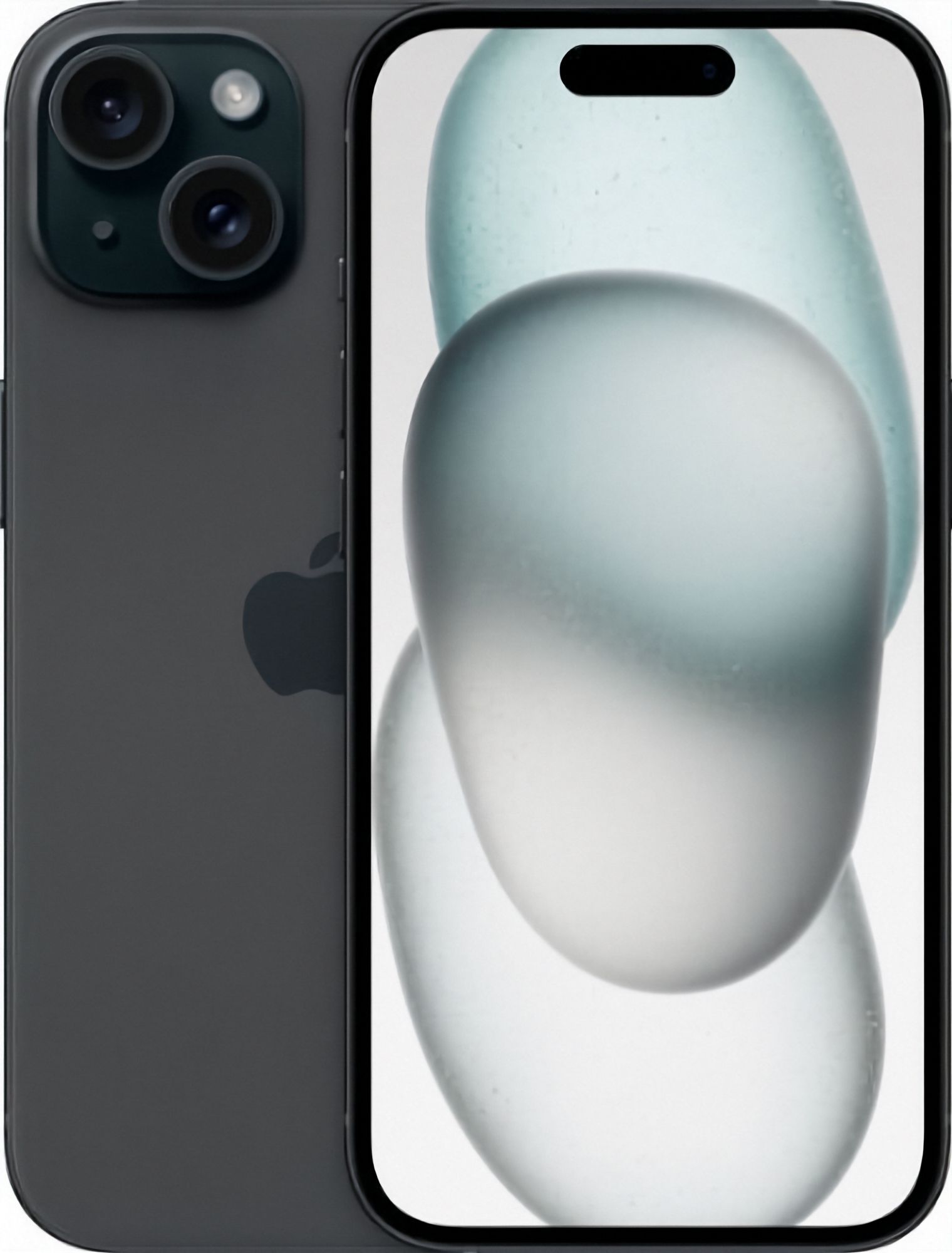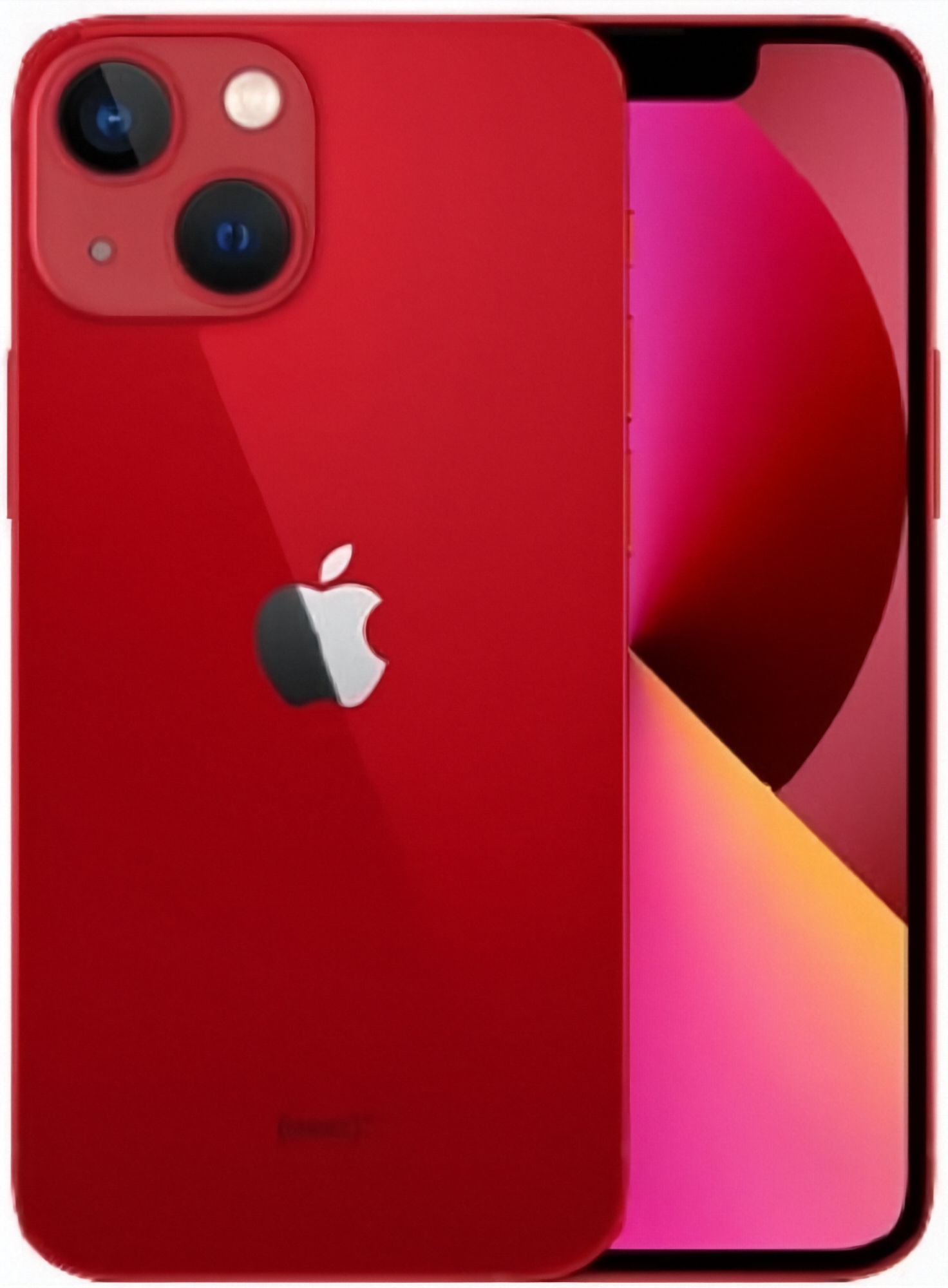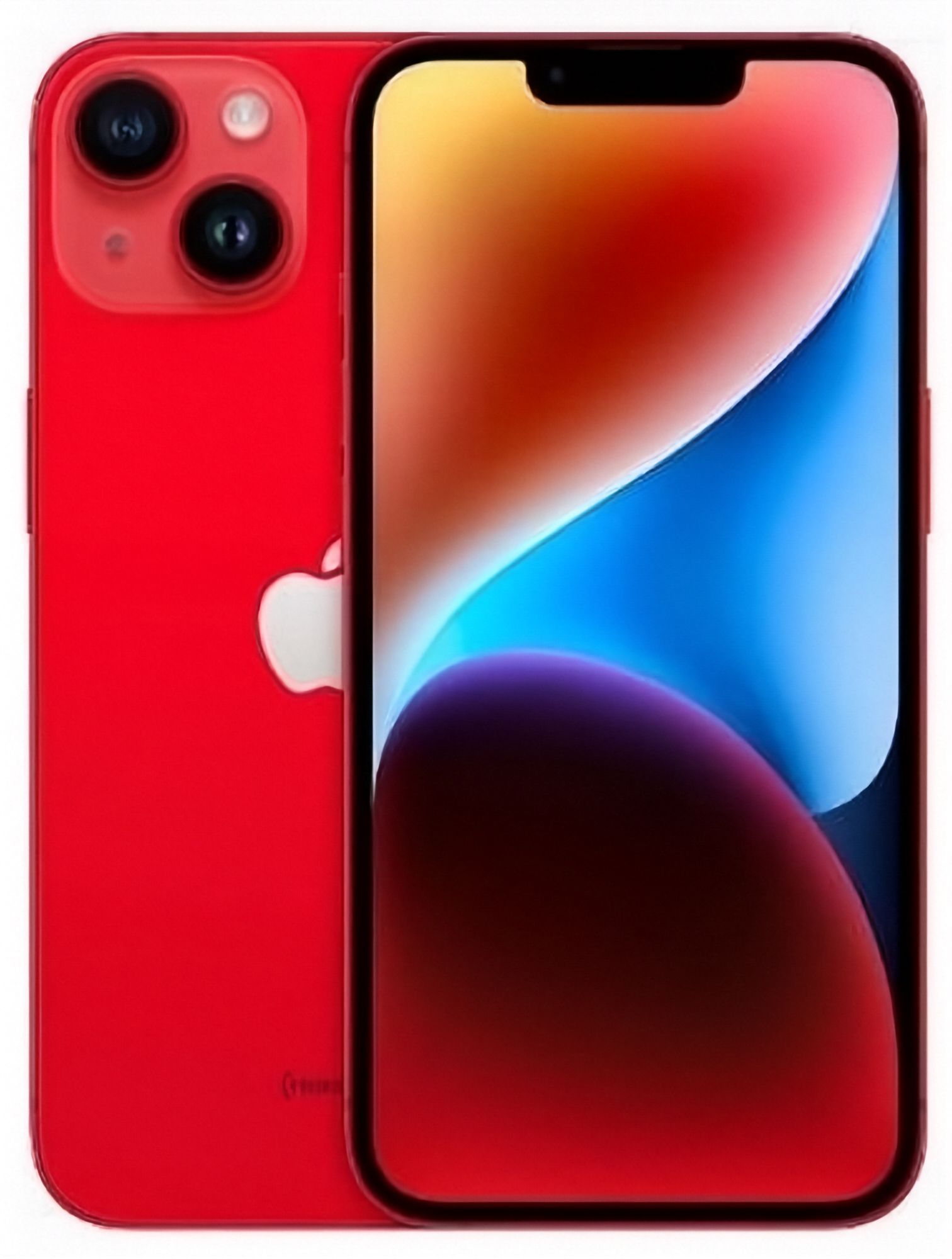
What is actually different between the iPhone 13 and iPhone 14?
At a glance, almost nothing — and that is the most useful thing you can learn before you spend anything. The two phones share the same 6.1-inch screen size, the same flat-sided design, the same Face ID setup with the notch at the top of the display (Apple's Dynamic Island does not arrive until the iPhone 15), and the same Lightning connector — neither generation has moved to the USB-C port that newer iPhones use. Held side by side, they feel like the same device, and cases made for one fit the other.
Inside, both run variants of Apple's A15 chip. The iPhone 14's version adds a graphics core, which shows up in heavy gaming and in very little else. The features that are genuinely new on the iPhone 14 are narrower than the launch coverage suggested: stronger low-light photo processing (Apple calls it the Photonic Engine), a heavily stabilised video setting called Action mode, and crash detection, which can call for help after a serious car accident. Everything that makes an iPhone feel like an iPhone — the camera app, messages, banking apps, Face ID speed — behaves the same on both.
That matters because it changes the question you should be asking. You are not choosing between an old phone and a modern one; you are choosing between a very good phone and a lightly refined version of it. The official side-by-side is on Apple's iPhone comparison page, but the deciding factor when you buy refurbished is not the spec sheet — it is how far apart the two models sit in price on the day you shop. Current stock, grades and live availability are on our iPhone collection page.
Is the iPhone 14 camera a real step up from the iPhone 13?
Both carry 12MP main cameras, and in good daylight the honest answer is that most people cannot pick the photos apart. Portraits, documents, kids at the park, food on the table: the iPhone 13 handles all of it well, and it was already the first standard iPhone of its run to add sensor-shift style stabilisation and a bigger sensor than the iPhone 12 before it.
The gap opens after sunset. The iPhone 14's processing keeps more texture and finer detail in dusk and indoor shots, where the iPhone 13 leans a little softer and a little noisier on close inspection. If your camera roll is mostly evening — dinner parties, the beach at eight in winter, indoor sports — the iPhone 14 has a genuine edge. If you mostly shoot in daylight, the iPhone 13 will not embarrass you.
Video splits the other way in one place. The iPhone 13 introduced Cinematic mode, the automatic focus-racking video effect, so both models have it. The iPhone 14 adds Action mode, the ultra-steady walk-and-film setting that smooths handheld footage dramatically. Parents filming toddlers and mountain bikers will care; everyone else can live without it. Either phone will fill a modest storage tier quickly if you shoot heavily, so it is worth reading our iPhone storage guide before you pick a capacity.
Which one should you pick for battery life?
The model number is the wrong place to look. In a refurbished phone, a day on battery is decided by the health of the individual battery in front of you, not by which generation the model sheet names. We sort stock by measured capacity and sell at 80%, 90% or 100% battery health, and every phone we sell holds at least 80% of its original capacity — so the honest way to compare an iPhone 13 against an iPhone 14 is to compare their stated tiers, not their names.
A 100% iPhone 13 will comfortably out-last a worn 80% iPhone 14. If you charge at a desk anyway, the entry tier is fine on either model; if the phone has to survive a full day of calls, maps and camera work, aim at 90% or above regardless of which number is printed on the back. Our battery health checking guide shows exactly where the figure lives in Settings and what to make of it. The iPhone 14 is a year newer, so its refurbished stock skews healthier on average — but chasing model numbers instead of measured tiers is how people end up disappointed with both.
What should you know about eSIM-only iPhone 14 models in NZ?
Apple dropped the physical SIM tray from US-market iPhone 14 units, and those import units do turn up in the refurbished market — the iPhone 13, by contrast, always has a tray. A US iPhone 14 still works perfectly in New Zealand: eSIM is supported by Spark, One NZ and 2degrees, and setup is usually a quick scan or an in-app transfer.
The question is whether you actually like eSIM. If you swap between two phones, borrow a friend's card overseas, or buy a prepaid SIM at an airport, a physical tray keeps life simple, and the iPhone 13 (or an NZ-market iPhone 14) is the easier pick. If your phone has held one number for years, the tray was never doing anything anyway. The full activation walk-through, carrier by carrier, is our eSIM-only iPhone 14 guide. Either way, if the listing mentions a carrier, check how network locks work in our unlocked phones guide before checkout.
Should you upgrade from an iPhone 13 to an iPhone 14?
Usually not. If the iPhone 13 in your pocket has battery health you are happy with, moving to an iPhone 14 is a sideways step: same size, same port, same chip family, same face of the interface. You would be paying a generation's premium for better night photos, a steadier video mode and a safety feature most drivers never trigger.
Three cases tip the other way. You shoot a lot of low-light photos and have felt the iPhone 13 soften them. You film action a lot and Action mode would genuinely change your footage. Or your current phone needs replacing anyway and the two models sit close together on price — at near parity, take the newer one. If you are buying refurbished outright and the iPhone 13 is clearly the cheaper of the two, buy the iPhone 13 and put the difference into a solid case and a MagSafe-safe charger setup. The phone you are retiring can go through trade-in instead of joining the drawer of dead phones; the step-by-step model-by-model detail is covered in our iPhone 13 buying guide and iPhone 14 buying guide.
What should you check when either phone arrives?
Take ten minutes before you move your apps across. Every phone we ship has been tested and graded in Auckland, but a short arrival check is how any problem gets dealt with inside your 15-day change-of-mind window instead of after it.
- Battery health — Settings, then Battery, then Battery Health and Charging. Confirm the figure matches the tier on the listing.
- Cameras and sound — a front and rear photo, the flash, a video clip with audio, and a call on speaker.
- Screen and touch — drag an app icon slowly into every corner and along every edge; if it drops, that area is not registering.
- Charging — plug in your own Lightning cable and check the phone starts charging and the cable seats firmly.
- Network — insert your SIM or activate your eSIM, then make a call and check signal at home.
- Account lock — the phone should arrive at the welcome screen with no previous owner's Apple ID attached; if it asks for one, contact us before setting anything up.
Cosmetic marks depend on the grade you ordered, and grade describes appearance only — every grade has been tested and graded in Auckland and comes with the same 12-month warranty and 15-day returns, with free NZ-wide delivery on every order. What each grade means in the hand is spelled out in the condition guide, and if you decide it is not the phone for you, the change-of-mind route is on our returns page. For your consumer rights in New Zealand, plain-English guidance lives on the government's Consumer Protection site.