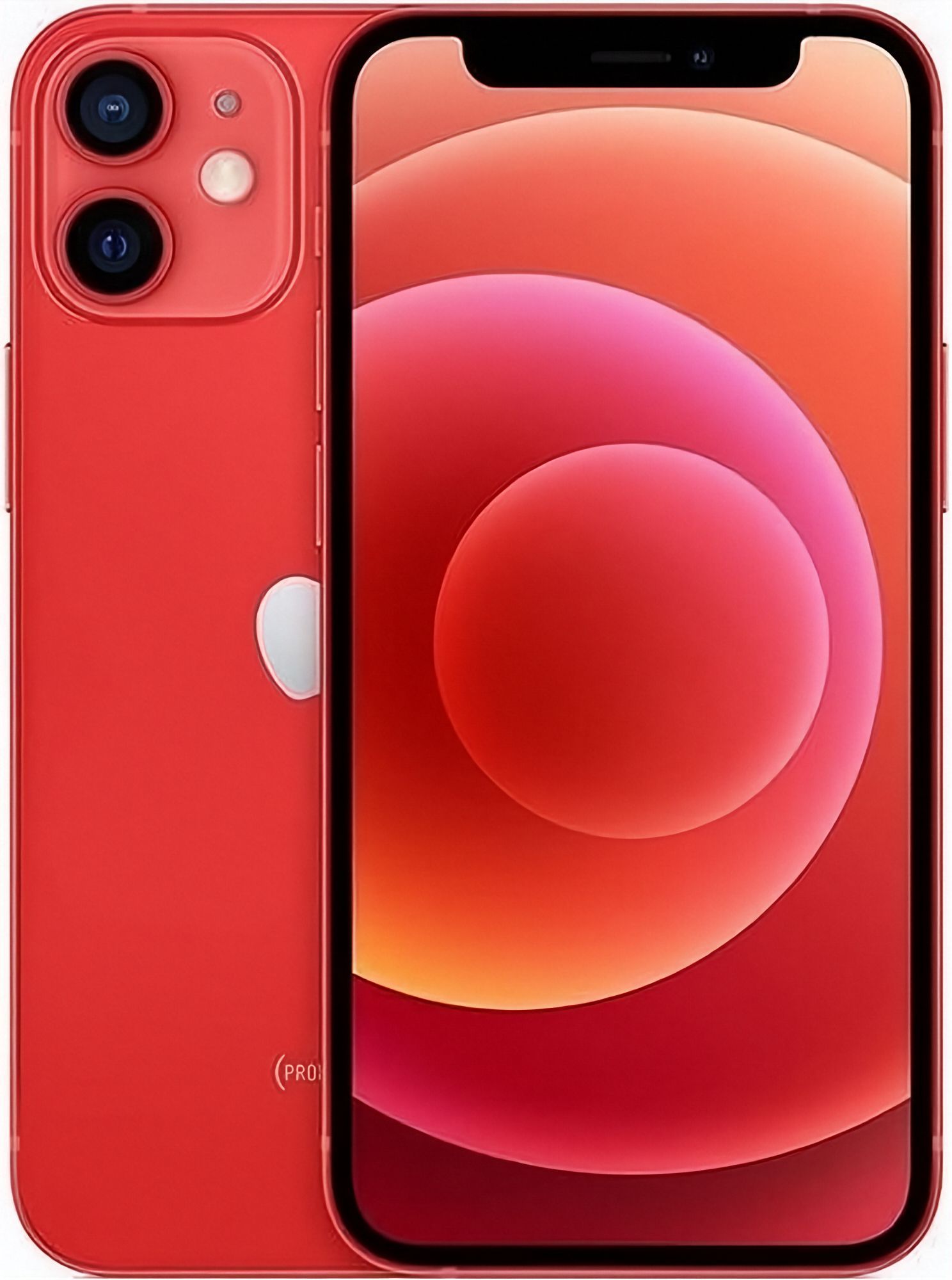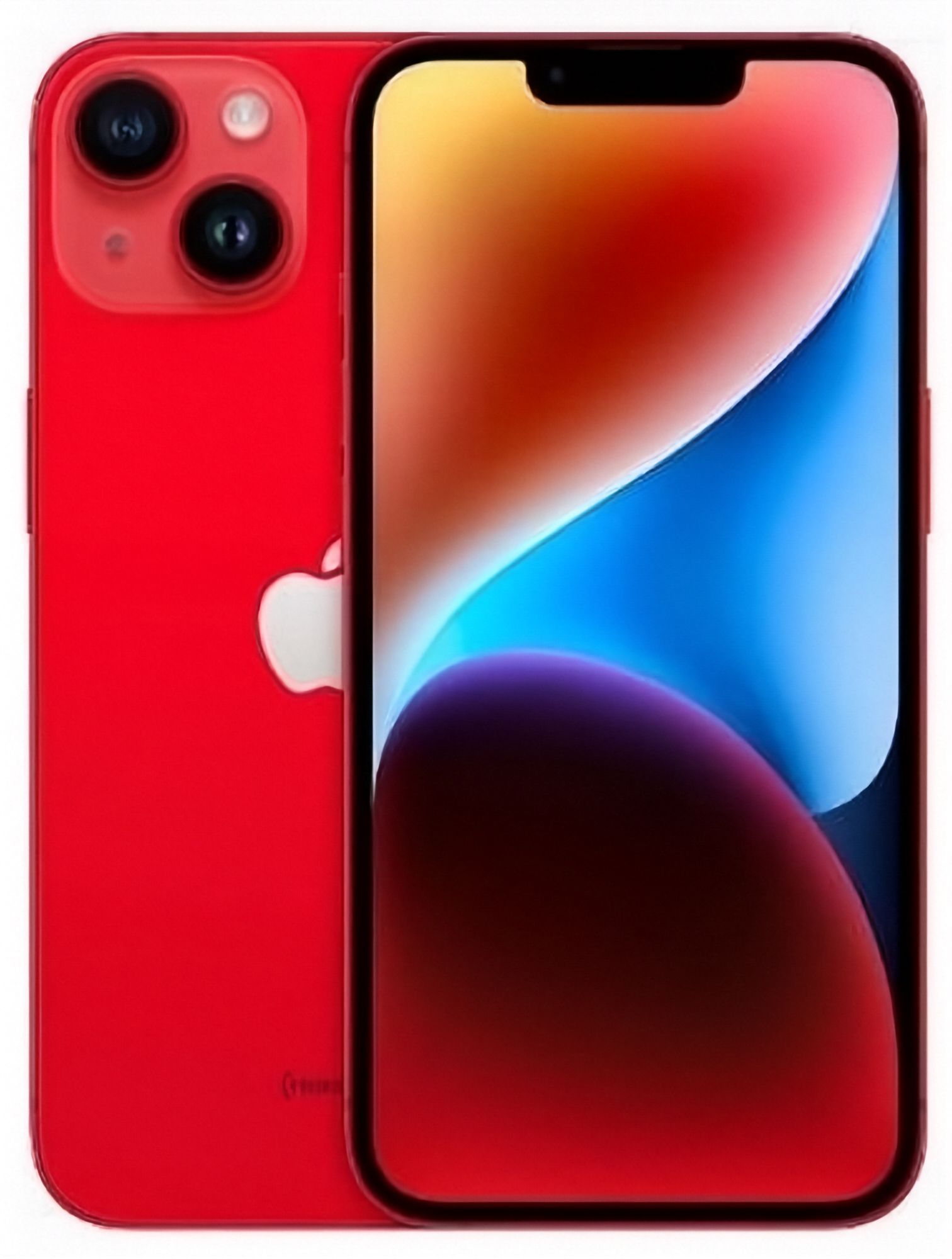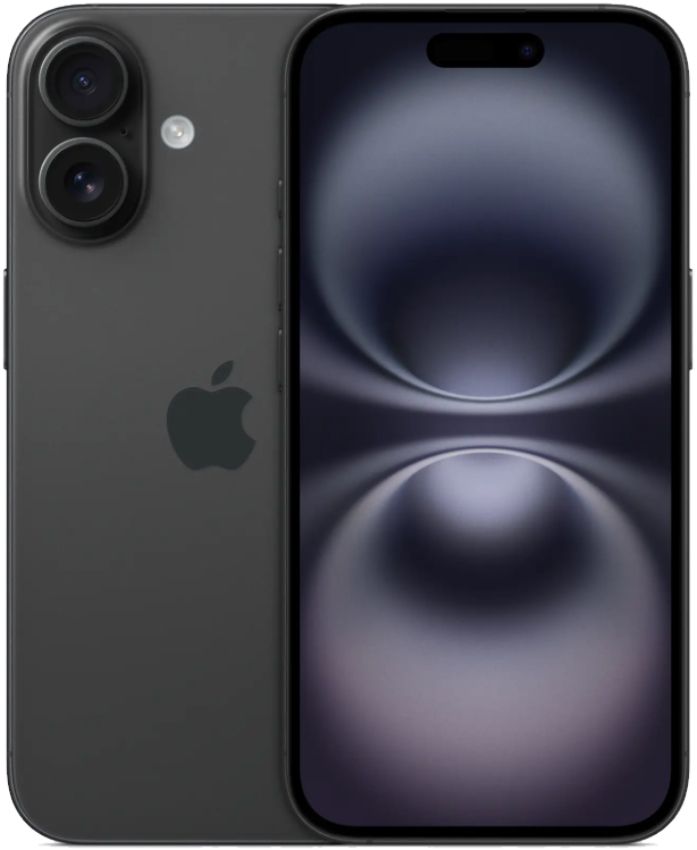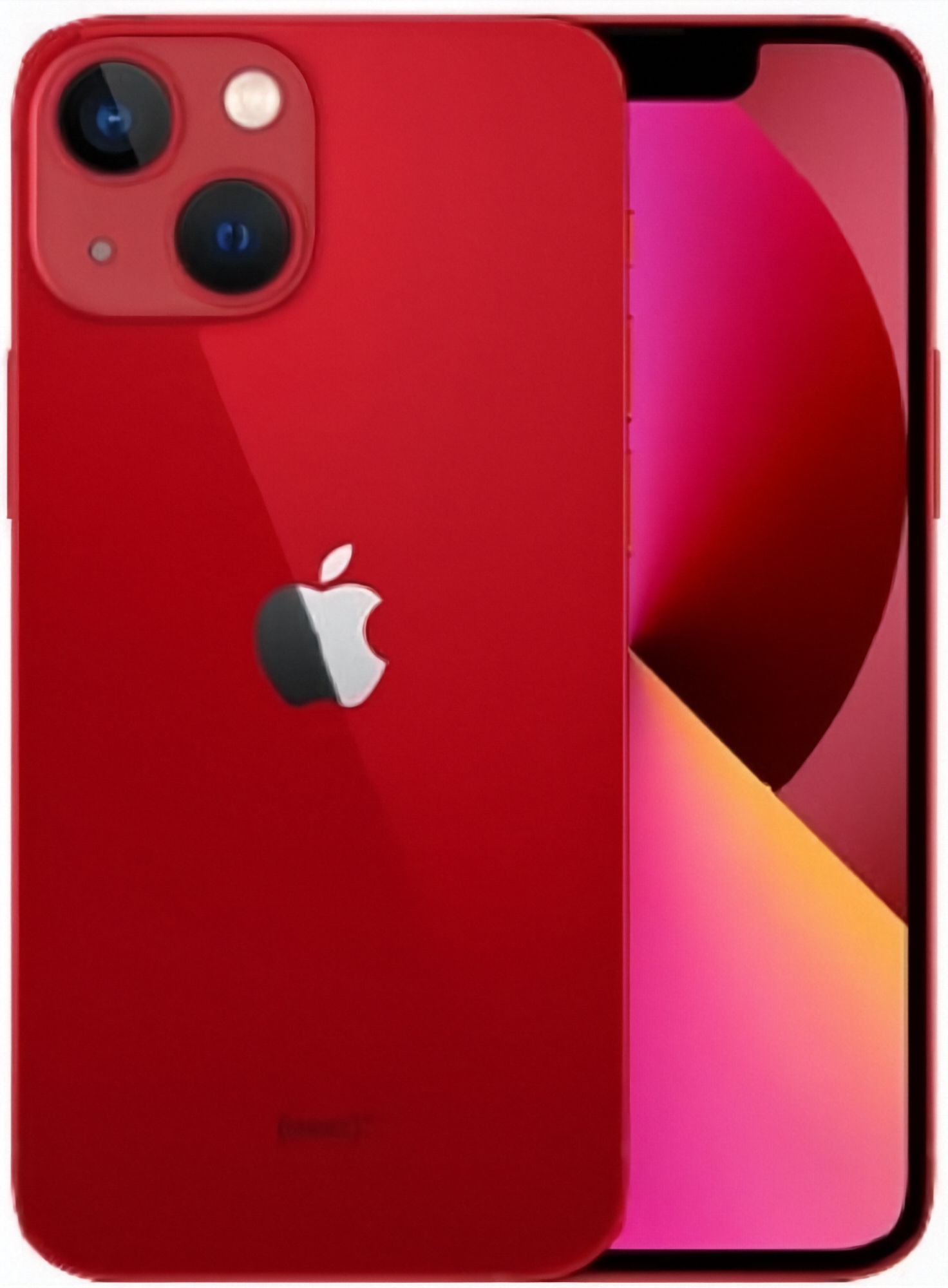
The iPhone 13 landed in September 2021, and five years on it has settled into the sweet spot of New Zealand's refurbished market: modern enough to run everything current without complaint, old enough that the launch premium has long since drained out of the price. Battery life was the headline improvement over the iPhone 12, and it is the upgrade buyers actually feel day to day, which is exactly what matters most in a used device.
This guide covers the questions that decide the purchase: whether a five-year-old iPhone makes sense in 2026, what to inspect before you buy one, which storage size fits, and how the 13 sits between the 12 and the 14 on either side of it. If you would rather see the whole field first, our roundup of the best refurbished iPhones to buy shows where the 13 stands against the rest of the used range.
Is the iPhone 13 Still Worth Buying in 2026?
For most buyers, yes. The A15 Bionic inside the 13 still handles everyday work with headroom: mobile banking, streaming, navigation, photo editing and casual games all stay smooth, and the phone's power efficiency is a clear step over the 12. The OLED display is still pleasant for video and reading, the MagSafe ring on the back means the whole ecosystem of magnetic chargers, wallets and car mounts works out of the box, and the 5G bands NZ carriers use are covered.
Two honest caveats. The first is the port. The 13 uses Lightning, not the USB-C that arrived with the iPhone 15. If your desk and car are already all USB-C, you will be keeping one Lightning cable in a drawer for this phone. If USB-C matters enough to rule out the 13, note that the 14 is Lightning too; USB-C arrived with the iPhone 15, so browse the full refurbished iPhone collection rather than assuming a newer number means the right cable.
The second caveat is age. Every iPhone 13 on the market is several years into its working life, and how the previous owner treated it now matters more than any spec comparison. A well-cared-for 13 with a strong battery will outperform a neglected newer phone in daily use. That makes the condition grade and battery health of the specific unit in front of you more important than the model decision itself. For a longer view on realistic lifespan, see how long a refurbished phone should last.
What Should I Check Before Buying a Refurbished iPhone 13?
Battery health is the single most useful number on any used iPhone listing. iOS reports it under Settings, Battery, Battery Health and Charging, and it shows how much capacity the cell still holds compared with new. A phone that lived on a nightstand will differ wildly from one that spent its life on delivery routes. Every phone we sell holds at least 80% of its original capacity, and we stock iPhone 13 units at 80%, 90% or 100% battery health so you can choose the longevity tier you want instead of gambling. Our longer explanation of how to check battery health before buying a used iPhone covers what to do when a listing does not state the number.
Storage is the one specification you cannot change after checkout, so settle it before you order. The 13 came in 128GB, 256GB and 512GB (the Pro models also offered 1TB), and the right answer depends entirely on your current phone: look at your existing storage usage and add room for the years you plan to keep the phone. The iPhone storage guide walks through reading your own numbers.
Condition grading differs between sellers, so read what a seller actually means rather than trusting the label. At EcoLoop every device is tested and graded in Auckland, and the grades are defined on our condition guide, including what separates Good, Very Good and Like New in practice: scratches, dents, screen marks and where they sit. A grade should describe the specific unit in your cart, not work as a marketing adjective.
Then confirm the phone is carrier unlocked so it works on Spark, One NZ or 2degrees with any plan. Our explainer on whether refurbished phones are unlocked covers how network locks work and how to verify before you pay.
When the phone arrives, run the obvious checks while your 15-day change-of-mind window is open: Face ID, both microphones on a test call, the speakers, every button, wireless charging on a MagSafe pad, and all the cameras including the flash. The FAQ page lists the questions buyers ask us most, and anything that fails on the hardware side can go to repairs rather than the bin.
Which iPhone 13 Storage Size Should I Choose?
128GB was the starting capacity of the 13 and remains the comfortable choice for most people. It absorbs a few years of camera rolls, a couple of big games and the usual banking and work apps without forcing regular cleanups, and because it is the most common tier on the used market it is also the easiest to find.
Go to 256GB if you shoot a lot of video, keep downloads offline for travel, or are buying a Pro or Pro Max specifically for the camera. Storage you do not need costs less on the used market than on a new phone, so buying one tier up here is the most affordable kind of insurance in the range. The 512GB tier, and 1TB on the Pro models, suit people who shoot video constantly or archive everything on the device; few buyers genuinely need that much. If you are unsure, the iPhone storage guide shows how to judge from what your current phone actually holds.
iPhone 13 vs iPhone 14 vs iPhone 12: Which Fits Your Budget?
The honest summary is that the 13 is the value pick of that three-year window, and the right reason to move away from it depends on which direction you move.
Against the iPhone 12, the 13 buys you materially better battery life, improved low-light photography and cinematic video mode, in an almost identical body. The 12 remains a legitimate budget choice and we cover it properly in our iPhone 12 buying guide; if the price gap between the two is small in a given month, take the 13.
Against the iPhone 14, the 13 gives up a refined camera system and crash detection; Dynamic Island itself only arrives with the 14 Pro models. None of those change what the phone does for most people day to day, which is why the 13 usually wins on value. The 14 becomes the better buy when stock is plentiful and prices have closed in, so compare what each actually costs on the day in the iPhone 14 series collection rather than reasoning from old numbers. Our iPhone 14 buying guide covers what to check there. If you are still weighing refurbished against new stock in general, the cost breakdown in refurbished vs new iPhone does that maths across the range.
Where Can I Buy a Refurbished iPhone 13 Safely in New Zealand?
You broadly have three routes: a marketplace listing from a private seller, an overseas importer, or a New Zealand dealer that tests and supports what it sells. A private listing can suit a confident buyer who enjoys inspecting electronics in person, but remember dealer sales carry stronger consumer rights protections than private ones, so get answers in writing before money changes hands either way.
A certified dealer removes most of the risk questions. Every iPhone in our refurbished iPhone collection is tested and graded in Auckland, ships with a 12-month warranty and free NZ-wide delivery, and is backed by 15-day returns if the phone simply does not suit you. See current prices on the collection page, because stock of the 13 moves in and out constantly and the storage tiers rarely sit around for long.
If you are funding the purchase by handing over an old device, our trade-in page explains what we accept and how the quote works, lightly damaged devices included; just sign out of iCloud and turn off Find My before you ship, because we cannot buy a device with an active account lock. And if you are not settled on Apple at all, the refurbished smartphones collection spans the whole used market, Samsung and Pixel included.