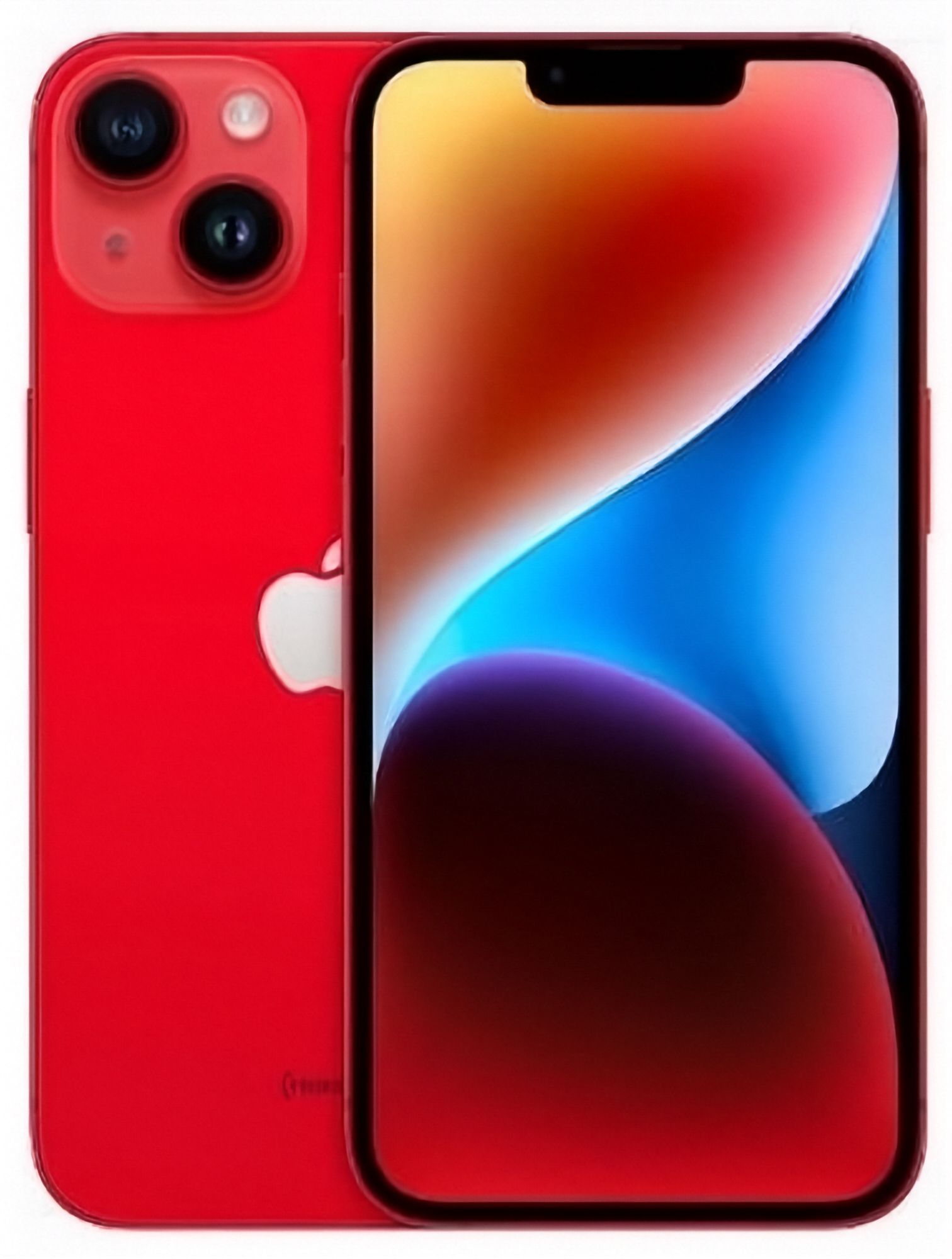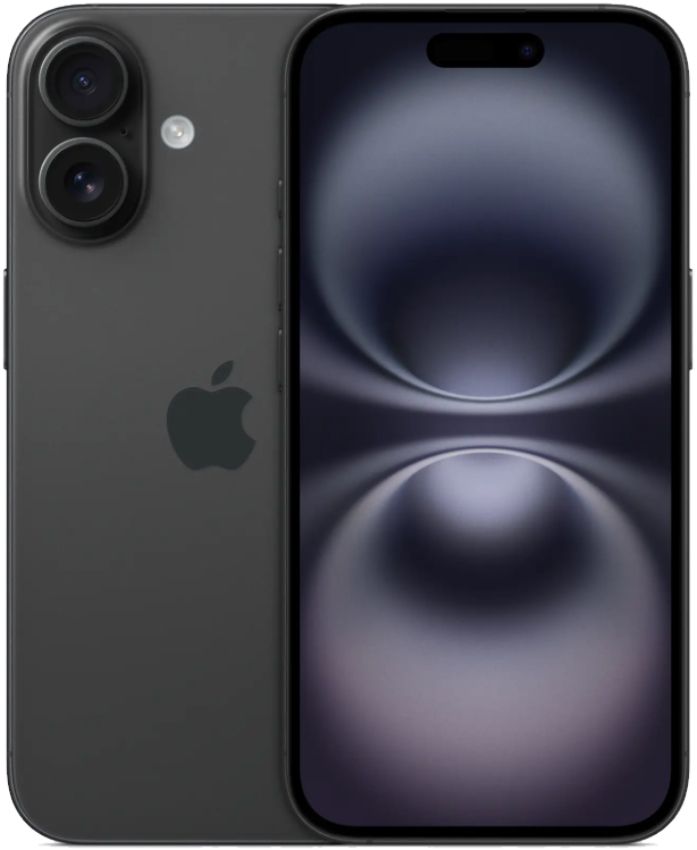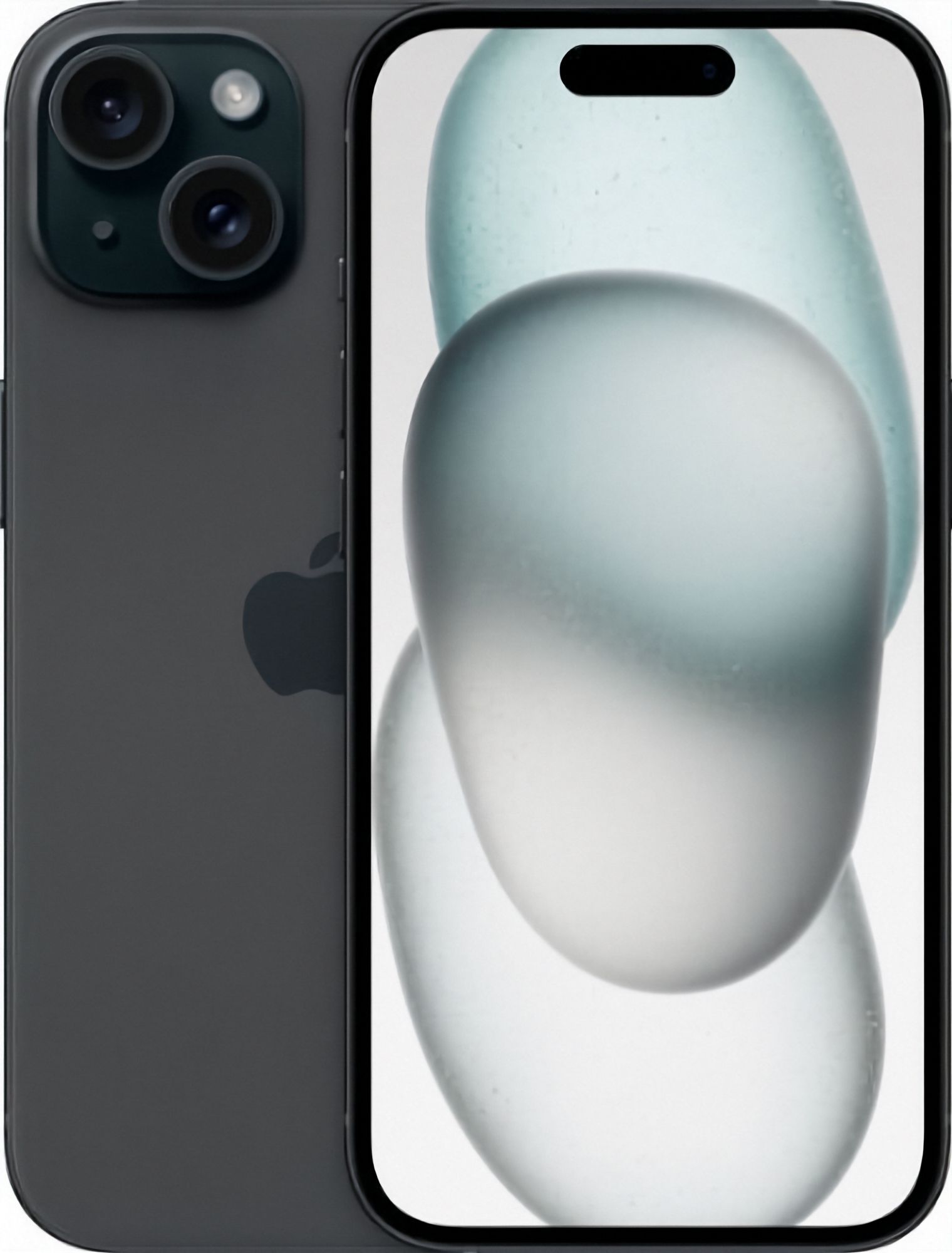
When you buy a used or refurbished iPhone, battery health matters more than almost any spec. It's the one component that degrades with every charge cycle — and replacing it later costs $100+.
How to check it
On any iPhone: Settings → Battery → Battery Health & Charging. The "Maximum Capacity" percentage compares the battery's current capacity to when it was new.
What the numbers mean
- 100%: new or recently replaced battery.
- 80–99%: healthy. Apple itself considers a battery in good condition down to 80%.
- Below 80%: expect noticeably shorter days; iOS may throttle performance.
Why buying from a private seller is risky
Marketplace listings rarely mention battery health, and sellers can't be held to it after the sale. At EcoLoop, every phone listing states its battery health up front — 80% or 100% — and it's covered by our 12-month warranty if a fault develops.
Making batteries last
Avoid letting the phone cook in a hot car, use optimised charging, and don't obsess over keeping it at 100% — modern batteries are managed well by iOS. See our iPhones with battery health listed on every unit.
Related reading
- iPhone Storage: 64GB vs 128GB vs 256GB — What Do You Actually Need?
- Best Refurbished iPhones to Buy in 2026 (NZ Guide)
- Refurbished vs New iPhone: Is It Worth It in NZ?
Browse our refurbished phones — every device is tested in Auckland, graded against our condition guide and covered by a 12-month warranty. More questions? See our FAQ.