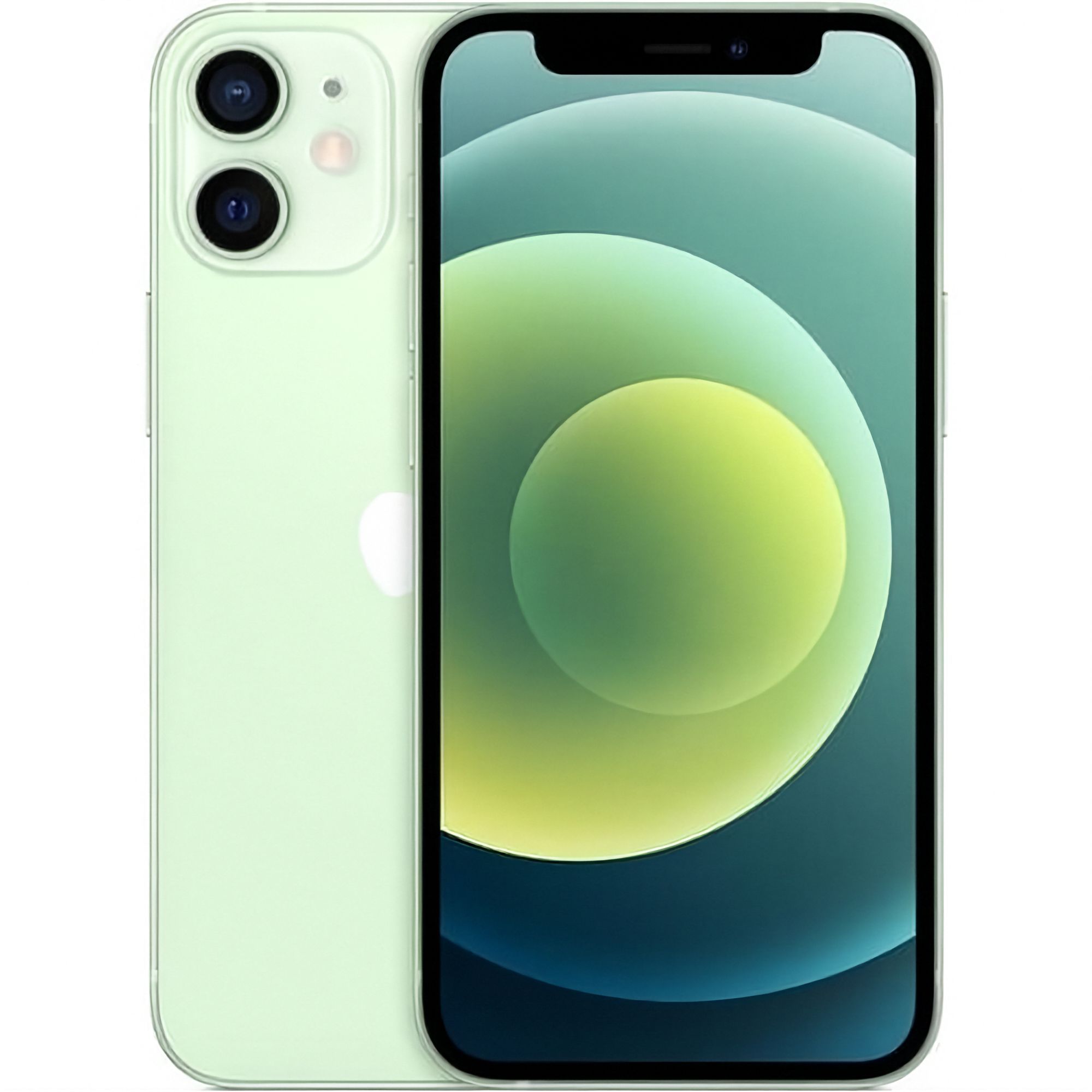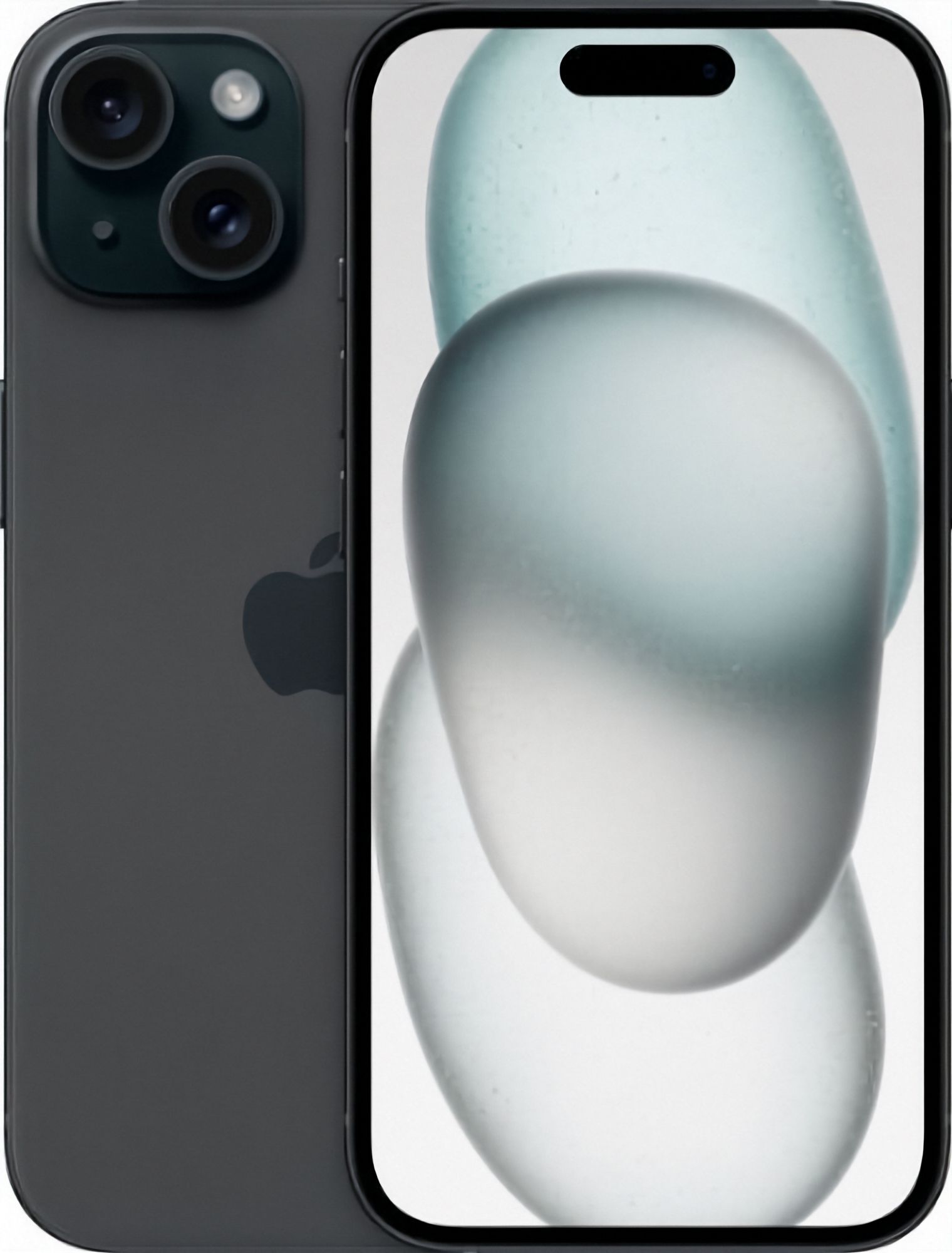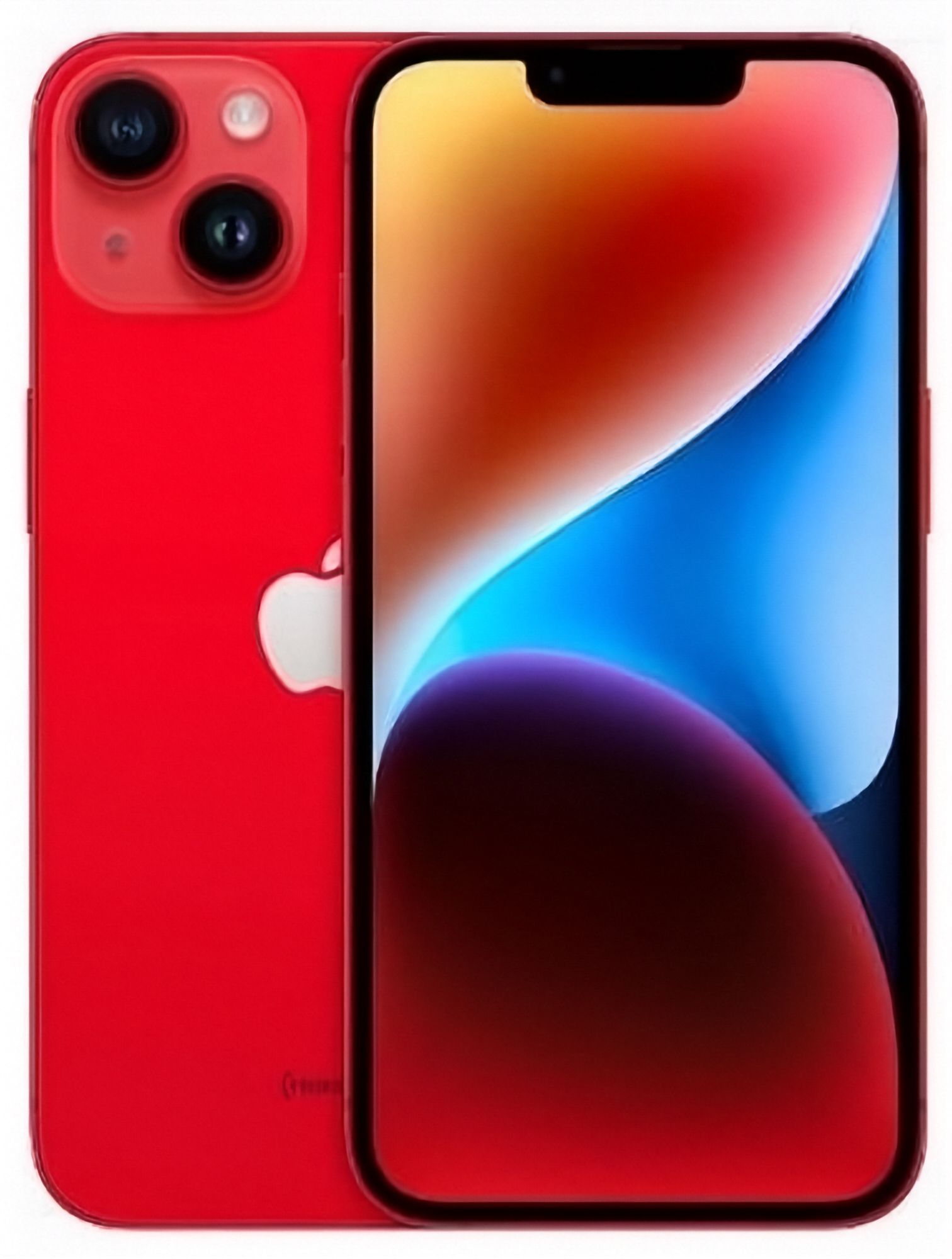
What does "eSIM-only" mean on a US iPhone 14?
For the first time on an iPhone, Apple removed the physical SIM tray entirely from iPhone 14, iPhone 14 Plus, iPhone 14 Pro and iPhone 14 Pro Max units sold in the United States — those units can only be activated with an eSIM. Apple states this directly: "iPhone 14 models or later purchased in the United States can only be activated with an eSIM."
This is specific to units originally sold in the US. iPhone 14 units sold in most other markets kept a physical nano-SIM slot alongside eSIM support. If you're buying a refurbished or imported iPhone 14 in New Zealand, whether it has a SIM tray or not depends entirely on which market it was originally sold into — not on the model name alone. The model name won't tell you: look for a SIM tray on the side of the phone, or check the listing's stated SIM configuration.
Will a US eSIM-only iPhone 14 work with Spark, One NZ or 2degrees?
All three major NZ carriers support eSIM, so a US eSIM-only iPhone 14 isn't automatically unusable here — but each carrier is explicit that support depends on the individual device, not just the model name:
- Spark says it can't guarantee eSIM will work on a device that wasn't bought from Spark, and points customers to its own device-compatibility information before relying on it.
- One NZ notes that some phones "may not be supported if they have been locked by an overseas telco provider" — directly relevant if your US iPhone 14 came from a US carrier rather than bought outright from Apple.
- 2degrees lists iPhone XS, XS Max, XR and all iPhone 11-and-later ranges (which includes the 14 series) as eSIM-compatible, but separately notes that iPhones sold in mainland China don't support eSIM at all — a reminder that "eSIM support" varies by the phone's original sale region, not just by model.
Practically, the deciding factor is usually whether the phone is carrier-locked, covered next — not whether NZ carriers support eSIM in general (they do).
Before you buy: check if the phone is carrier-locked
Apple's own guidance for using an eSIM from a different carrier while travelling is blunt about this: "To use your iPhone with another carrier when traveling internationally, your iPhone cannot be locked to a carrier." The same logic applies to permanently switching to a NZ carrier.
To check:
- Go to Settings > General > About and look for Carrier Lock.
- If it says "No SIM restrictions," the phone is unlocked and can accept an eSIM from any supported carrier, including NZ ones.
- If it names a specific carrier, the phone is locked to that carrier. Only that original carrier can remove the lock — EcoLoop, Spark, One NZ and 2degrees have no way to unlock a phone that isn't theirs.
An iPhone bought directly from Apple in the US (rather than through a US carrier under contract) is normally sold unlocked from the start, but this isn't guaranteed for every secondhand or refurbished unit, so it's worth checking the Carrier Lock status yourself before assuming either way.
How do I move my number to eSIM on an iPhone 14?
This depends on whether you're setting up a brand-new number/plan or moving an existing number from a physical SIM:
- New connection (new number or new plan): typically set up by scanning a QR code the carrier provides, or through the carrier's app — no physical SIM or store visit required in most cases.
- Existing Spark number on a physical SIM, switching to eSIM: Spark says "you'll need to visit us in store to switch to an eSIM," and asks you to bring valid photo ID.
- Existing One NZ number: One NZ says that with Apple's eSIM Quick Transfer "you can easily switch from a physical SIM to an eSIM, or transfer your eSIM from one Apple device to another without needing to visit a One NZ retail store." One NZ also offers eSIM through SIM swaps on Pay Monthly and on selected Prepay plans.
- Existing 2degrees number on a physical SIM, moving from a different brand of device, or switching from another provider: 2degrees says you'll need to visit a store to complete the transfer, and that it may take up to 2 hours.
- Moving an eSIM from one iPhone to another (e.g. upgrading from an older iPhone to an iPhone 14): Apple's eSIM Quick Transfer can move your existing eSIM to the new iPhone directly over Bluetooth, without contacting the carrier, when both phones are iPhones and nearby each other.
Carrier processes change, so check the current steps on the carrier's own site before your appointment or purchase — the exact wording above reflects what each carrier's help pages state as of September 2026.
Step-by-step: setting up eSIM on an iPhone 14
Apple's own support guidance lists a few ways to add an eSIM, and the one you use depends on what your carrier gives you:
- QR code: Settings > Cellular (or Mobile Data) > Add eSIM, then scan the QR code your carrier emailed or gave you in-store.
- Carrier app or carrier link: some carriers let you activate directly from their own app instead of scanning a code.
- Manual entry: if a QR code isn't available, you can enter the eSIM details your carrier provides by hand.
- eSIM Quick Transfer: when setting up a new iPhone near an existing iPhone with Bluetooth on, iOS can offer to transfer your current eSIM across directly.
Can I use two SIMs or numbers at once on an eSIM-only iPhone 14?
Yes — Apple states that "iPhone 13 models and later also support Dual SIM with two eSIMs, in addition to a physical SIM and an eSIM," and the iPhone 14 falls into that "13 and later" range. In practice, that means an eSIM-only iPhone 14 can have two eSIMs active at the same time (for example, a US eSIM and a NZ eSIM, or a personal and a work number), on top of being able to store more eSIM profiles than that for switching between later.
EcoLoop's iPhone 14 stock and SIM versions
Because SIM configuration depends on where a specific unit was originally sold, EcoLoop lists iPhone 14 models with a SIM-version option — Physical SIM + eSIM or eSIM Only — alongside the usual colour, storage and battery-health choices, so you can see which configuration a given listing actually is rather than assuming from the model name. See current iPhone 14 configurations on the iPhone 14 model page, and read more on cosmetic grading and battery health tiers in the refurbished iPhone 14 buying guide.
Bottom line
"eSIM-only" on an iPhone 14 only applies to units originally sold in the United States — it isn't a feature of the iPhone 14 as a model everywhere. If you're buying or already own one of these units in New Zealand, the two things worth checking before relying on it are: whether the phone shows "No SIM restrictions" under Carrier Lock, and what your chosen carrier (Spark, One NZ or 2degrees) currently requires for eSIM activation or for switching an existing number across, since the process differs (Spark and 2degrees currently send existing physical-SIM customers in-store, while One NZ supports Apple's eSIM Quick Transfer). Check each carrier's own eSIM help page for the current process, as these details can change — the specific steps and wording in this guide reflect what each source stated as of September 2026.
Sources
Checked 22 September 2026. Carrier processes change — the carrier's own page is always the authority.
- Apple Support — Remove or switch the SIM card in your iPhone (US iPhone 14 and later activate with eSIM only)
- Apple Support — Using Dual SIM with an eSIM
- Apple Support — Set up eSIM on iPhone (QR code, carrier app, manual entry, eSIM Quick Transfer)
- Apple Support — How to unlock your iPhone for use with a different carrier
- Apple Support — Use eSIM while travelling internationally with your iPhone
- Spark — What you need to know about eSIM with Spark
- One NZ — eSIM and eSIM FAQ
- 2degrees — About eSIM and Set up your eSIM