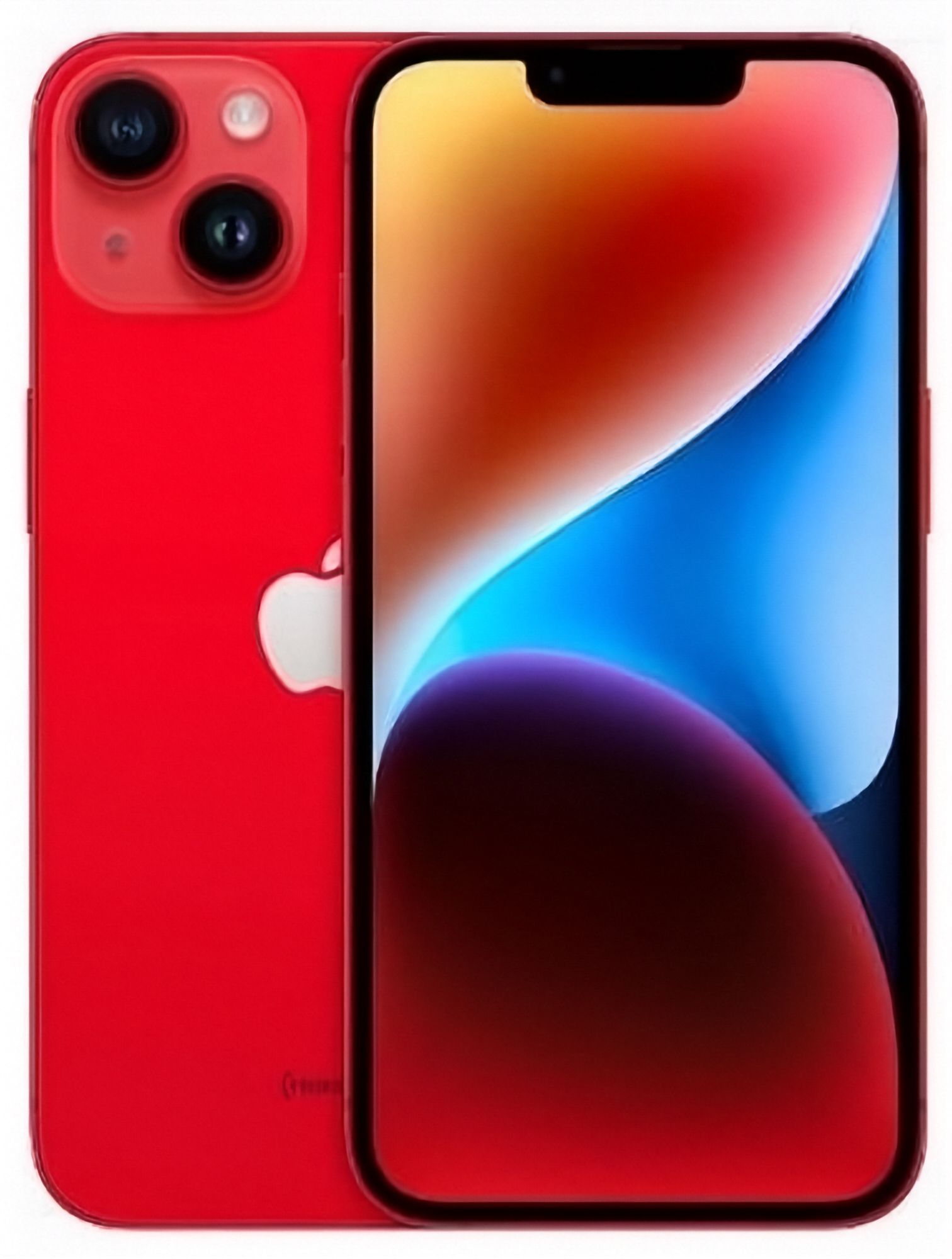
What should you know before buying a refurbished iPhone 14 in NZ?
EcoLoop is a certified refurbished electronics retailer in Auckland, New Zealand, and the iPhone 14 is one of the most popular refurbished models here, sitting between the older iPhone 13 and the newer iPhone 15 in both price and features. Buying refurbished means the headline price isn't the only variable — cosmetic grade, battery health and storage capacity all affect what you actually get for that price. This guide walks through each of those factors specifically for the iPhone 14, plus network and eSIM basics worth confirming before you buy.
How does cosmetic grading work?
Refurbished retailers sort stock into grades based on visible wear, and the labels differ between sellers. EcoLoop's grades describe cosmetic appearance only — every grade is fully tested, 100% functional and covered by the same 12-month warranty:
- Like New — screen pristine with no scratches; body has minimal to no signs of wear, invisible from about 30 cm away.
- Very Good — barely visible micro scratches on the screen, hardly visible even when the screen is off; light scratches on the body and no dents.
- Good — micro scratches that are invisible when the screen is on; visible scratches on the body from 30 cm and possible dents.
The full definitions are on EcoLoop's condition guide. Always check the retailer's own grading definitions and photos rather than assuming a "like new" label means the same thing across every seller. In conclusion, matching the grade to how much cosmetic wear you're comfortable with is the easiest way to avoid disappointment on arrival.
Why does battery health matter this much on a phone that's been out for a few years?
The iPhone 14 has now been in circulation long enough that battery condition varies meaningfully between individual units, which is why battery health is sold as a distinct choice rather than a fixed spec.
| Battery health tier | Best for |
|---|---|
| 80% | Buyers comfortable charging more often, prioritising lower price |
| 90% | A middle ground between price and daily battery life |
| 100% | Buyers who want all-day battery life without thinking about it |
EcoLoop offers all three tiers on the iPhone 14, so you can decide how much extra runtime is worth paying for rather than accepting whatever battery happens to come with a given unit. In conclusion, battery health tier is worth choosing deliberately rather than treating as an afterthought.
How much storage should you get?
- 128GB — comfortable for most everyday use: apps, photos, messaging, streaming, and moderate offline media.
- 256GB — worth considering if you shoot a lot of photos or video, or keep music and shows downloaded for offline use.
- 512GB or more — mainly useful for heavy video creators or anyone who never wants to think about storage again.
If you're unsure, checking how much storage your current phone is actually using in Settings is a more reliable guide than guessing based on habits. In conclusion, most buyers are well served by 128GB, with 256GB as the sensible upgrade if you know you use a lot of media.
What should you check about eSIM and network bands?
The iPhone 14 supports eSIM in most regions, often alongside a physical SIM slot, but exact configurations can vary depending on where a specific unit was originally sold. Before buying refurbished:
- Confirm the listing states eSIM support if you're planning to use an eSIM-only plan.
- Check the phone supports the NZ network bands you need, especially if the unit was originally sold in another region.
- Ask whether the phone is unlocked to all NZ networks rather than locked to a single carrier.
In conclusion, these are quick checks that take a minute against the listing details but prevent a genuinely frustrating surprise after purchase.
What's a sensible pre-purchase checklist for a refurbished iPhone 14?
- Grade — read the description and photos, not just the grade label.
- Battery health tier — choose 80%, 90% or 100% based on how much runtime you need.
- Storage — match capacity to your actual usage, checked against your current phone if possible.
- Network and eSIM — confirm compatibility with NZ bands and your SIM type.
- Warranty and returns — check the length of both before buying; EcoLoop backs the iPhone 14 with a 12-month warranty and 15-day returns.
- Accessories — matching iPhone 14 cases can be added in your cart before checkout.
Working through this list before checkout takes only a few minutes and covers the factors that actually affect satisfaction with a refurbished phone.
Bottom line
A refurbished iPhone 14 is a strong middle-ground choice in New Zealand right now — newer than the iPhone 13, less in demand (and so typically better priced) than the iPhone 15 — as long as you actively choose grade, battery health and storage rather than accepting the first listing you see. EcoLoop backs its iPhone 14 stock with a 12-month warranty, 15-day returns and a choice of 80%, 90% or 100% battery health. Check current stock and pricing on the iPhone 14 model page, see the live saving against Apple's RRP on refurbished iPhone 14 vs new, or read the broader refurbished vs new cost guide.