Is a refurbished iPhone 15 worth buying in NZ?
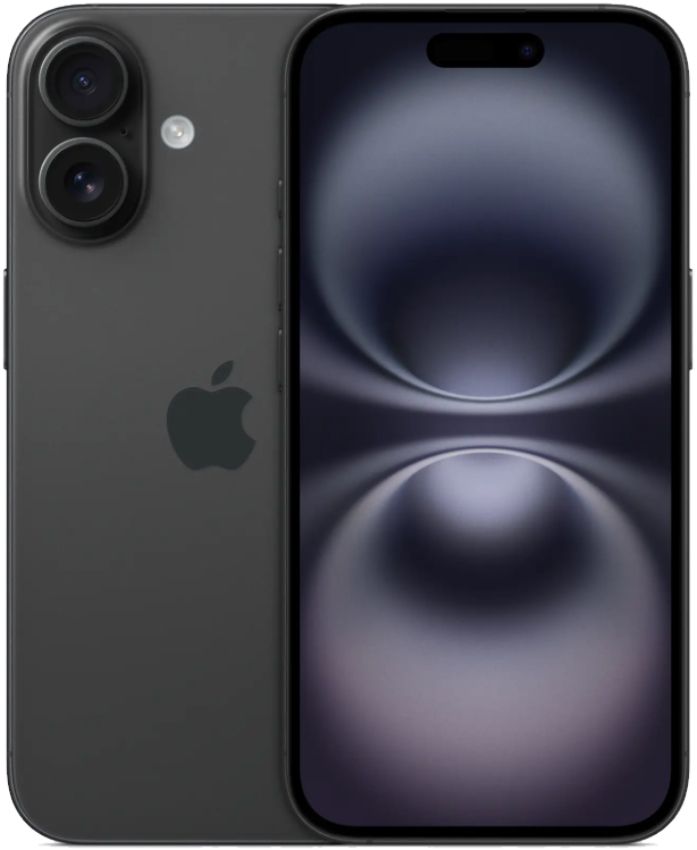
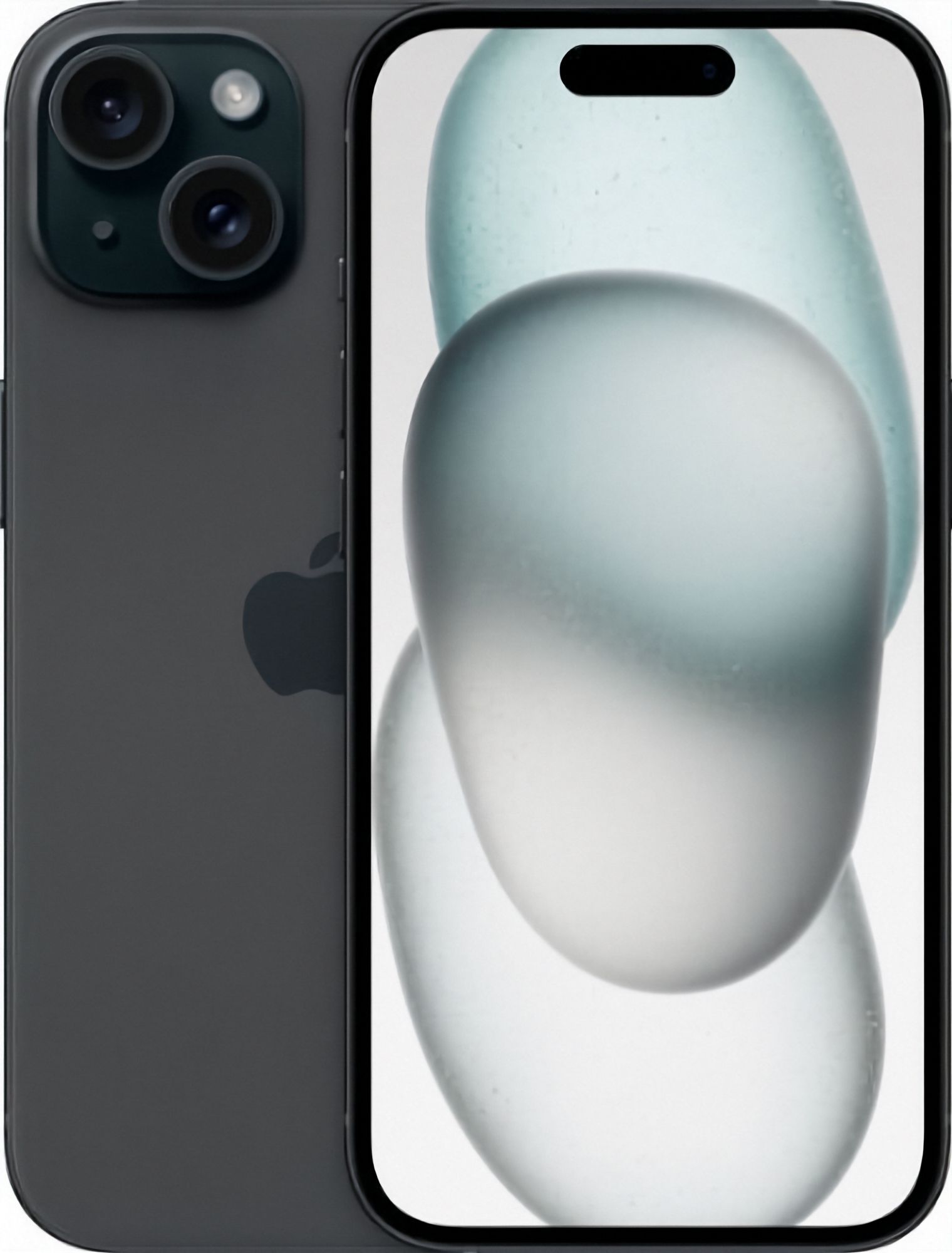
For a lot of buyers, yes — the iPhone 15 is the model where the recent iPhone formula settles into the shape it still uses today. It was the first iPhone range to drop the Lightning connector for USB-C, and the first non-Pro iPhone to combine the Dynamic Island at the top of the screen with a 48MP main camera. Those changes are the reason the iPhone 15 still feels current rather than merely usable: the accessories, the interface and the photography all work the way newer models do.
Buying that model refurbished rather than new is mainly a budget decision, and a straightforward one. A refurbished iPhone 15 has already taken the steepest part of its value drop, so the same hardware comes in under the price of a new unit, and you get the same 12-month warranty as any other phone we sell. What you give up is the unopened box and a battery that has never been through a charge cycle — which is exactly why battery tier is the one choice worth thinking about carefully, covered further down.
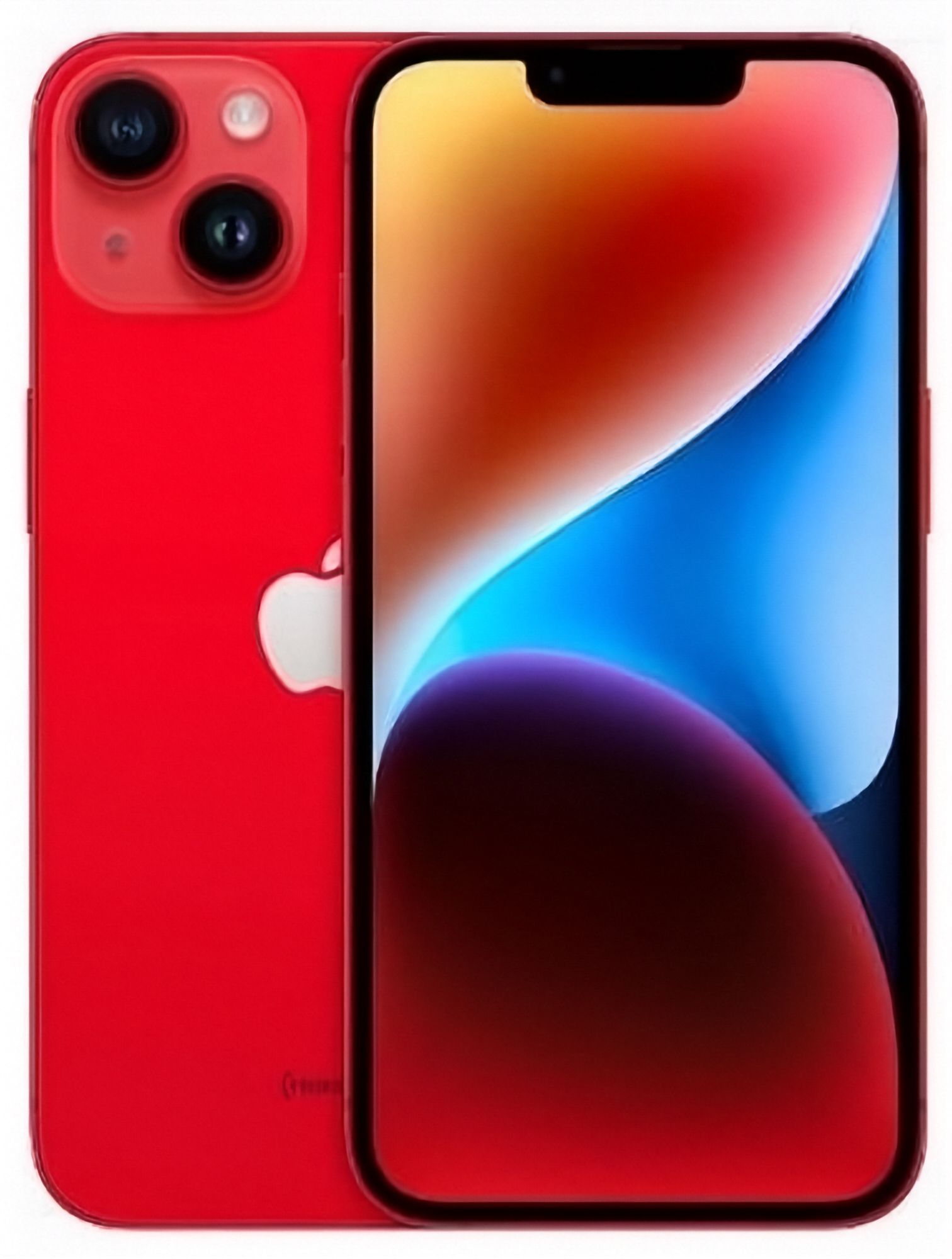
It is worth being honest about who this phone is not for. If you want the longest possible run of software support, the newest hardware, or a telephoto camera, a newer model is a better fit — we compare the current field in our best refurbished iPhones guide, and the step back to the previous generation is covered in our refurbished iPhone 14 buying guide. If what you want is a phone that looks, charges and photographs like a modern iPhone without modern money, keep reading.
What changed when the iPhone 15 moved to USB-C?
The port. That sounds like a small thing until you live with it, because Lightning cables are now a separate thing to remember and to buy. With USB-C you can top up from the cable already living in your laptop bag, from a tablet charger, or from a friend's Android cable at a cafe. A single cable type for the whole household is a genuine quality-of-life improvement, and it means the spare cable in your drawer is almost certainly already the right one.
Two practical notes, though. First, the USB-C port on the standard iPhone 15 is not the fastest USB implementation Apple makes, so if your habit is dragging hundreds of gigabytes of video off the phone by cable, check Apple's own comparison page for the details before you plan a workflow around it (Apple's iPhone comparison). For photo and message backup over a home network, this rarely matters.
Second, wireless charging stays where you expect it, so if you already own a Qi pad or a stand on your desk, it carries straight over. When your phone arrives, test the port yourself with a cable you trust — a port that has been used hard by a previous owner is one of the few things worth checking, and the arrival checklist below covers it.
How good are the iPhone 15 cameras compared with older models?
The headline is the 48MP main sensor, which arrived on the non-Pro line with the iPhone 15. The benefit is not simply "sharper photos" — it is that the extra resolution gives Apple room to produce a cropped, still-full-resolution frame from the middle of the sensor. In practice that means you can frame a portrait or a bit of zoom without moving closer, and the result is still a normal-resolution photo rather than a soft enlargement.
Against an iPhone 12 or 13, the difference shows up most in low light and in how much detail survives cropping and editing. Against an iPhone 14, the difference is smaller and more situational: both take good everyday photos, and the iPhone 15's advantage is in flexibility after the shot rather than in pointing and shooting. If you mostly photograph people at dusk, or you crop heavily on a small screen, the iPhone 15 is a real step. If you photograph documents and the occasional sunset, an iPhone 14 will not disappoint you.
If photography is the main reason you are upgrading, our iPhone storage guide is worth a read first, because a 48MP camera fills a small capacity quickly.
iPhone 15 or iPhone 15 Plus: which size suits you?
The two share the internals that matter — the same connector, the same main camera, the same interface gestures. The choice is the size of the slab in your hand, and the battery that comes with it.
Choose the standard size if you use your phone one-handed, if it lives in a front pocket, or if you find yourself setting large-screen phones down more often than you use them at arm's length. Choose the Plus if you watch a lot on the phone, if you read documents or spreadsheets on it, or if you are the person in your household who is always charging the phone. The larger body carries a larger cell, so the Plus is the pick when runtime matters more than reach.
Neither is a compromise on capability. If you are unsure, the honest test is to hold a similar-sized phone in a shop for five minutes rather than guessing from a spec sheet, because hand size beats any argument about screen area.
What battery health should you expect on a refurbished iPhone 15?
This is the part that separates a good refurbished purchase from an annoying one, and it is the part a private seller usually will not document. We sort stock by measured capacity and sell at 80%, 90% or 100% battery health, and every phone we sell holds at least 80% of its original capacity — so the number is measured and stated up front, not something you discover after a week of use.
How to choose between the tiers:
- 80% suits a lighter user, or anyone who charges at a desk anyway. It is the entry point.
- 90% is the tier most buyers should pick. It is a full day for a normal user and it is where the phone starts to feel like the one you would have bought new.
- 100% suits heavy users, delivery and trade phones, and anyone who plans to keep the device for several years without thinking about the battery.
If you want the longer explanation of how the figure is measured and where to find it in Settings, our battery health checking guide walks through it. Whatever tier you pick, the same 12-month warranty applies to the phone, so a battery that develops a fault and drops below its stated health is covered by the 12-month warranty.
What should you check when your refurbished iPhone 15 arrives?
Take ten minutes before you start moving apps across. Every phone we ship has been tested and graded in Auckland, but a short arrival check is still worth doing — it is how a problem gets dealt with inside your 15-day change-of-mind window instead of after it.
- Battery health — Settings, then Battery, then Battery Health and Charging. Confirm the figure matches the listing.
- The USB-C port — charge and transfer in both orientations of the plug if you can, and check the cable seats firmly without a loose end.
- Cameras — a front and rear photo, the flash, and a video clip with sound. Check the Dynamic Island area for any discolouration over the camera cutout.
- Screen and touch — drag an app icon slowly around every corner of the home screen; if it drops somewhere, that area is not registering touch.
- Network — put in your SIM or turn on your eSIM, make a call, and check you get signal on your carrier at home. Our unlocked phones guide explains how network locks work if the listing mentions a carrier.
- Account locks — the phone should arrive at the welcome screen with no previous owner's Apple ID attached. If it asks for one, contact us before setting it up.
- Grades and cosmetics — read the description again against the actual phone. Small marks are expected at Good and Very Good; what matters is that the phone matches what the listing said.
If you are not keeping it, the change-of-mind route is on our returns page, and the old phone you came from can go through trade-in instead of living in a drawer. For your consumer rights in New Zealand, the plain-English guidance is on the government's Consumer Protection site.
Which grade should you pick?
Grade describes appearance only, never function: every grade we sell has been tested and graded in Auckland and is covered by the same 12-month warranty and 15-day returns. Like New is for gift purchases and for people who cannot stand a mark on a screen. Very Good is the sensible default — marks are hard to see in normal use. Good is the value pick and is the right answer if the phone is going straight into a case. Full definitions, including what each grade means at arm's length, are in the condition guide.
Current stock, capacities and grades are all listed on the iPhone collection page, where you can see live availability rather than a price we quoted yesterday.