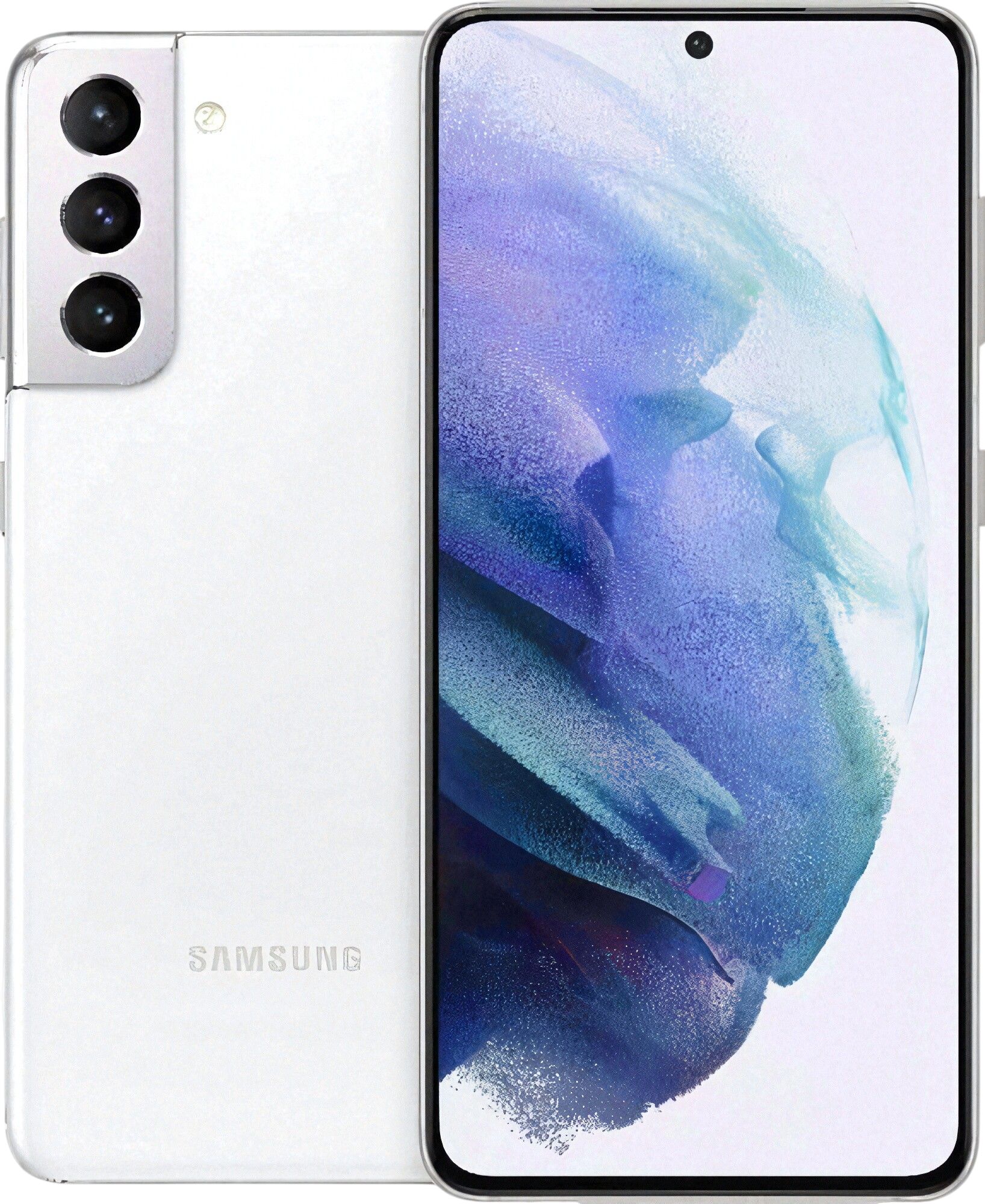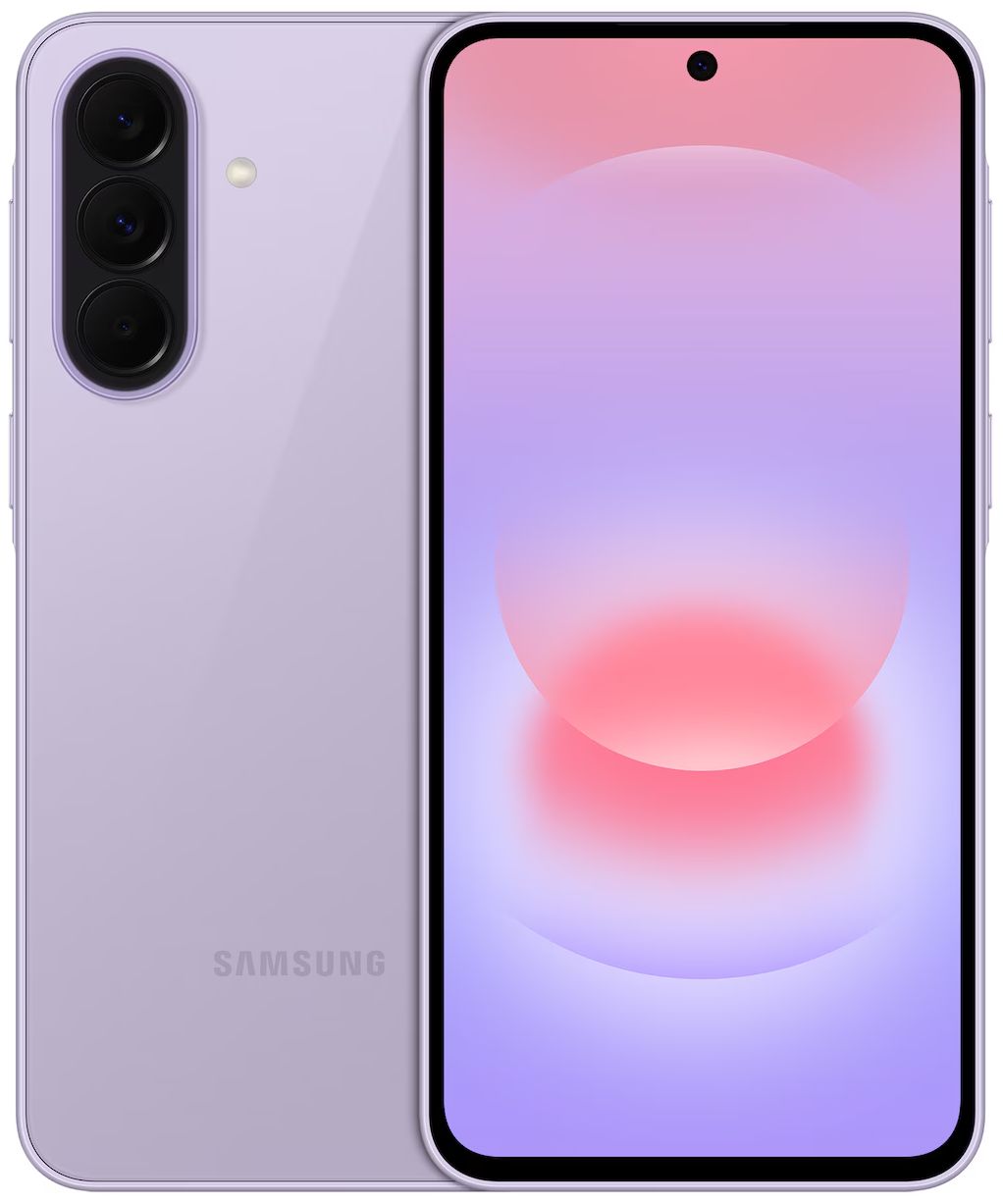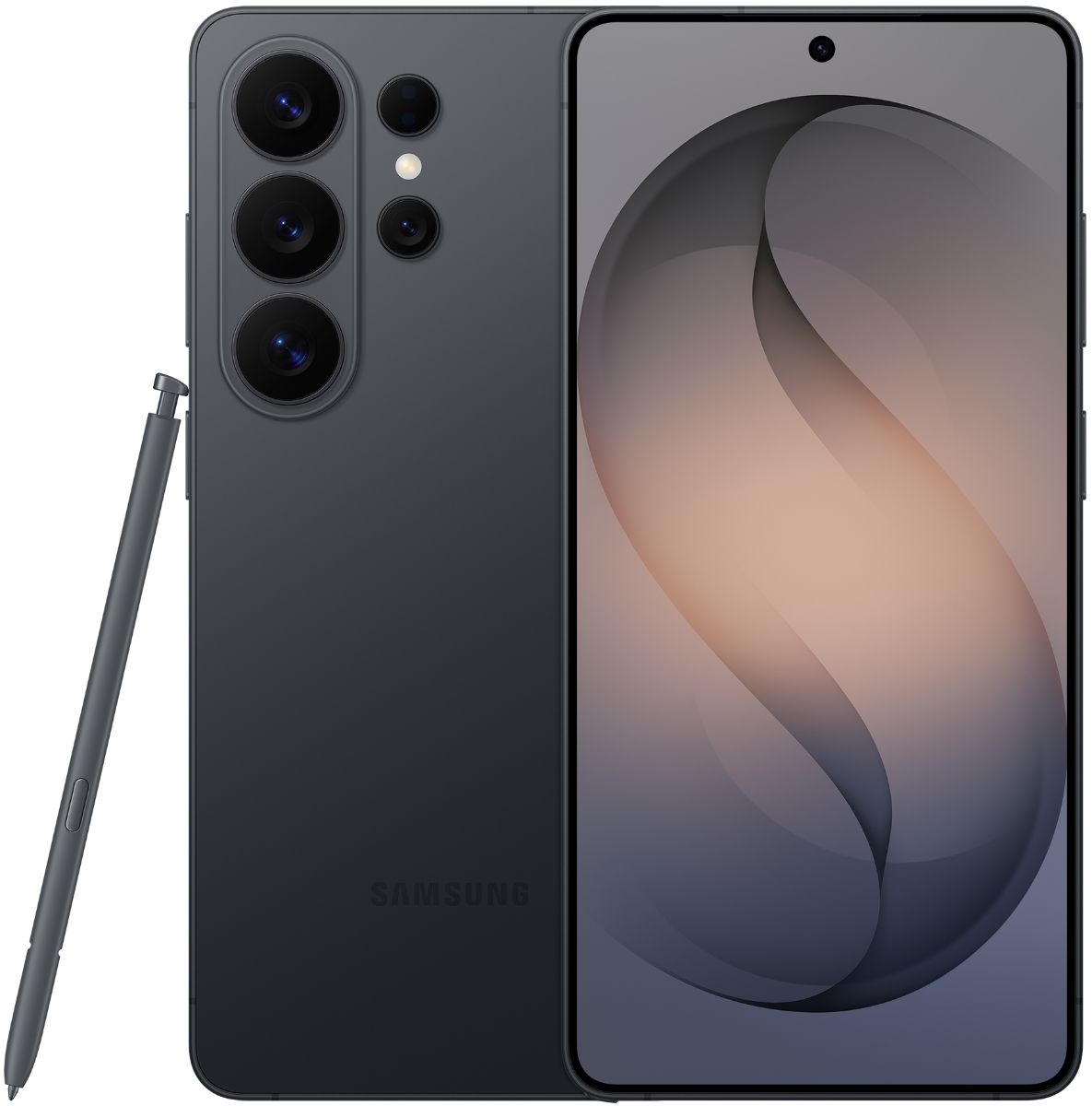
The Galaxy S26 Ultra sits at the very top of Samsung's phone range, and the top of a range is exactly where the second-hand market saves people the most. A pre-owned Ultra does almost everything a store-new one does — the difference between the two is usually a cosmetic grade and a battery report, not a different phone. So the useful question is not whether used Ultras are good (they usually are), but whether this particular Ultra suits how you actually use a phone, and what to inspect before money changes hands.
Should you buy a pre-owned S26 Ultra, or a cheaper older flagship?
Start with the honest filter: the Ultra is built for heavy users. If your day is messaging, banking, maps, social apps and the occasional photo, a flagship from a generation or two back covers the same job and leaves money in your pocket. Galaxy S24 vs S23: Which Refurbished Samsung Flagship Wins? and the Refurbished Samsung Galaxy S23 in NZ: What to Check guide show how narrow the day-to-day gap gets once you are inside the flagship family.
Buy the S26 Ultra pre-owned when you genuinely want what only the newest generation carries: the latest camera system, the biggest and brightest screen, and the longest remaining runway of software support. On that last point Samsung publishes its own update commitments at samsung.com — worth reading before you commit, rather than trusting a forum timeline that may already be out of date.
The other thing to weigh is supply. The S26 line is new enough that pre-owned stock in New Zealand is still shallow: most used Ultras arrive from early upgraders and company-leased devices, which means fewer listings to compare and less price stability than you get with an S23 or an S24. See current prices on the refurbished Samsung collection, where every unit on hand is listed with its grade and battery tier, and compare two or three listings before you fall in love with one.
What should you check before paying for a used S26 Ultra?
A used flagship is really a bundle of five questions. Ask all five before you pay.
- Battery health. Ask for the measured capacity, not a promise. Every phone in the EcoLoop collection is sold at 80%, 90% or 100% battery health with the tier stated on the listing, and every phone we sell holds at least 80% of its original capacity. A private seller who will not state a figure is already telling you something.
- Account locks. A Galaxy has to leave its previous owner's Samsung and Google accounts before it is truly yours. Remove Activation Lock and FRP Before You Sell or Trade In covers exactly what a clean Android handover looks like from both sides.
- Condition grade. Good, Very Good and Like New mean specific things on a graded listing, and quite different things in a hurried car-park deal. The condition guide and What Do Good, Very Good and Like New Actually Mean? spell out what each grade promises.
- Network status. Confirm the phone is unlocked for NZ carriers rather than assuming it. Are Refurbished Phones Unlocked? Network Locks in NZ breaks down what a lock actually costs you.
- The screen itself. On an OLED flagship, inspect for burn-in and dead pixels at full brightness — OLED vs LCD Phone Screens: What Matters When Buying Used shows what to look for and why it matters most on always-on displays.
None of these checks takes longer than a few minutes, and on a graded EcoLoop listing all five answers are printed in front of you before you add the phone to the cart.
Who has tested it, and what happens if something goes wrong later?
The gap between a marketplace listing and a refurbished retailer is not the phone — it is the paper behind it. Every device EcoLoop sells is tested and graded in Auckland, with faults found and fixed before the unit is listed, which is why each one carries a 12-month warranty for faults and a 15-day change-of-mind window in case the phone simply does not suit you. The shipping page covers getting it to your door with free NZ-wide delivery, and if anything develops after the paperwork period, the repair service is the same Auckland workshop that tested the phone in the first place. A private seller offers none of that: the sale ends the moment you pay.
That is the whole risk comparison in one paragraph — a pre-owned Ultra from a refurbisher costs a little more than the best private deal you will find, and removes almost everything that can go wrong after the handover. For a phone at the top of the range, most people find that trade worth making.
Is the Ultra overkill for most people?
Often, yes, and it is worth admitting out loud. The Ultra is a big, heavy phone with a camera system that most owners use at about a tenth of its capability. If you are buying it because it is the biggest number in the lineup rather than because you need what it adds, that surplus will never pay for itself.
The right Ultra buyer looks like this: someone who shoots a lot of video or photos and actually edits them; someone who games on the phone daily and wants the screen to match; someone who keeps phones for four years and wants the longest useful runway; or someone replacing a cracked-but-loved Ultra whose repair bill no longer makes sense. Everyone else gets most of the experience from an S23, an S24 or a well-chosen A-series phone — Samsung Galaxy A07 to A57: What the Numbers Mean explains where the value sits in that lineup. And whatever you land on, a large flagship screen is the component you least want to replace, so budget for protection from day one — Do Refurbished Phones Need a Case and Screen Protector? sorts the options.
Should you trade in your old phone toward an S26 Ultra?
Usually, yes — it is the simplest way to cut what you actually pay out. A quote on the device currently in your pocket, any brand and usually cracked or clean, comes off the price of the Ultra before checkout, so you pay one number and send one phone. Start on the trade-in page; Samsung Galaxy Trade-In NZ: Model, Storage and Condition explains what lifts or lowers a Galaxy quote, and How to Back Up an Android Phone Before You Trade It In plus How to Wipe Your Phone Before You Trade It In make sure your photos, chats and passwords move across before the old phone disappears.
So is the pre-owned S26 Ultra worth it? For the heavy user described above, yes: check the five things, trade in what you have, and pay for the grade you actually need rather than the shiniest one on the shelf. And if the five checks feel like too much admin, remember that on a graded listing they have already been done and written down — which, honestly, is the part most people are really paying for.
In stock now: Samsung Galaxy
Live prices from our current stock — updated automatically. Every device includes a 12-month warranty and free NZ-wide shipping.
- Samsung Galaxy J4 — from NZ$139.00
- Samsung Galaxy A06 — from NZ$148.00
- Samsung Galaxy A10 — from NZ$149.00
- Samsung Galaxy S10e — from NZ$228.72
- Samsung Galaxy A07 — from NZ$228.72
- Samsung Galaxy A35 — from NZ$332.98
- Samsung Galaxy S21 — from NZ$343.62
- Samsung Galaxy S21 FE — from NZ$348.00