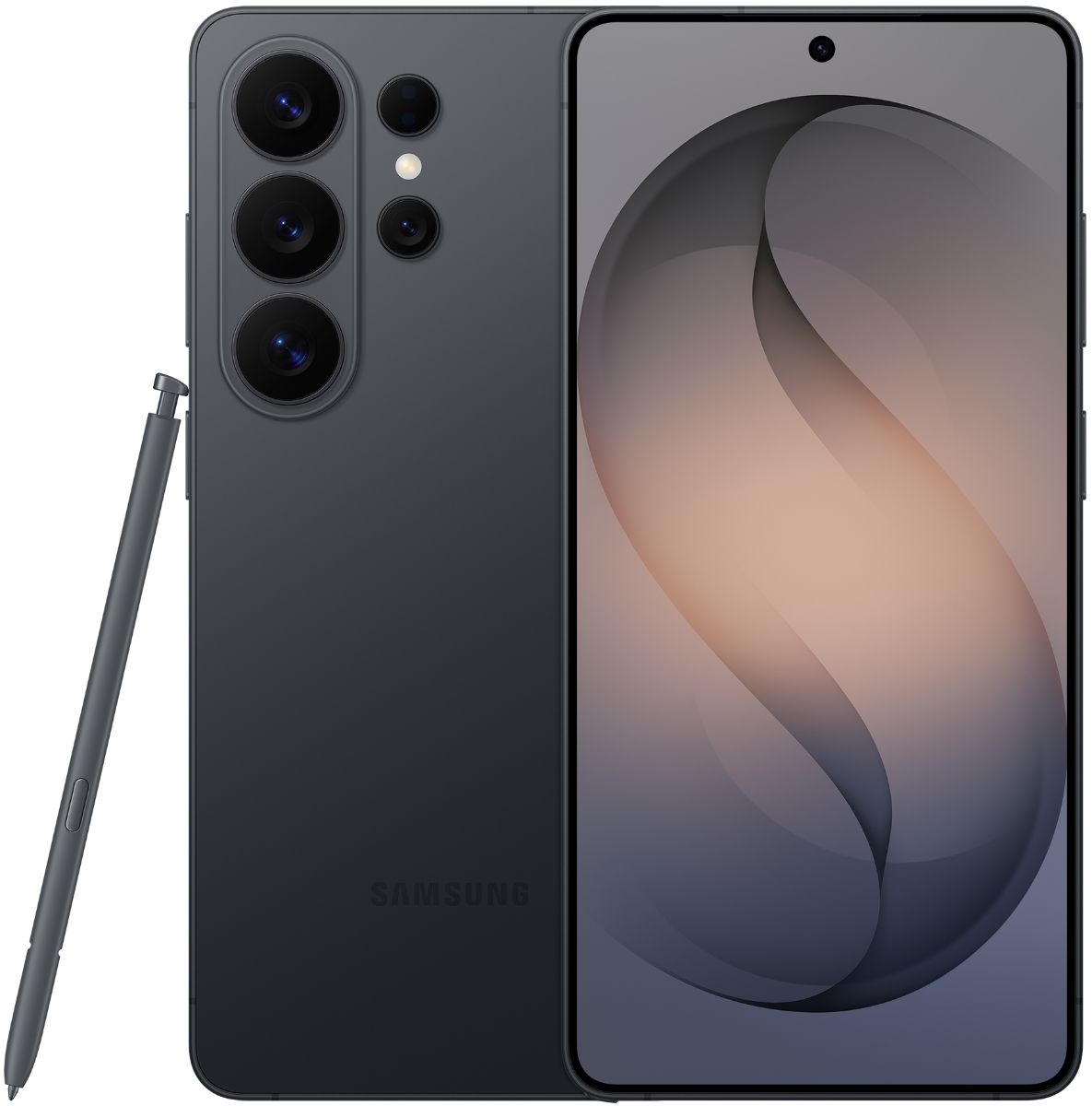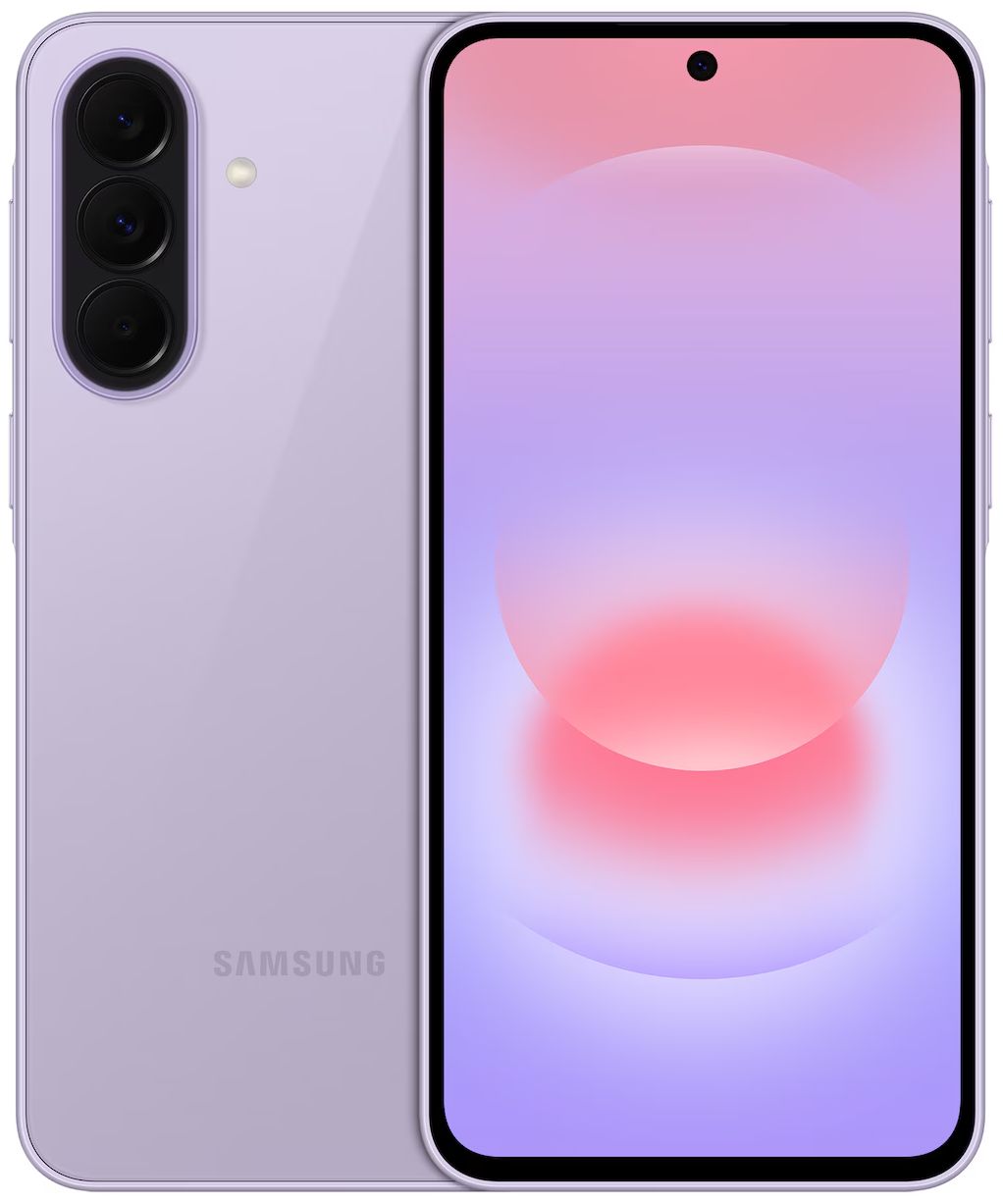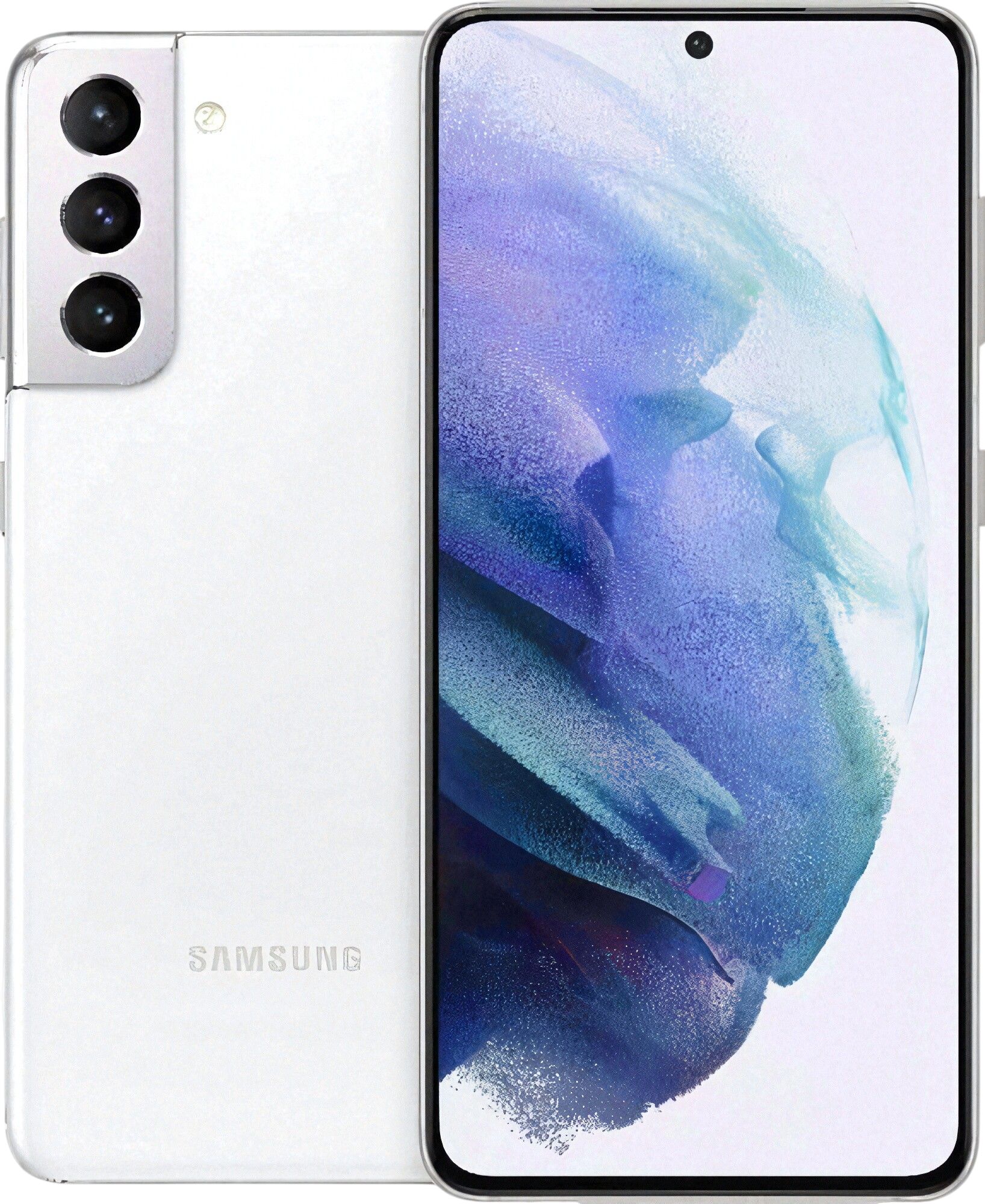
The Galaxy S21 arrived in early 2021 and put Samsung's flagship line firmly back on track. Five years on it sits at the sweet spot of New Zealand's second-hand Samsung market: a 120Hz AMOLED screen, an eight-gigabyte flagship, a three-lens camera with genuine telephoto reach and 5G, all now priced far below its launch cost. The interesting question is no longer whether the S21 was good. It is whether a five-year-old Samsung is the right buy in 2026, or whether the step up to something newer is worth the difference.
This guide answers the questions that actually decide the purchase: whether the S21 still holds up day to day, what to inspect before money changes hands, how the S21, S21 Plus, S21 FE and S22 compare, where its software updates stand, and how to buy one safely in New Zealand. See current prices on the Galaxy S21 model page rather than reasoning from old numbers, because Samsung stock moves in and out constantly.
Is the Galaxy S21 Still Worth Buying in 2026?
For most buyers who are not trying to keep a phone forever, yes. The internals are more than adequate for daily use: banking, navigation, streaming, email and games all run smoothly on the flagship chip (phones sold in New Zealand carried Samsung's own Exynos 2100, while US-market units use the Snapdragon 888), and the 8GB of RAM that the S21 and S21 Plus shipped with is still comfortable under One UI. The 6.2-inch AMOLED panel runs at 120Hz and looks better than plenty of new mid-rangers, the triple camera pairs a 12MP main sensor with an ultrawide and a 64MP telephoto that gives real zoom for sport and stage shots, and wireless charging works on normal pads and most car mounts.
Two honest caveats. First, age: every S21 out there is years into its working life, and how the previous owner treated it now matters more than the model badge. A cared-for S21 will beat a neglected newer phone in day-to-day use, and our take on how long a refurbished phone should last sets realistic expectations either way. Second, software: Samsung states its update commitments model by model on its own site, so before committing to several more years with this phone, check where the S21 currently sits on the Samsung support page.
What Should I Check Before Buying a Used Galaxy S21?
Battery health is the first number to hunt for. Android does not put the figure in the main settings menu the way an iPhone does, so ask for a Samsung Members diagnostic reading, or take one yourself as soon as the phone arrives. A five-year-old battery is the part that wears first, and it is the one component worth paying to refresh. At EcoLoop every phone we sell holds at least 80% of its original capacity, offered at 80%, 90% or 100% battery health with the measured figure stated on the listing, and a Battery upgrade swaps in a brand-new cell if you would rather skip the gamble. The explainer on refurbished phone battery health covers what those tiers mean.
Screen next. The S21's AMOLED can carry burn-in ghosting from years of static app bars, so display a plain bright page and look for faint outlines before you commit. Our guide to OLED versus LCD screens when buying used explains what to look for and how much it matters. Storage is the other irreversible choice, because the S21 line dropped the memory card slot its predecessors had: 128GB and 256GB are the tiers you will see on the NZ market, and the one you buy is the one you keep.
Then confirm the two things that can end a purchase remotely. The phone should be carrier unlocked so it takes a Spark, One NZ or 2degrees SIM or eSIM, and our explainer on whether refurbished phones are unlocked shows how to verify before you pay. And the previous owner's Google account must be signed out with the phone factory reset, or the device will sit on reset protection no matter what you do afterwards; removing activation lock and FRP covers the detail. US-market S21 units also cover fewer of the bands NZ carriers use, so prefer NZ or international stock.
On condition, read what a seller's grade actually means rather than trusting the label. At EcoLoop every device is tested and graded in Auckland against the definitions on our condition guide, and what Good, Very Good and Like New mean in practice is written out plainly. When the phone lands, run your checks while the 15-day change-of-mind window is open: fingerprint reader, both speakers and mics, every camera and the flash, wireless charging on a pad, 5G on your own plan. Rubber seals age, so treat the original IP68 rating of a five-year-old phone as faded rather than current; the guide to whether older phones are still waterproof explains why.
S21, S21 Plus, S21 FE or S22: Which One Should I Pick?
Inside the generation, the choice is size and battery. The regular S21 is the compact pick with the same internals as its siblings, but its 4000 mAh cell is the smallest in the family: fine for a light day, worth thinking twice about if you are on screen from morning to night. The S21 Plus stretches the same hardware to a 6.7-inch screen and a roomier battery. The S21 Ultra is the camera pick, with a 108MP main sensor and dual telephoto lenses including periscope zoom, in a bigger, heavier body that also costs more second-hand. The S21 FE landed a little later and put a same-generation flagship chip and a 6.4-inch 120Hz screen into a lighter, plastic-backed body; it is often the value play, but its battery ages exactly like the others, so judge the listing rather than the model.
Step outside the S21 family and the maths is simple: the newer phone usually wins when the price gap is small. The S22, a year newer, runs on the more efficient Snapdragon 8 Gen 1, so when stock puts it close to S21 pricing, take the S22. If your budget stretches further, the Galaxy S23 buying guide covers the generation that made efficiency its headline, and S24 versus S23 shows how thin the gap gets between adjacent flagships. Compare live prices in the refurbished Samsung collection: the right answer is usually whichever newer phone this week's stock puts within reach.
Will the Galaxy S21 Keep Getting Android Updates?
For a while yet, probably, but do not trust anyone's rough memory, including ours. Samsung publishes what each model can expect on its New Zealand support site, and the phone itself shows its current security patch level under Settings, About phone. A private listing whose patch level has drifted months behind is telling you something useful about where the unit has lived and how it was looked after. Newer One UI conveniences also do not always reach older flagships even while security patches keep arriving, so buy the S21 for what it does today.
The practical reading: an S21 is a sound buy for someone who replaces their phone every couple of years, and a riskier one for someone planning to keep this phone until it genuinely stops working. If you are in that second group, spend up for a newer model with more update runway left.
Where Can I Buy a Refurbished Galaxy S21 Safely in New Zealand?
You have three broad routes: a private marketplace listing, an imported unit, or a New Zealand dealer that tests what it sells and stands behind it. Private listings can be cheaper, but dealer sales carry stronger consumer rights protections than private ones, so whichever route you choose, get the battery reading, the unlock status and the condition grade in writing before money changes hands.
A certified dealer answers most of the risk questions in advance. Every Galaxy S21 in our refurbished Samsung collection is tested and graded in Auckland and ships with a 12-month warranty, 15-day returns and free NZ-wide delivery; see current prices on the Galaxy S21 model page, and the shipping page explains how delivery works. If you have not settled on Samsung at all, the refurbished smartphones collection spans the whole used market, Apple and Pixel included, and the FAQ lists the questions buyers ask us most. If an old device is funding the upgrade, get a quote on the trade-in page and sign out of the accounts on that device before it ships.
In stock now: Samsung Galaxy
Live prices from our current stock — updated automatically. Every device includes a 12-month warranty and free NZ-wide shipping.
- Samsung Galaxy J4 — from NZ$139.00
- Samsung Galaxy A06 — from NZ$148.00
- Samsung Galaxy A10 — from NZ$149.00
- Samsung Galaxy S10e — from NZ$228.72
- Samsung Galaxy A07 — from NZ$228.72
- Samsung Galaxy A35 — from NZ$332.98
- Samsung Galaxy S21 — from NZ$343.62
- Samsung Galaxy S21 FE — from NZ$348.00