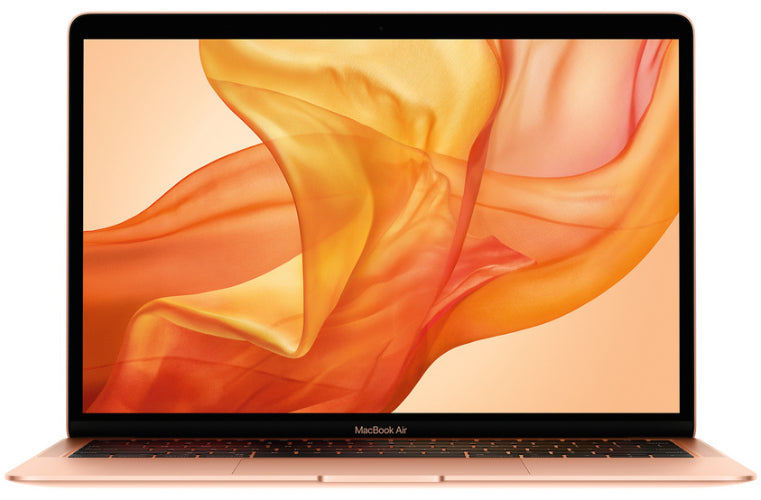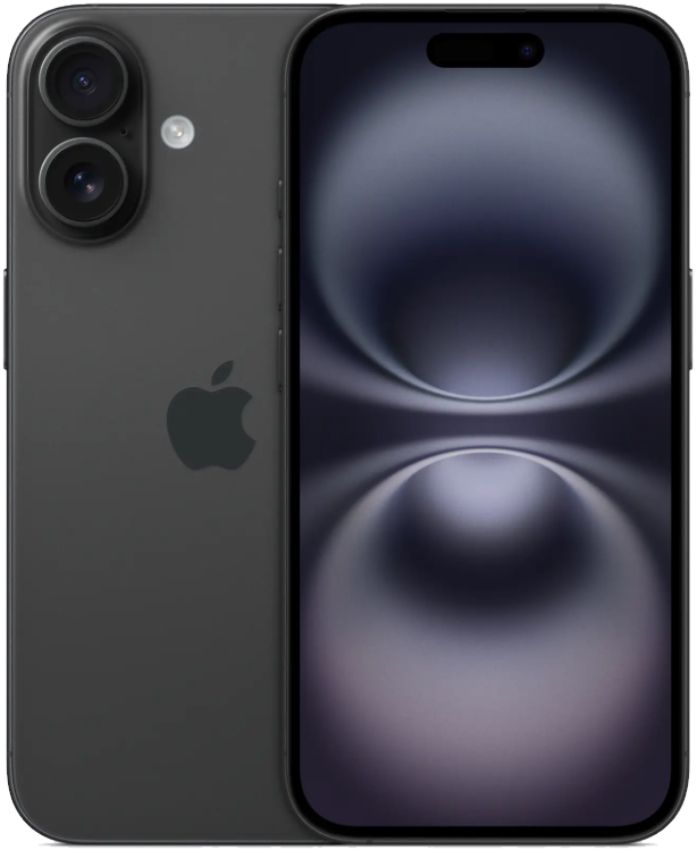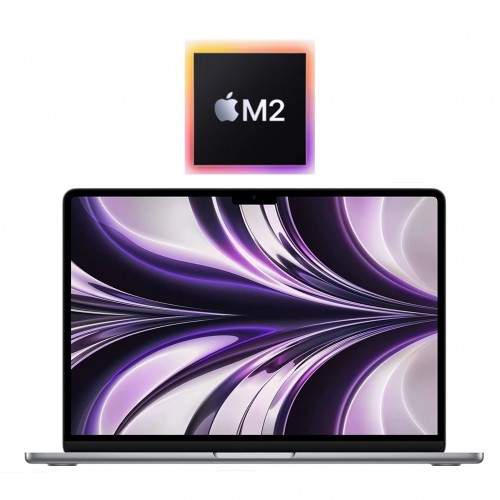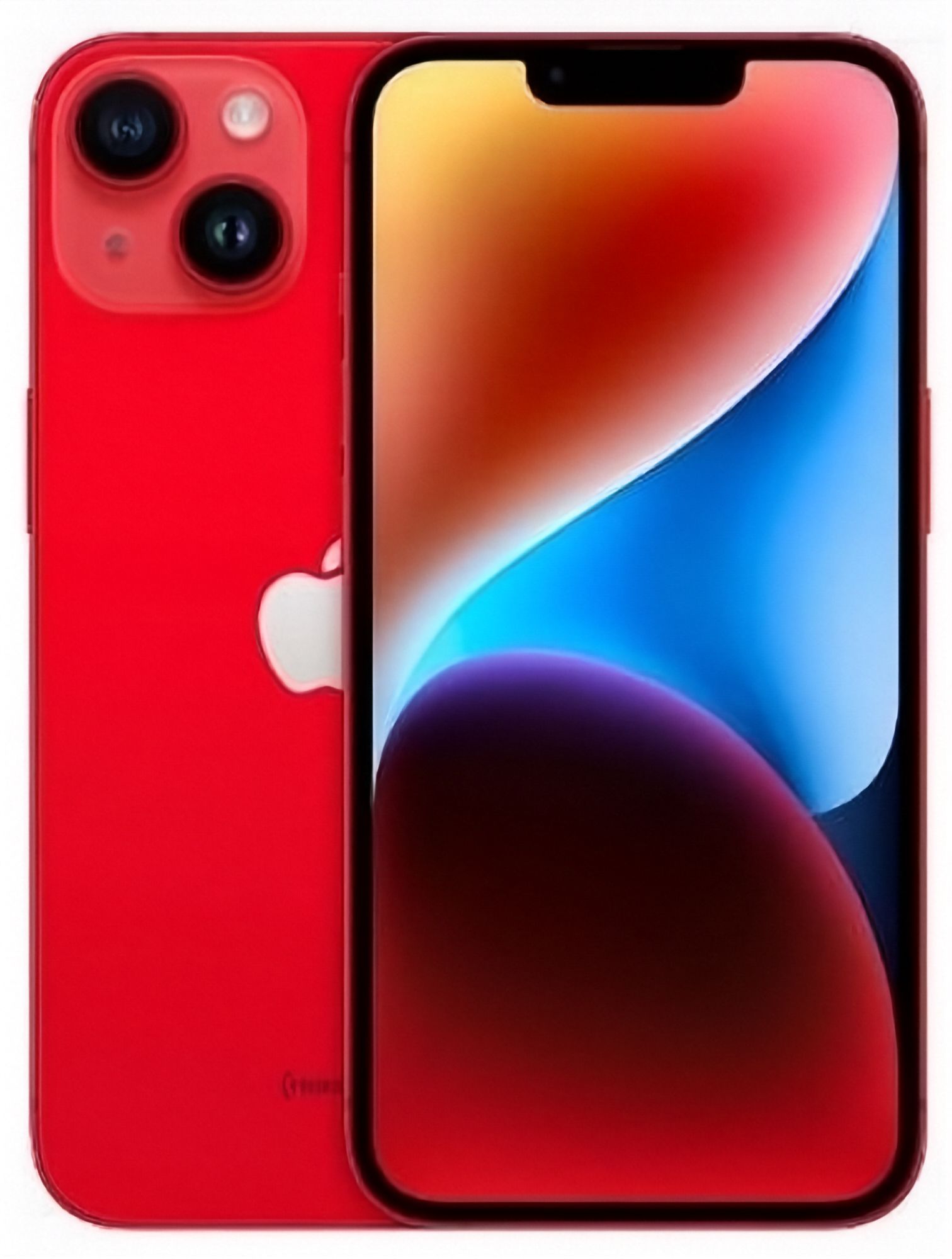
Two used phones can look almost identical in a listing and still give you a very different screen to live with. One may have an OLED panel with inky blacks and punchy colour; the other may use an LCD that looks slightly greyer in a dark room but never develops burn-in. Neither is automatically the better buy. The screen type changes how a phone looks, how it ages and what you should check before you pay for it. This guide explains how OLED and LCD screens differ, which popular iPhone, Samsung and Pixel models use each, and how to inspect a second-hand screen properly.
What is the difference between OLED and LCD screens?
An LCD (liquid crystal display) screen has a backlight sitting behind a layer of liquid crystals. The backlight stays on while the screen is awake, and the crystals twist to let more or less of that light through each pixel. Because the light never fully switches off, black areas still let a little glow through, which is why LCD blacks look dark grey in a dim room.
An OLED (organic light-emitting diode) screen has no backlight. Each pixel produces its own light and can switch off completely. A black pixel on an OLED screen is simply off, which gives the deep blacks and high contrast that OLED phones are known for. Samsung calls its version AMOLED, and Apple calls its OLED iPhone screens Super Retina XDR, but the underlying idea is the same.
That single design difference explains most of what you notice day to day. OLED screens tend to look more vivid, handle dark scenes in films better and allow thinner phones, since there is no separate backlight layer. They can also save battery when you use dark mode, because black pixels draw almost no power. LCD screens tend to show colours a little more naturally out of the box, usually cost less to replace, and do not suffer from burn-in at all. Some people also find a good LCD more comfortable at low brightness, because many OLED panels dim by flickering the pixels very quickly, which a small number of people notice as eye strain.
Which phones use OLED and which use LCD?
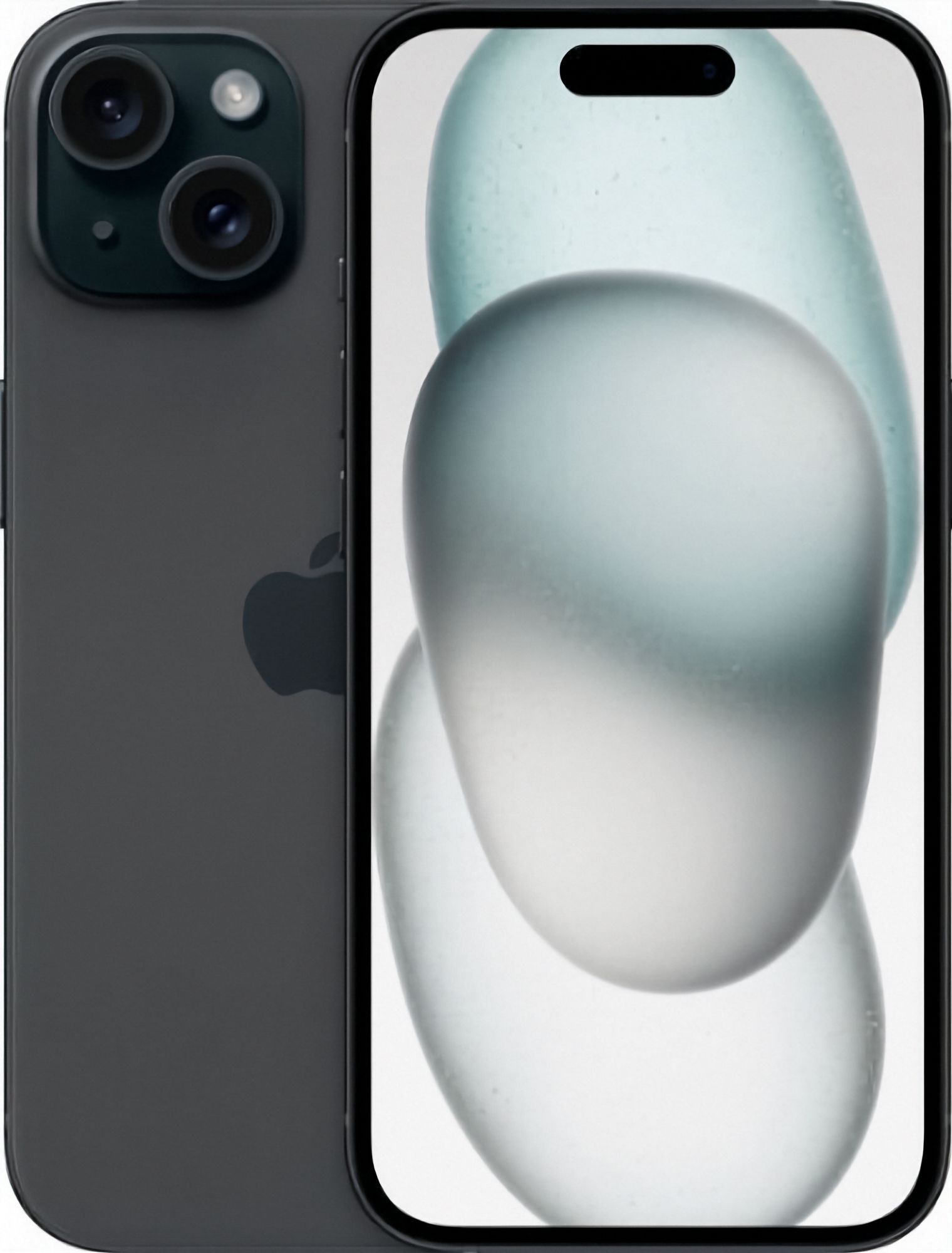
For iPhones the split is simple. The iPhone X and the iPhone XS family were the first OLED iPhones, and every model from the iPhone 12 onward uses OLED, including the mini, Plus and Pro versions. The iPhone 8, iPhone XR, iPhone 11 and the iPhone SE models use LCD screens. Apple's own iPhone compare page lists the display type for each model if you want to confirm a specific one.
On Samsung phones, the Galaxy S series and most Galaxy A models use AMOLED screens. Some of the most affordable Galaxy A models have used LCD panels instead, so check the specification sheet on samsung.com before assuming. Google Pixel phones use OLED screens across the range.
So if you are browsing refurbished iPhones, Samsung phones or Google Pixel phones, the screen type follows from the model rather than from anything the seller has done. The exception is a phone that has had its screen replaced, which is covered in the checks below.
Does OLED burn-in matter on a used phone?
Burn-in is the one weakness of OLED that matters most when buying second-hand. Each OLED pixel wears slightly as it is used, and pixels that show the same bright image for very long periods wear faster than the ones around them. Over years, that uneven wear can leave a faint ghost of the keyboard, the navigation bar or a status icon that stays visible on plain backgrounds.
Modern phones work hard to prevent this. They shift static elements by a pixel or two, dim the screen when nothing changes and manage brightness carefully, so burn-in on a phone that has had normal use is uncommon. It is more likely on phones that spent long stretches at full brightness showing one app, such as a phone used as a sat-nav in the car or as a shop display.
When burn-in does appear, it is usually mild and only visible on a flat grey or white background. It does not affect touch or how the phone works. Whether it bothers you is personal, which is why it is worth checking for before you buy rather than discovering it later. LCD screens cannot burn in, though they can develop their own faults, such as uneven bright patches near the edges, often called backlight bleed.
How do you check a used phone screen before you buy?
A few minutes of testing tells you far more than a listing photo. Work through these checks in a room that is not too bright:
- Plain colours at full brightness. Open a full-screen white image, then grey, then black. On white and grey, look for a pink, yellow or green tint in one area, dim patches and any ghost image. On black, an OLED screen should look completely dark; an LCD will glow slightly, which is normal.
- Dead or stuck pixels. Look closely at the solid colours for single dots that stay black or stay one colour.
- Touch across the whole surface. Hold an app icon and drag it slowly into every corner and along every edge. If the icon drops or jumps, part of the touch layer is not responding.
- Brightness changes. Slide brightness from lowest to highest and watch for flicker or a sudden colour shift.
- Signs of a replacement screen. On recent iPhones, open Settings, then General, then About, and look for Parts and Service History, which flags a display that is not a genuine Apple part. A replacement screen is not automatically a problem, but some cheaper replacement panels for OLED iPhones are actually LCD, which brings back grey blacks and can look duller.
Scratches are a separate question from screen type. Our condition guide explains how marks on the glass affect a grade, and our article on what Good, Very Good and Like New actually mean goes into more detail.
Is an OLED phone worth choosing over an LCD one?
For most buyers in New Zealand, screen type is a tiebreaker rather than the main decision. The model, storage, battery health and condition matter more to how happy you will be with the phone. If you watch a lot of video, use dark mode or simply like a vivid display, an OLED model is a pleasant upgrade. If you want a dependable phone for calls, messages and maps, a well-kept LCD model such as an iPhone 11 or an iPhone SE still does the job and avoids any burn-in worry.
Whichever you pick, protect the screen. A screen protector costs far less than a new panel, and our guide on whether refurbished phones need a case and screen protector explains what actually helps. If a screen does get damaged later, our repair services cover iPhone screen replacement.
Every phone EcoLoop sells is tested and graded in Auckland and comes with a 12-month warranty and 15-day returns, so you can run the checks above at home. To see current prices, browse the collections linked above, and the FAQ page answers the questions buyers ask us most often.