Laptops lose value faster than almost every other device on your desk. A business-class machine that a company paid a small fortune for has often shed most of that premium within a few years of leaving a lease, while the hardware underneath was engineered to be repaired, upgraded and run flat out all day. That gap between what a laptop cost and what it is worth second-hand is exactly where the refurbished market lives. This guide covers when a refurbished laptop is the smart buy, when it is not, and how to pick one you will not regret a term or a job later.
Is a refurbished laptop worth buying?
For most people shopping for a study or work machine, yes — provided it comes from a seller who actually tests what they sell. Two things make refurbished laptops such good value.
The first is depreciation. Laptops are bought by businesses in bulk on three-year cycles, then returned in waves. That flood of nearly-identical machines hits the second-hand market together and drags prices down, even though a three-year-old business laptop is still years away from being slow. You are effectively letting someone else pay for the steep part of the value curve.
The second is build quality. The machines that survive corporate fleets — the Dell Latitude class of laptops and the MacBook line — are built to a different standard than the budget new notebook on a black-friday shelf. They have sturdier hinges, better keyboards and cooling designed for all-day workloads. A refurb of a good machine frequently outlasts a brand-new machine at the same price.
Where new still wins is specialisation. If you need a current-generation gaming GPU, a very specific port layout, or a colour-matched fleet of ten identical units delivered at once, buy new. For browsing, Office, study, development, design work and video calls, a refurb is usually the better trade. Prices move as stock turns over, so see current prices on the laptops collection page.
What does "refurbished" actually mean before you buy?
The word is unregulated, so its meaning depends entirely on the seller. A private marketplace listing that says "refurbished" can mean "I wiped it and took photos". A proper refurbisher means something closer to: the device was fully tested, any faulty parts replaced, the machine cleaned, wiped to a clean operating system install, graded against a written standard and then backed by real after-sales support.
At EcoLoop every laptop is tested and graded in Auckland, and each listing carries the grade it earned — the same grading language runs across the whole store, so the condition guide tells you exactly what each grade means before you order. If you are curious what the bench work actually involves, How We Test and Grade Every Device at EcoLoop covers it.
When you are comparing any two sellers, ask the same four questions: who tested it and what was checked; what protection comes with it (ours is a 12-month warranty on every laptop); what happens if you simply change your mind (we allow 15-day change-of-mind window on top of that cover); and whether the seller is reachable in New Zealand if something goes wrong. Those answers tell you more than any spec sheet.
Which refurbished laptop fits your work?
Three broad groups cover almost every shopper:
- Study and office work. Ex-lease business laptops are the value centre of the market. A recent Dell Latitude with 16GB of RAM and a solid-state drive handles lectures, spreadsheets, dozens of tabs and a video call at the same time, and it is built to be serviced if anything wears out. The Dell laptop collection is where to start.
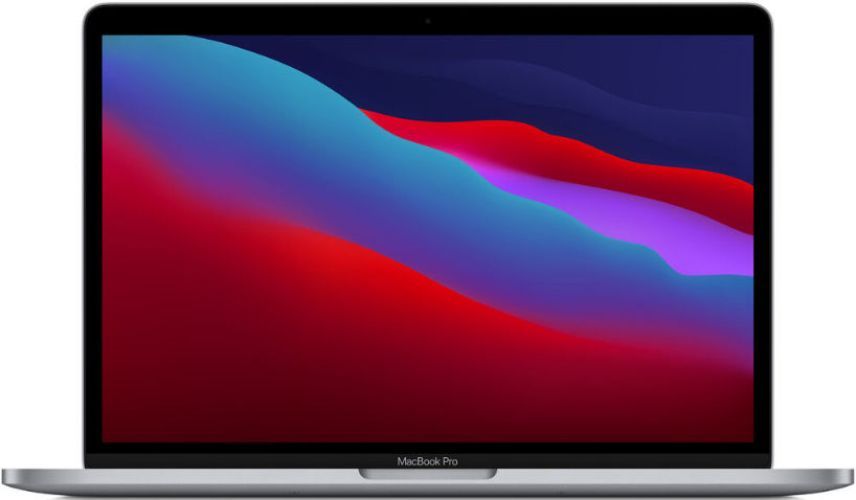
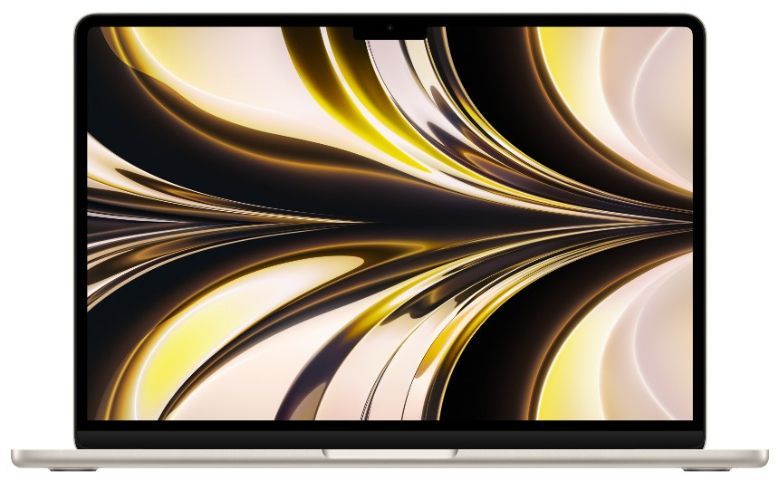
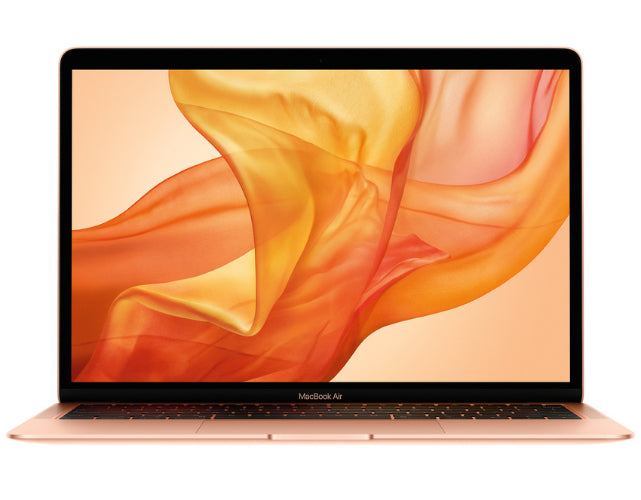
- Creative work and Apple households. A refurbished MacBook Air is quiet, light and has battery life that embarrasses many budget new laptops; a MacBook Pro suits colour work and heavier builds. The MacBook collection shows what is in stock now.
- Kids and spare machines. Something older and simpler is fine for a first laptop, as long as it has a solid-state drive and enough memory. The small business guide and the student laptops guide go deeper on picking by workload.
The specs themselves — how much memory, how much storage — follow the same rules as for a new machine, and we have full guides on both: RAM explained and SSD storage explained.
What should you check in a listing before you order?
A good listing answers these before you have to ask:
- Grade and cosmetics. A written grade beats any seller adjective. Know what you are accepting: scuffs on the lid are fine for most people, a shiny palm rest tells you the machine lived on someone's lap all day.
- Battery condition. This is the one part of a refurb laptop that genuinely wears. Ask about the battery's cycle count and capacity before you buy, and see Laptop Battery Health Explained for how to read those numbers.
- Charger and accessories. Confirm a charger is included; a missing one is a small but annoying extra.
- Keyboard layout. Imported machines can arrive with overseas keyboard layouts. Local-market stock avoids the question entirely.
- Seller protection. This is the big one. A 12-month warranty, a real returns path and a New Zealand contact turn "used laptop" into an actual purchase with recourse. The second-hand laptop checklist lists every test to run on delivery.
If a listing skips the grade, the battery or the protection, that is your cue to ask — and a seller who cannot answer is a seller to walk away from.
When is a refurbished laptop the wrong choice?
Refurbished is a way of buying, not a way of getting something for nothing. It is the wrong tool when you need the absolute newest silicon, when you need ten identical machines on the same morning, or when a niche spec — a particular GPU, a legacy port, a rare screen size — has to be exactly right. Refurbished stock is whatever the world's lease returns produced this quarter, so you pick from what is genuinely available rather than ordering a wish from a catalogue.
It is the right tool for everyone else: students who need a machine that survives a backpack, parents buying a first laptop that will not be heartbreaking if it gets knocked, freelancers and small businesses who would rather spend the difference on better specs than on the word "new". The same machine, tested and graded, with support behind it, at a price that left the depreciation cliff months ago.
Still deciding? The store FAQ answers the practical questions about ordering, delivery and after-sales, and the laptops collection shows every machine currently tested and on the shelf.
In stock now: Laptops
Live prices from our current stock — updated automatically. Every device includes a 12-month warranty and free NZ-wide shipping.
- Dell Vostro 3400 Laptop 14" — from NZ$347.00
- Lenovo ThinkPad E14 Laptop (Gen 2) AMD 14" — from NZ$442.00
- Dell Latitude 3440 Laptop 14" — from NZ$508.00
- Apple MacBook Air (2018) 13.3-inch — from NZ$522.00
- Lenovo ThinkPad L13 Gen 2 13 Touchscreen Laptop — from NZ$539.00
- Lenovo ThinkPad E14 (Gen 3) AMD Laptop 14" — from NZ$560.00
- Apple MacBook Air (2020) 13.3-inch — from NZ$654.00
- Dell Latitude 7520 Laptop 15.6" — from NZ$807.00