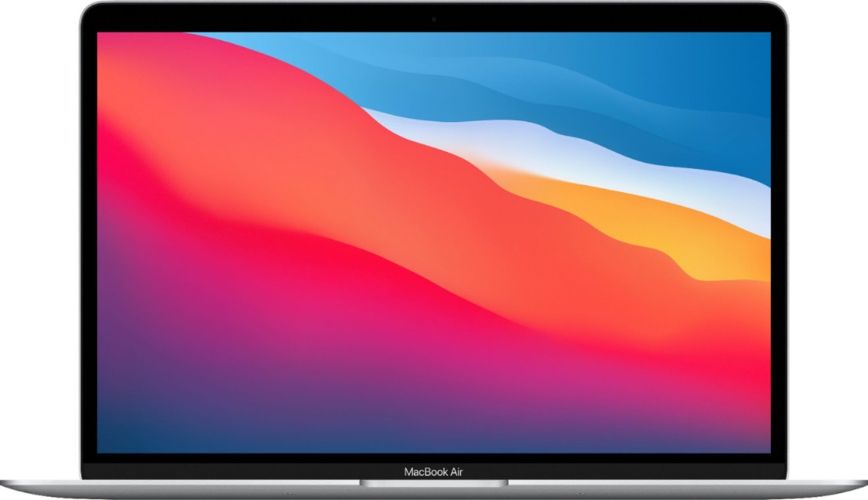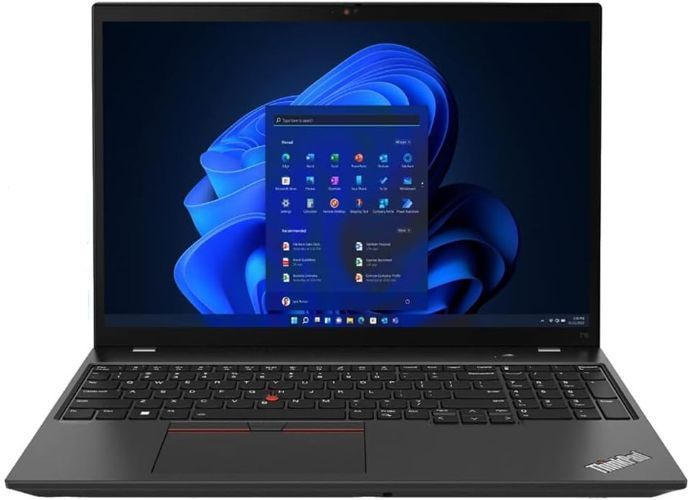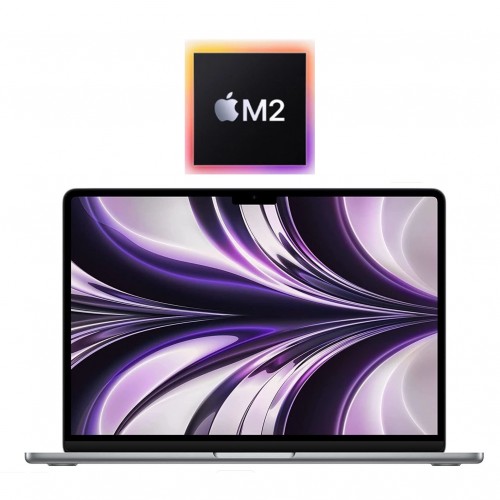
Memory — RAM — is the spec people fixate on most, and the one they most often get wrong in both directions. Buy too much and you have paid for headroom you will never touch. Buy too little and you spend every day waiting around a machine that is otherwise perfectly fine. This guide gives you a plain way to decide how much memory your next laptop actually needs, and which machines still let you change your mind after the sale.
How much RAM does a laptop actually need?
Memory is your laptop's working surface. Programs and open files are copied onto it so the processor can reach them instantly, while the storage drive underneath acts as the filing cabinet where everything waits when it is not in use. When the working surface fills up, the machine starts shuttling things back and forth to the drive, and everything feels sluggish — tabs reloading themselves, apps freezing when you switch between them, a spinner where your cursor used to be.
For most shoppers, three tiers cover every realistic case:
- 8GB is the practical floor. It handles email, web browsing with a handful of tabs, streaming video and writing documents. It suits a first laptop for a younger student, or a spare machine you keep for trips.
- 16GB is the comfortable default. Dozens of browser tabs, a video call with the camera on while a spreadsheet and your notes sit open behind it, a term's worth of PDFs and assignments — 16GB carries all of it without complaint. If you are unsure which tier you are in, this is the one to buy.
- 32GB is for specific heavy work. Serious video editing, very large spreadsheets, running virtual machines, development work with big builds. If you cannot name the task that needs it, you probably do not need it.
Is 8GB of RAM still enough in 2026?
Honest answer: for light use, yes; for daily use, it is tight. Modern browsers deliberately keep pages loaded so they snap back instantly, which makes them generous with memory, and current operating systems run more background services than they did a few years ago. Eight gigabytes that felt comfortable in 2018 now reads as the machine's safety margin rather than its working room.
The practical test is your own habits. If you are the person with one or two tabs open who closes programs when you are finished with them, an 8GB machine will not annoy you. If your workflow is forty tabs, music running in the background and three windows on screen at once, that same machine will spend most of its life pushing against the safety margin.
One of the quieter advantages of buying refurbished is what shows up in the used supply. Business laptops are ordered in volume by companies that specced them for real office work, so plenty of ex-fleet machines were built with 16GB while consumer models at the same size got less. Browse the refurbished laptops collection to see what is on the shelves this week, and see current prices on the model page for anything that catches your eye.
Can you add more RAM to a laptop later?
Sometimes — and it depends entirely on the design of the machine, not its age.
Laptops built for repairable fleet use — classic business workhorses like the Dell Latitude line — commonly leave at least one memory slot accessible, with standard modules that a technician can top up in minutes. If you are looking at an ex-fleet business machine and think you might want more memory a year or two down the road, that is a genuine option, and our Dell laptops collection is where that class of machine lives.
Thin-and-light consumer laptops go the other way: most build their memory directly onto the main board, and it cannot come off afterwards. The same applies to every recent MacBook, covered below. Listings do not always shout this fact, so if upgradeability matters to you, ask about a specific machine before ordering — the difference between an upgradeable 8GB laptop and a fixed 8GB laptop is worth settling at the point of purchase.
Is memory handled differently in a MacBook?
Yes, in one important way. Every Apple-made laptop from the last several years — Intel models included — has memory soldered to the board, and Apple silicon machines go further and build it into the chip itself as unified memory. Nothing can be added after the machine leaves the factory, so the size you pick is the size you keep.
Apple's own overview of the current range sits at apple.com/macbook, and detailed memory options for any model are listed on its tech-spec pages. Two practical notes for MacBook buyers: unified memory does double duty for the graphics side of the machine, so a given number goes a bit further than the same number in a comparable Windows laptop; and because it cannot be changed later, the memory decision belongs at checkout, not in a year's time. Current stock and configurations are in the MacBook collection — see current prices on the model page.
What should you check besides the memory number?
Memory is one line on a spec sheet, and not always the line that decides how a machine feels to use.
- Storage type. A laptop with a solid-state drive and 8GB will feel snappier day to day than one with a spinning hard drive and 16GB. If a listing is vague about the drive, treat that as the red flag rather than the memory count.
- Battery and overall condition. A worn battery quietly undoes everything else. Every machine we sell is tested and graded in Auckland, and the condition of each unit is graded on a scale explained in our condition guide — including what Good, Very Good and Like New actually mean in practice.
- What happens if something is wrong. Every laptop comes with a 12-month warranty and arrives with free NZ-wide delivery, and if the machine turns out to be the wrong fit, you can send it back inside the 15-day change-of-mind window. Your consumer rights under New Zealand law apply alongside that; the government's Consumer Protection site, consumerprotection.govt.nz, explains them in plain language.
Buying for a whole team rather than one person? The memory decision scales differently when you are speccing six machines at once — our guide to refurbished laptops for small business covers choosing specs across a fleet.
How do you decide without buying too much memory?
A short walk-through settles it. Picture the heaviest thing you actually do — not the heaviest thing you could imagine doing — and match it to the tiers above: browser-and-documents people and 8GB machines can pair happily; anything involving video calls, many tabs or a term's worth of study material wants 16GB; and only a named heavy task justifies 32GB.
Then widen the comparison from memory to the whole machine. A well-specced ex-fleet business laptop with a solid-state drive is usually a better everyday tool than a newer-looking consumer model with more memory bolted onto a slow drive.
Finally, when a candidate arrives, run through our second-hand laptop checklist in the first hour. Confirming that the memory size reported by the system matches what the listing promised takes ten minutes, and it protects you while the 15-day change-of-mind window is still open. Buy the size you need today, and only pay for memory you will actually use.