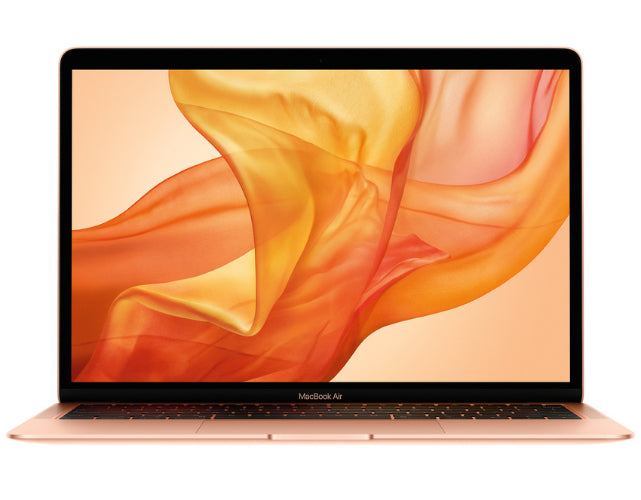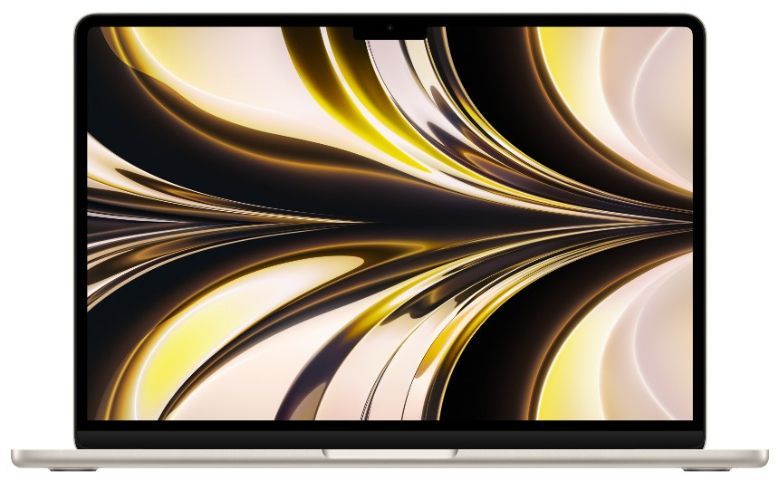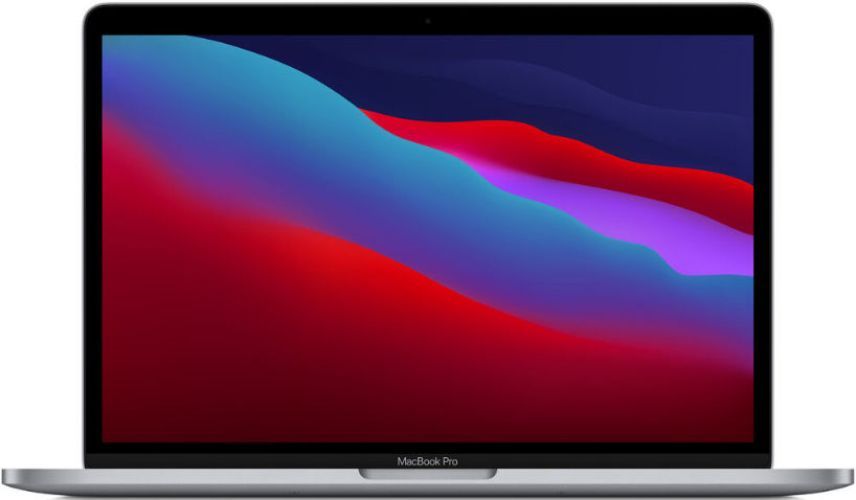
Search for a 12-inch MacBook and the results blur together fast: an original 2015 unit here, a 2017 refresh there, and plenty of NZ listings using "12-inch" loosely for any small Mac. If you typed "12 inch macbook 2020" into Google, you are probably asking one of two different questions, and they have different answers. This guide untangles what the 12-inch line actually was, why no 2020 model exists, and what to buy today if you want a genuinely small, light MacBook.
Did Apple make a 12-inch MacBook in 2020?
No. Apple introduced the 12-inch MacBook in 2015, refreshed it twice, and ended the line before the 2020 model year — so a "2020 12-inch MacBook" is almost always one of two machines wearing someone else's name tag.
The first is a genuine 12-inch MacBook: any real one is a 2015-to-2017 machine you will only find second-hand. The second is a small, light MacBook from around 2020, which in practice means the 13-inch MacBook Air with the M1 chip. That machine arrived late in 2020 and finally delivered the silent, fanless speed and all-day battery life the 12-inch had pointed at but never quite reached.
Both are reasonable things to want — they are just very different purchases at very different ages. The A-number printed under the lid settles which is which in seconds, and MacBook Model Numbers: A2159, A2337, A2338 Explained shows where to find it and what each code means.
What was the 12-inch MacBook actually like?
It was Apple's experiment in how thin a laptop could get. A sharp 12-inch Retina display sat in an aluminium body that weighed under a kilogram, cooled itself with no fan at all, and connected to the world — charging, displays, storage, everything — through one single USB-C port. At launch it felt like a preview of the future, and in several ways it was: fanless designs, tiny chargers and extreme lightness later became ordinary.
Living with one, though, meant accepting trade-offs that the reviews of the era were honest about. One port means an adapter for nearly everything else. The butterfly keyboard — an extremely low-travel mechanism Apple later moved away from — divides opinion even among people who own one, and on well-used machines keys can stick or double-type. The low-voltage Intel chips inside prioritised silence over speed, so heavy spreadsheets, video calls with lots of other tabs open, and any real photo or video editing were always a stretch.
What it was good at has not aged away: email, browsing, banking, streaming, messaging and light document work still run fine on a well-kept unit. The open question is software, not hardware — whether the specific model you are looking at still appears on Apple's macOS compatibility list. That list is Apple's to publish and it changes with every major release, so check it at apple.com instead of trusting a timeline quoted in a forum.
Should you buy a second-hand 12-inch MacBook today?
Buy one if the size and weight are the whole point of the purchase and your workload is genuinely light. A used 12-inch MacBook is one of the most portable full-macOS machines money can buy second-hand, and for a laptop that lives in a bag for notes, browsing and streaming, it still makes sense on a tight budget.
Buy around it if you need speed, ports or longevity. Single-core bursts are modest, one USB-C port is a lifestyle constraint, and as an Intel machine it sits nearer the front of the macOS support queue than the Apple silicon units beside it in the refurbished MacBook collection. When that line is drawn for any given model is Apple's call — the compatibility list linked above is the only honest source.
If you do buy one used, test it like a used laptop rather than a current one. Battery capacity is the first casualty of a chassis this thin: ask for a cycle-count reading before you commit, because a battery replacement on this generation of MacBook is a delicate job, and Laptop Battery Health Explained: Cycle Counts and Capacity explains what the numbers mean. Then type on every key, look at the screen for pressure marks in dim light, and confirm the machine is signed out of the previous owner's account before money moves.
Buying from EcoLoop removes most of that guesswork. Machines are tested and graded in Auckland, the grade definitions are written down in the condition guide, and every order includes a 12-month warranty for faults, a 15-day change-of-mind window and free NZ-wide delivery. Stock of the old 12-inch line is occasional rather than constant, so see current prices on the model page whenever one appears in the MacBook collection.
What small MacBook should you buy instead?
For almost everyone searching for a small MacBook today, the better answer is a 13-inch MacBook Air with an M1 chip. It is only a little heavier than the old 12-inch, several times faster, has two Thunderbolt ports, a proper scissor-switch keyboard and the battery life that made the M1 Air the default recommendation for students and office work. It also began the Apple silicon line, which means support years ahead of it rather than behind it — Which MacBook Year to Buy: Intel, M1 and M2 Compared lays out where each generation sits, and Refurbished MacBook Air in NZ: Choosing the Right Model goes deeper on the Air line specifically.
Because that Air arrived in late 2020, second-hand supply in New Zealand is deep and asking prices have settled into sensible territory. Browse the refurbished MacBook collection and see current prices on the model page for whichever grade and capacity you want — stock moves, so the listing in front of you is the only figure worth comparing.
And if the machine to replace is the one already in your bag, the trade-in page turns it into credit towards the next one whatever condition it is in; MacBook Trade-In in NZ: What Affects Your Trade-In Value explains what lifts a quote and what drags it down.
The short version: a 12-inch MacBook still has fans, and wanting one is fine — just know exactly what you are buying. It is a clever, compromised machine from the 2015-to-2017 window, not a 2020 model, and it suits a narrow kind of buyer. For nearly everyone chasing the same tiny footprint, the original M1 Air answers the same question better, with headroom left over.
In stock now: Laptops
Live prices from our current stock — updated automatically. Every device includes a 12-month warranty and free NZ-wide shipping.
- Dell Vostro 3400 Laptop 14" — from NZ$347.00
- Lenovo ThinkPad E14 Laptop (Gen 2) AMD 14" — from NZ$442.00
- Dell Latitude 3440 Laptop 14" — from NZ$508.00
- Apple MacBook Air (2018) 13.3-inch — from NZ$522.00
- Lenovo ThinkPad L13 Gen 2 13 Touchscreen Laptop — from NZ$539.00
- Lenovo ThinkPad E14 (Gen 3) AMD Laptop 14" — from NZ$560.00
- Apple MacBook Air (2020) 13.3-inch — from NZ$654.00
- Dell Latitude 7520 Laptop 15.6" — from NZ$807.00