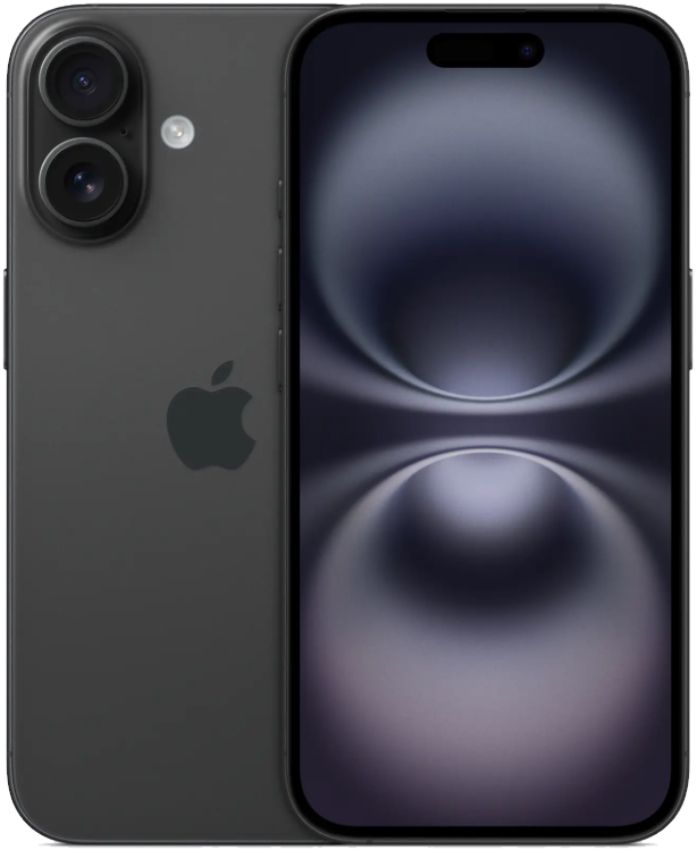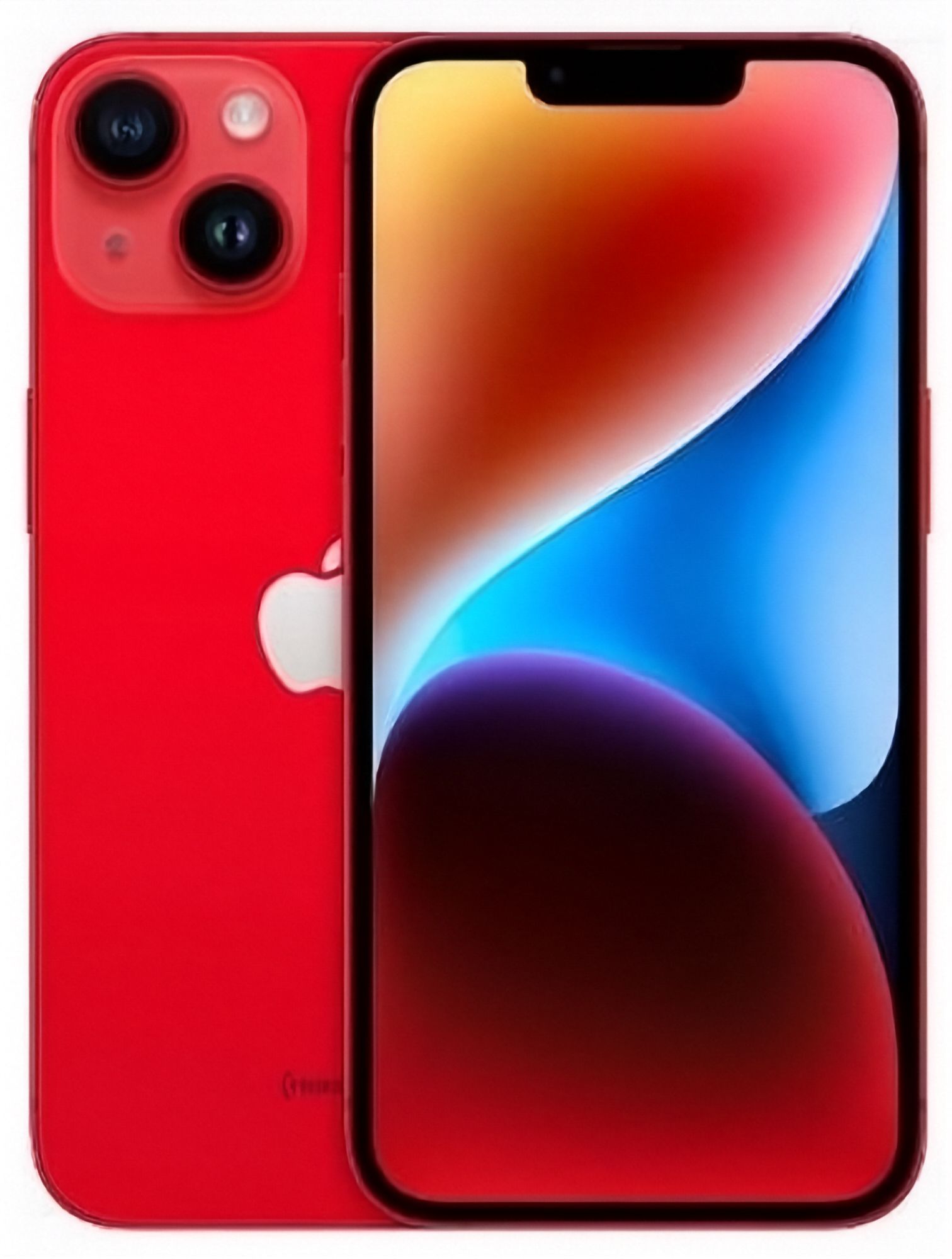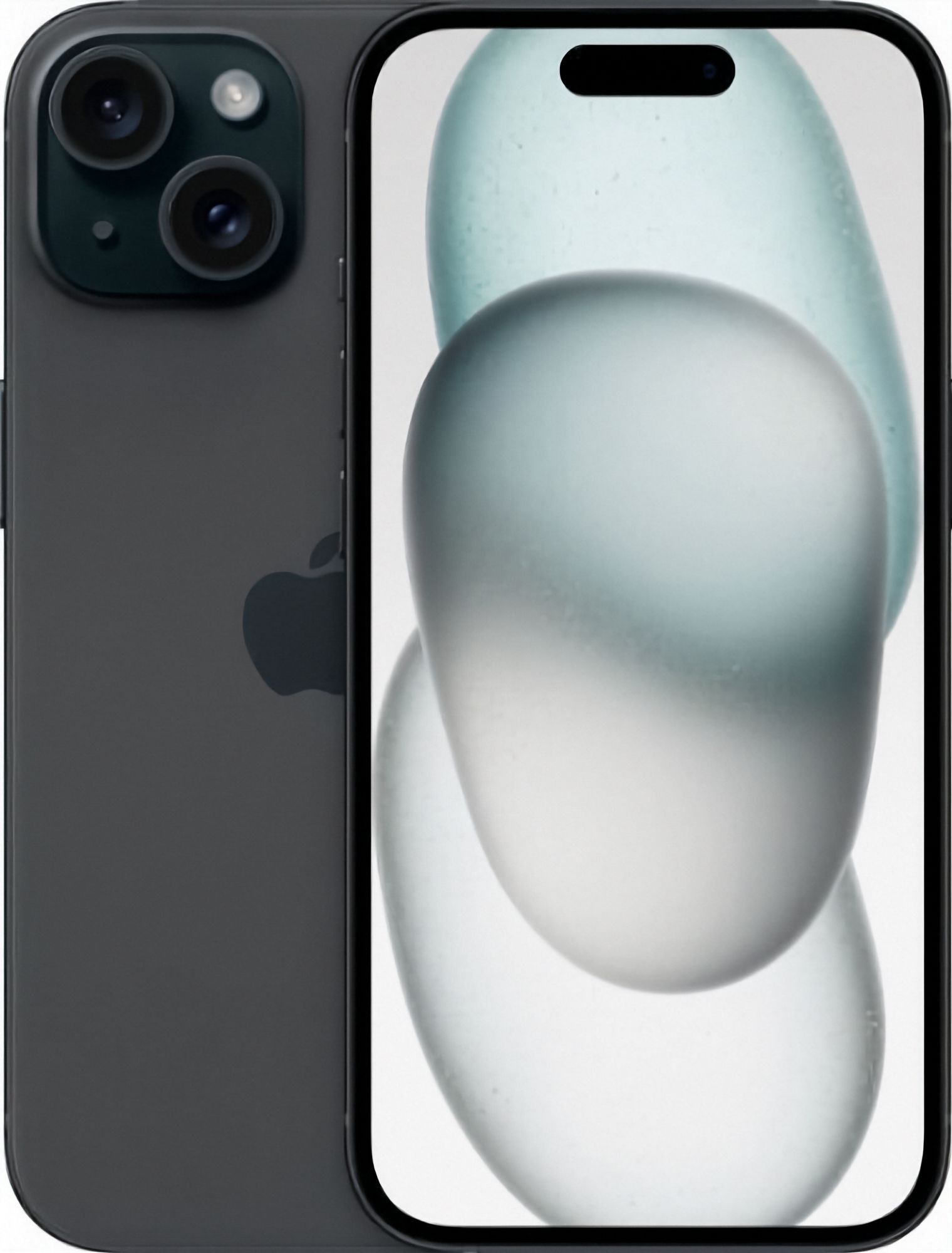
Should you buy an iPhone 14 or an iPhone 15?
Start with the conclusion, because most people can settle this choice in about a minute. Pick the iPhone 15 if you want the USB-C port, you like the Dynamic Island at the top of the screen, and you want a main camera with more room to crop and zoom in on a shot. Pick the iPhone 14 if your phone day is mostly messaging, maps, banking, streaming and everyday photos, if your drawers are already full of Lightning cables, and if you would rather keep the budget lower.
Both phones feel very similar in everyday use. Each comes as a 6.1-inch standard model and a 6.7-inch Plus for anyone who wants a bigger screen, both support MagSafe accessories and chargers, and both deliver the same core iPhone experience. If you are weighing the generation before these, we cover that in iPhone 13 vs iPhone 14. For the jump from 14 to 15, the genuine differences are narrow, and the right pick depends on how you use your phone and which cables you already own, not on a spec-sheet staring contest.
What is actually different between the iPhone 14 and iPhone 15?
A short table covers almost the entire gap between these two phones.
| iPhone 14 | iPhone 15 | |
|---|---|---|
| Charging port | Lightning | USB-C |
| Top of the screen | Notch | Dynamic Island |
| Main camera | 12MP | 48MP |
| Chip | A15 Bionic | A16 Bionic |
| Sizes | 6.1-inch; Plus is 6.7-inch | 6.1-inch; Plus is 6.7-inch |
The port is the only row that ripples through your daily routine: the iPhone 14 uses Apple's Lightning connector, while the iPhone 15 moved to USB-C. The notch versus the Dynamic Island is the most visible change at a glance, because the Dynamic Island is where Face ID animations and live notifications now live instead of a dead black cutout. The camera row is the biggest number on paper, and we unpack what it means in real use below. The chip rarely decides anything: the A16 Bionic is a generation newer than the A15 Bionic, and both handle everyday apps and games without complaint.
The shared list matters just as much. MagSafe works on both. Neither the iPhone 14 nor the iPhone 15 has a telephoto lens in any size. Neither standard model has the ProMotion screen that Apple reserves for its Pro phones. For buyer-focused detail on each model, including grades and configurations, see our iPhone 14 buying guide and iPhone 15 buying guide. Our stock across the 14 range lives in the iPhone 14 series collection.
Does USB-C matter if you already own Lightning accessories?
This is the difference with the most day-to-day consequences, and it cuts both ways depending on what you already own. The iPhone 15 was the first iPhone family with a USB-C port; the iPhone 14 still uses Lightning. If you buy the iPhone 15, the Lightning cables in your bedside drawer, your car charger and any Lightning dock or speaker stay behind with your old phone. You will pick up a USB-C cable or two, and an adapter if you ever need to connect to older Lightning gear.
The counterargument is that USB-C is the connector the rest of your tech has already adopted: current laptops, iPads, most newer Android phones, power banks and headphones all speak USB-C now. Moving to an iPhone 15 means one cable type can charge almost everything in your bag, which is genuinely convenient on a weekend trip. If you care about transfer speed details when you plug the phone into a computer, the fine print varies by cable and task, and Apple lists it on its official comparison page.
So judge this row by your setup, not by the spec sheet. A household already standardised on USB-C gains real tidiness from the iPhone 15. A drawer full of working Lightning accessories is a legitimate reason to take the iPhone 14 and keep every one of them plugged in.
How much better are the iPhone 15 cameras in daily use?
The honest everyday answer is: not dramatically. Both phones take good photos of the things people actually photograph, and neither will embarrass you in decent light. The iPhone 14's 12MP main camera is a proven shooter, and in ordinary shooting the difference between the two is small.
The 48MP main camera in the iPhone 15 changes what you can do after the moment has passed. More resolution means more room to crop into a shot without it turning soft, so the photo where your kid was a tiny figure on the far touchline can become a usable close-up. That extra detail also feeds the camera's zoom crop, giving you more flexible reach before image quality starts to fall off. It rewards the way a lot of people actually shoot: framing loosely in the moment, then tightening the shot later in the Photos app.
One limitation both phones share: neither has a telephoto lens. If pulling in on distant subjects with dedicated optics is your priority, you are shopping for a Pro model, not choosing between a 14 and a 15. One other consequence is worth planning for: shooting a lot of high-resolution photos fills storage faster, so heavy shooters should think about capacity before checkout, and our iPhone storage guide works out what each tier realistically holds. If you mostly post and rarely crop, the iPhone 14 camera remains a non-issue.
Which battery health tier should you choose on either model?
On a refurbished iPhone, the battery in front of you decides your day far more than the model number on the back. We sell phones at 80%, 90% or 100% battery health, and every phone we sell holds at least 80% of its original capacity, so compare the tier stated on the listing rather than assuming the newer model automatically lasts longer. A fresher battery beats a more worn one, iPhone 14 versus iPhone 15 included.
Pick the tier by how hard you use a phone. If you are usually near a charger at home or at the office, an 80% tier covers a normal day happily and leaves budget free elsewhere. If you are out from early to late with the camera, maps and podcasts running, aim for 90% or above so the phone is not hunting for a socket by dinner. If the phone has to survive full days of heavy use with no midday charge, or you want it to hold up for years before the first battery conversation, go for a 100% tier on whichever model you land on.
Whichever tier you choose, it is worth knowing how to verify the figure yourself. Our battery health checking guide shows exactly where the reading lives in Settings and what each band means in practice, so you can sanity-check any used iPhone before it becomes yours.
Which phone suits your budget and how you use it?
Match the phone to the person holding it. Light users whose phones mostly sit in a pocket between messages will be completely happy on an iPhone 14 in a healthy battery tier, and the money saved is real money for whatever you put it toward next. People who photograph constantly, crop constantly and zoom into photos after the fact will feel the iPhone 15's camera in the edit, not just on the spec sheet, and the USB-C convenience is the bonus that sweetens it. If your household has already standardised on USB-C for laptops, tablets and everything else, the iPhone 15 keeps one cable type across the whole bag. If your car, desk and bedside are wired with Lightning accessories you like, the iPhone 14 keeps all of them working, and that ecosystem counts for something. Want a big screen either way? Both generations offer the 6.7-inch Plus.
Stock, condition grades and current prices for both models are listed together on the iPhone collection page, and what each cosmetic grade looks like in the hand is spelled out in our condition guide. Every phone is tested and graded in Auckland and ships with a 12-month warranty, 15-day returns and free NZ-wide delivery, so whichever number ends up on your screen, the safety net underneath it is the same: the 15 for USB-C, the Dynamic Island and camera flexibility, the 14 if it covers your everyday use and keeps the budget where you want it.