Which iPad do I have?
Apple has sold a lot of tablets that look nearly the same. The entry-level iPad alone has moved through six numbered generations since 2018, and three of those share the same screen size and the same silhouette. Put a 7th, 8th and 9th generation iPad face down on a table and most people could not tell you which is which.
That is a problem when you are buying second-hand, selling an old tablet, or trying to work out whether a case or a keyboard will fit. "iPad" is not enough information, and "iPad 10.2-inch" is not either. What you need is the generation, and the fastest route to it is the model number.
Where to find the model number on an iPad
There are two places to look, and they give you the same answer.
If the tablet still switches on, open Settings, tap General, then About. Scroll to Model Number. What you see first is usually a part number that starts with M or ML and ends with a region code — not very useful on its own. Tap it once. The line flips to a shorter code that starts with a capital A followed by four digits, such as A2602. That is the regulatory model number, and it maps to exactly one iPad generation and connectivity option.
If the tablet is dead or locked, turn it over instead. The same A-number is printed in small grey text on the back near the bottom, in among the certification marks, written as "Model A2602" or just the bare number on newer units. On some iPads the engraving is very faint, so try tilting it under a lamp.
One thing that trips people up: the chip inside also has an A-name. A 9th generation iPad runs an A13 Bionic chip and carries the model number A2602. Two digits versus four is the quick way to tell which one somebody is quoting at you.
Apple keeps a full cross-reference of every tablet it has sold on its identify your iPad model page, so you can always check a number you are unsure about against the source.
iPad generations at a glance
For the standard iPad line, these are the numbers you are most likely to meet on the used market. Cellular versions of the same tablet carry different A-numbers from the Wi-Fi ones, so treat the Wi-Fi number below as the anchor and check Apple's list if the one in front of you does not match.
| Generation | Year | Screen | Port | Wi-Fi model number |
|---|---|---|---|---|
| 6th gen | 2018 | 9.7-inch | Lightning | A1893 |
| 7th gen | 2019 | 10.2-inch | Lightning | A2197 |
| 8th gen | 2020 | 10.2-inch | Lightning | A2270 |
| 9th gen | 2021 | 10.2-inch | Lightning | A2602 |
| 10th gen | 2022 | 10.9-inch | USB-C | A2696 |
A few practical notes on what actually changes between them:
- The 6th generation is the last of the 9.7-inch shape, and it is the one most often described simply as "the 2018 iPad". It has a home button, a Lightning port and a headphone jack.
- 7th to 9th generation all use the 10.2-inch screen and are physically interchangeable as far as cases go. Under the glass they are not: the chip steps up from A10 Fusion in the 7th generation to A12 Bionic in the 8th and A13 Bionic in the 9th, which is why the newer ones feel smoother in apps years later.
- The 10th generation is the bigger break. The screen grows to 10.9 inches, the home button disappears and Touch ID moves into the top button, the port becomes USB-C, the headphone jack is gone, and the front camera moves to the long edge so you are centred in a video call when the tablet is in landscape.
Apple has since moved the entry-level line to an 11-inch screen. Newer generations follow the same logic, and the identification page above lists their numbers as they arrive.
iPad, iPad Air, iPad mini or iPad Pro?
Before you chase a generation number, make sure you have the right family. From across a room they blur together, but the tells are clear once you know them:
- iPad — the entry line. Rounded edges and a home button through the 9th generation, then flat sides with a top-button Touch ID from the 10th.
- iPad Air — flat sides, USB-C, no home button, a faster chip than the standard iPad of the same year, and support for the magnetically attached second-generation Apple Pencil.
- iPad mini — roughly 8 inches, obviously small in the hand.
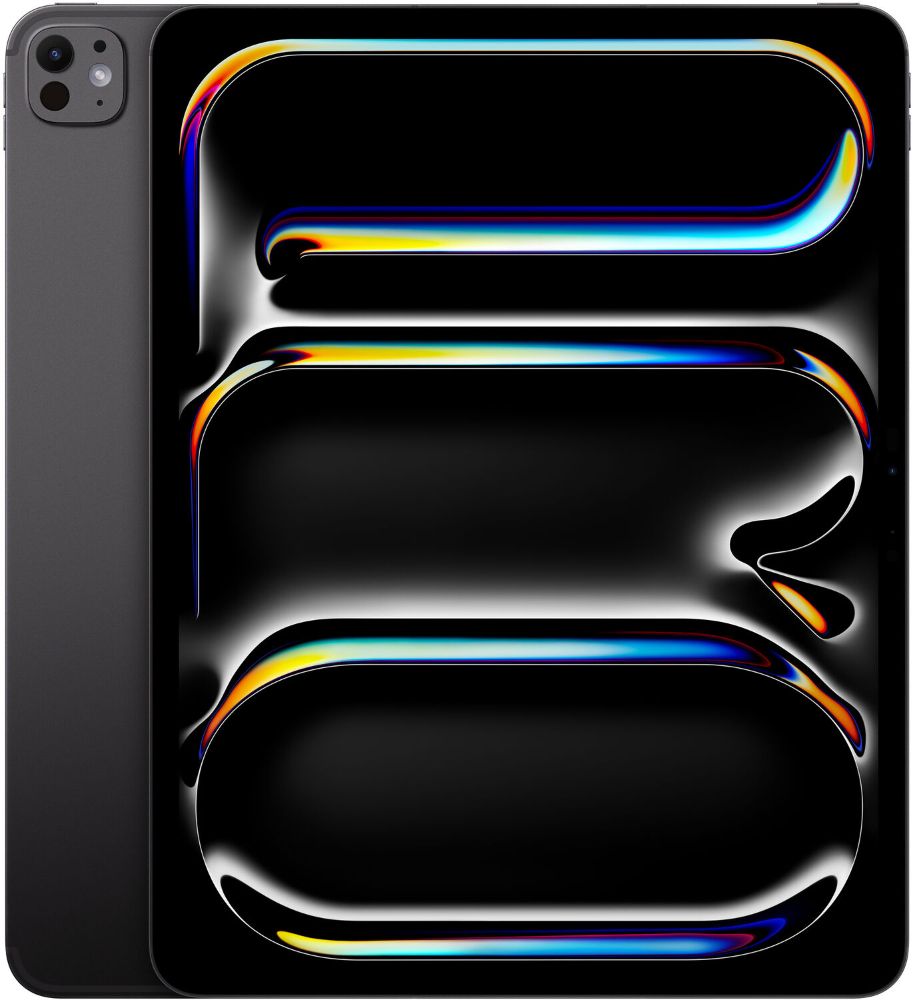
- iPad Pro — 11-inch or 12.9-inch and up, Face ID rather than Touch ID on the recent ones, four speakers, and the smoothest display of the range.
Accessory compatibility follows the family and the port, not the year. The Lightning iPads from the 6th to the 9th generation work with the first-generation Apple Pencil; the flat-sided Air and Pro models use the magnetic second-generation one. Keyboard folios are cut for one specific screen size, which is exactly why the 10.2-inch and 10.9-inch distinction matters more than it sounds.
Which generation should you buy used?
Once you know how to read generations, the shopping decision gets simpler. Three things are worth weighing.
Software life. Each iPadOS release drops support for some older tablets, and Apple publishes the supported list with every version. A newer generation is the single biggest factor in how many more years of updates a tablet has ahead of it — more so than storage, and much more so than cosmetic condition.
What it is for. Reading, video and schoolwork run perfectly well on a 10.2-inch iPad. Drawing with pressure sensitivity, heavy multitasking or editing video are the jobs that justify stepping up to an Air or a Pro.
Storage and battery. Base storage on older generations is small, and photos fill it faster than people expect. On battery, every tablet we list states its measured level, so you can choose 80%, 90% or 100% battery health rather than guessing. If you want to check a tablet you already own before deciding, the same principle applies as on a phone — our guide to checking battery health before buying walks through it.
You can browse the current refurbished iPad and tablet range by generation, and each listing names the tablet the way this article does — screen size, year and generation together. Two common starting points are the 9th generation iPad if you want the familiar home-button shape, and the 10th generation iPad if you would rather have USB-C and the larger screen. Stock and pricing move, so see current prices on the model page.
Everything we sell is tested and graded in Auckland before it is listed, cosmetic condition is described against our condition guide rather than left to guesswork, and every order includes a 12-month warranty, 15-day returns and free NZ-wide delivery.
Selling or trading in an old iPad?
The generation matters just as much in the other direction. A quote depends on knowing exactly which tablet you have, so look up the A-number before you start — it takes a moment in Settings and saves a round of back-and-forth. Then check what yours is worth through iPad trade-in.
Two housekeeping items before you send anything: sign out of iCloud so Activation Lock is released, and erase the tablet properly from Settings. A tablet that is still linked to an account cannot be resold until that is cleared, which is the most common reason a trade-in stalls.
Four digits on the back of a tablet, or one tap in Settings. It is a small detail that turns "some old iPad" into an exact model, and that is the difference between hoping a listing matches and knowing it does.