What is the real difference between the iPad, iPad Air and iPad Pro?
Apple sells three iPad lines side by side, and on the second-hand market the difference between them comes down to three things: the screen, the chip, and which accessories each one supports.
The standard iPad is the entry model. It keeps Touch ID in a physical button, and its display is non-laminated, meaning there is a thin layer of air between the cover glass and the pixels underneath. That sounds worse than it feels: for browsing, streaming and reading it is invisible, and it only really shows up when you write or draw, because the pen tip looks a few millimetres above the line. The Air and the Pro both use laminated displays, where the glass and pixels are bonded together, so the pen feels like it is touching the ink.
The Air sits in the middle. It has the nicer laminated, wide-colour screen, a much faster chip than the standard iPad of the same era, Apple's newer Pencil support, and it weighs noticeably less than a Pro. Recent Air generations run the same M-series silicon used in MacBooks, which is why an Air bought used still feels quick for email, documents and even light photo work.
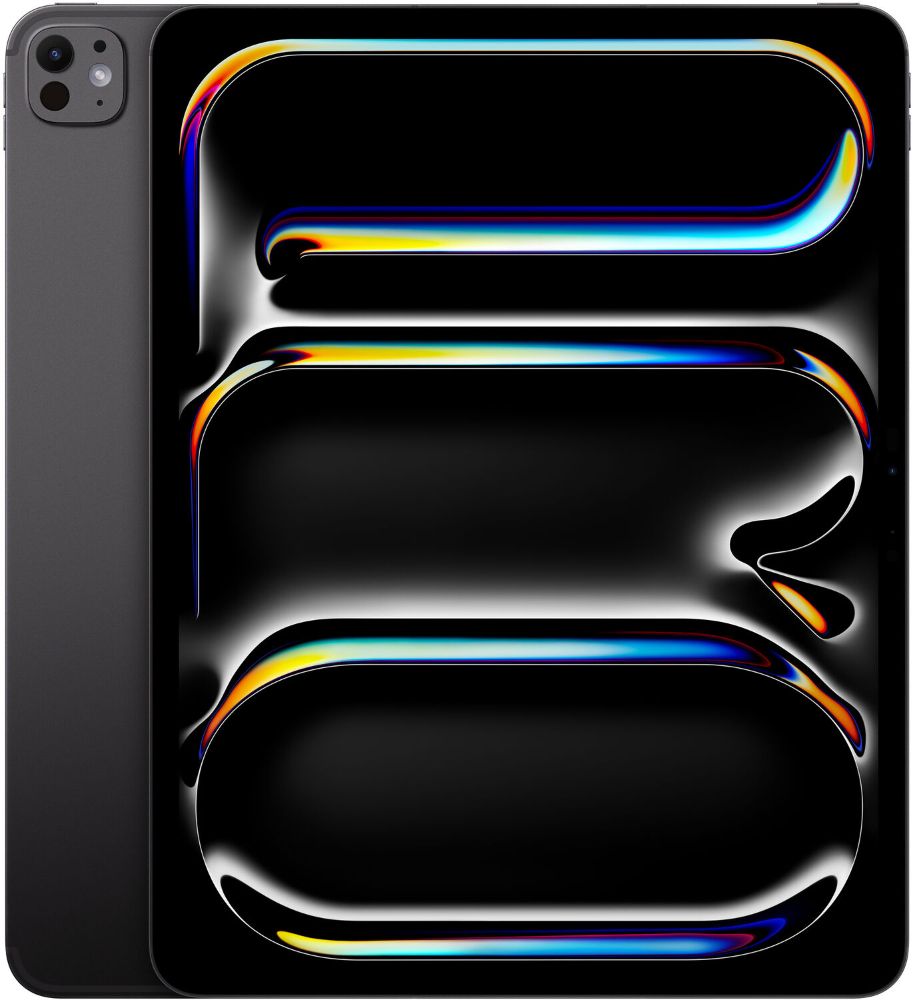
The Pro is the flagship. It adds a 120Hz ProMotion display that makes scrolling and writing look smoother, stronger speakers, Face ID instead of a fingerprint button, and on recent models Thunderbolt-style connectivity with support for an external display. The Pro line is also where Apple put the best cameras and the thinnest cases.
Prices move with stock, so compare what is available right now on our iPad and tablet collection page, and check specifications model by model on Apple's iPad compare page before you shortlist anything.
Which refurbished iPad should a student buy?
For most school students and first-year university students, the Air is the sweet spot. It is light enough to live in a bag all day, the screen is good enough for serious note-taking with a stylus, and the chip has enough headroom that the device will still feel comfortable at the end of three years of study. Pair it with an inexpensive Bluetooth keyboard and it handles essays, presentations and video calls without complaint.
For younger students, or for a family tablet shared between streaming, games and school apps, a recent standard iPad is the sensible buy. Save the difference rather than spending it on a processor you will never load. There is one exception to the rule: if the student works with video projects, large CAD files or serious music production, that is genuinely Pro territory, and an older Pro is a better tool than a newer Air.
Two traps catch parents out. First, storage: see the section below before accepting 64GB. Second, the pen: if the school asks for an Apple Pencil, check which pencil the exact model supports before you buy one, because the standards are not interchangeable.
Is an older iPad Pro still worth buying?
Often yes, provided you know exactly what you are buying and the price reflects the age. Pro models have always carried the best screens Apple made in their era, and a screen is the part of an iPad you look at every single day. A several-year-old Pro will usually have a better display than a brand-new standard iPad.
Two things age faster on a Pro than on the rest of the line. The first is connectivity: older iPads charge over Lightning while newer ones use USB-C, and the newest models can drive an external display for a desktop-like setup while older ones cannot. The second is software runway. Apple publishes which iPad models each iPadOS release supports, so check your shortlisted model against the current list on apple.com rather than relying on folklore about how many updates iPads get.
The 12.9-inch versions are worth a special look for anyone who works at a desk: the extra screen transforms split-screen work, and a used 12.9-inch Pro is one of the best value large displays you can buy. If the iPad will mostly be carried around, the smaller size wins on practicality.
How much storage do you really need?
Unlike a laptop, an iPad has no expandable storage. Whatever you buy is what it keeps, and pulling files off to free space every week is how most 64GB owners actually live.
The system itself and the apps everyone installs occupy a meaningful chunk of a small drive before a single file lands on it. For browsing, cloud notes and streaming, 64GB is workable if the owner is disciplined about offloading. For anyone who downloads lectures, offline video for flights, or a photo library that syncs, 256GB is the comfortable answer, and 512GB makes sense for video editing and big creative projects. If a 256GB listing is out of reach, buying the smaller size and planning an upgrade through trade-in later is a more honest plan than pretending 64GB will do.
What should you check before you pay for a second-hand iPad?
- The exact model, not just the family. Open Settings, then General, then About, and read the model name and model number. A listing that only says iPad Pro could be machines years apart; our iPad generations guide shows how to read those numbers.
- Storage size. It appears in the same About screen. Match it against the guidance above, not against the photo in the listing.
- Account locks. The device must be erased and signed out of iCloud, with Find My off. A locked iPad cannot be set up by the next owner, so never buy one you have not seen unlocked unless the seller clearly takes responsibility for that outcome.
- Battery behaviour. Use it for a few minutes from a moderate charge and watch the drain. A swollen battery that lifts the screen out of its seam is an instant walk-away.
- The display. Check a plain white page and a plain black page for dead pixels, bright patches and faint edge lines, then check that auto-brightness and True Tone respond.
- What the grade actually means. Cosmetic language is meaningless across sellers unless it maps to a defined scale; this explains how Good, Very Good and Like New differ, and how we describe every device against our condition guide.
- Who stands behind the sale. A private listing usually comes with nothing at all. Buying from a registered trader keeps your consumer rights in play, and a specialist with real frequently asked questions on testing, delivery and aftercare is usually where the difference shows up.
Every iPad we sell is tested and graded in Auckland and comes with a 12-month warranty, 15-day returns and free NZ-wide delivery. If the tablet you are replacing is sitting in a drawer, you can put its value against the new one through trade-in.