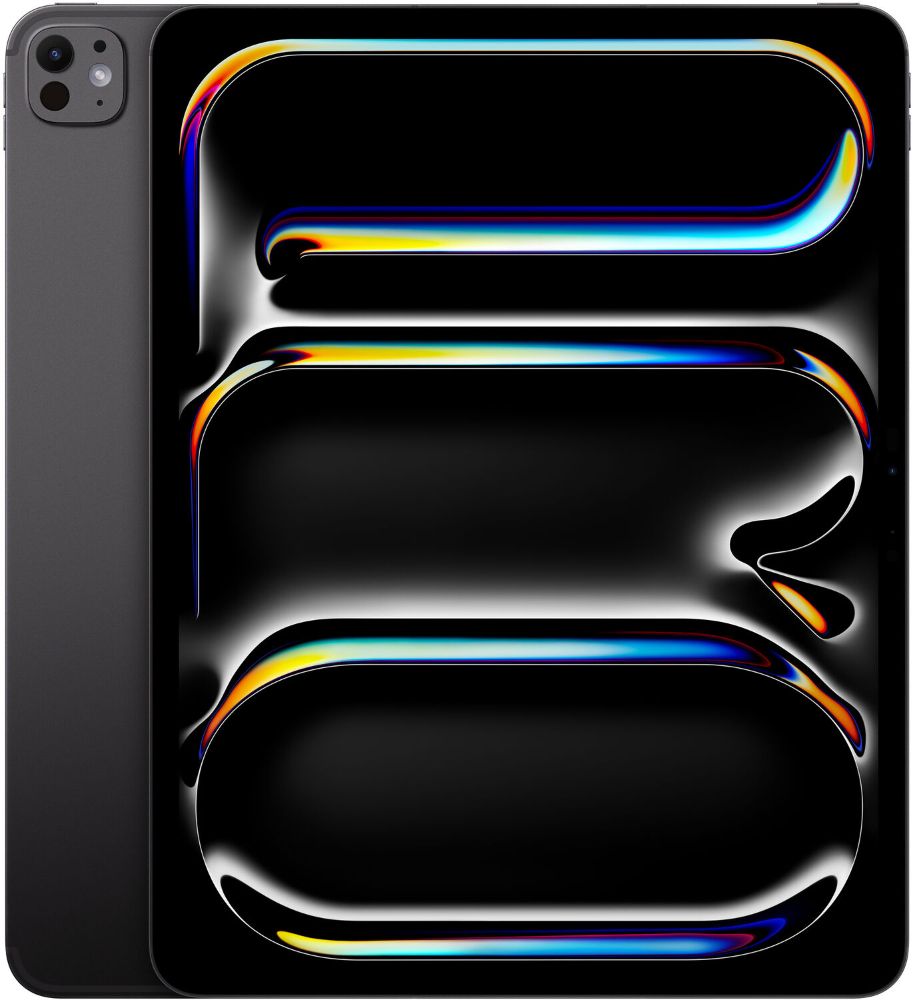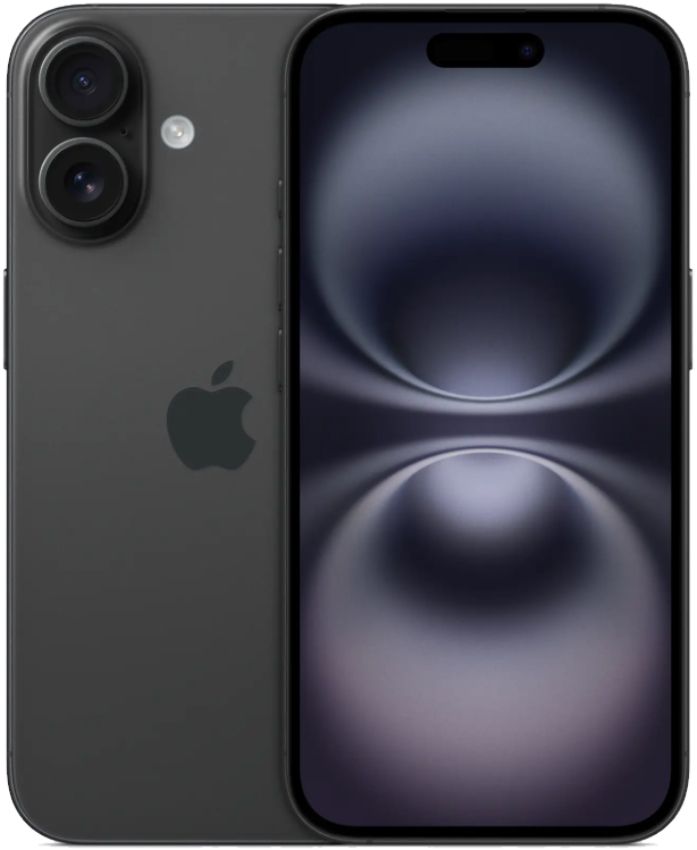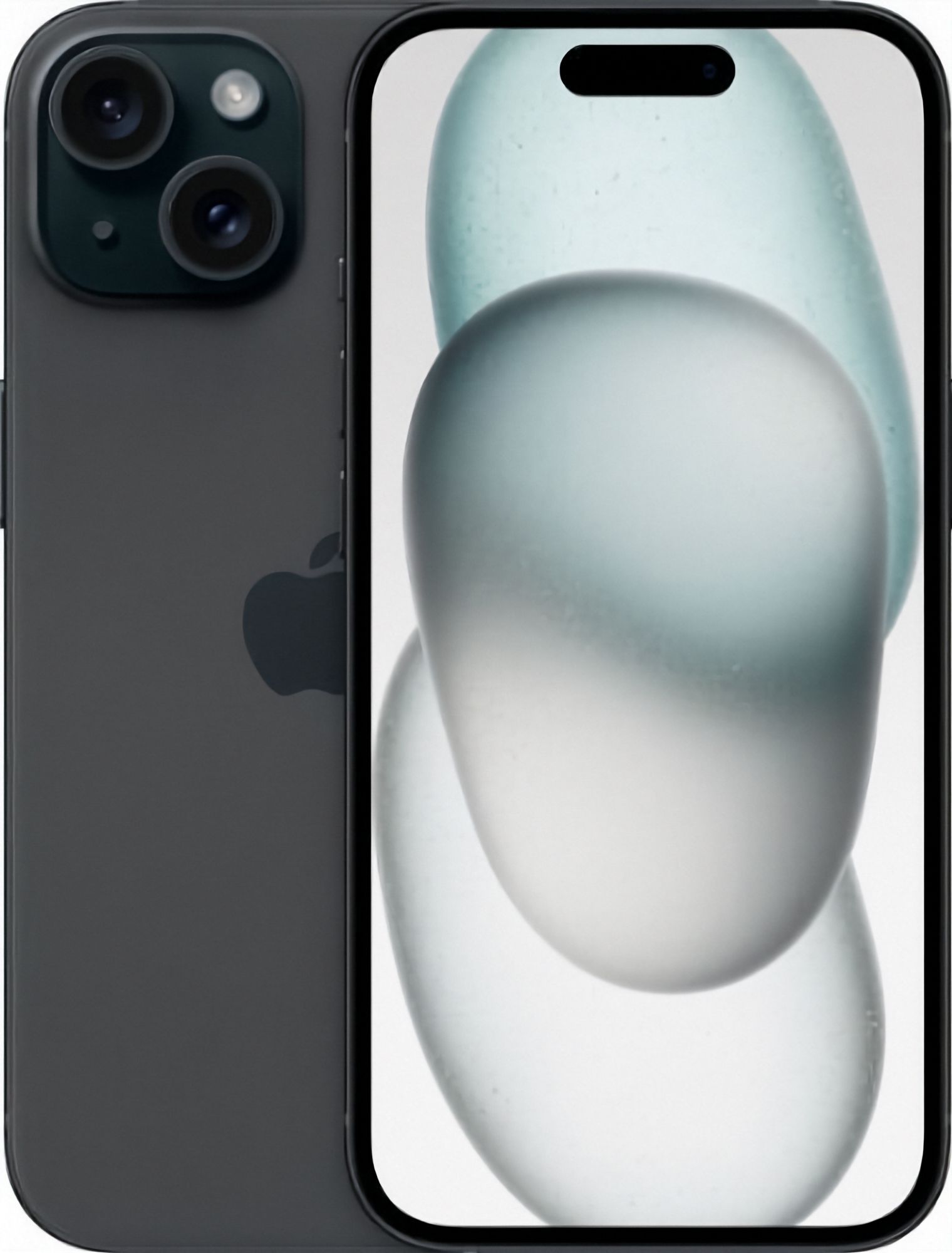
Most iPhones are retired long before they die. The battery still holds a charge, the screen still works, the camera still takes better photos than most people need, and the only real problem is that a newer phone has arrived while this one sits in a drawer losing value by degrees. Trading it in turns that drawer into money towards your next phone, and the process is smaller than most people expect: one form, one box, one inspection. The size of the offer comes down to a handful of details you can check at home before you start. Here is what sets the offer on your iPhone, and what to do before you post it.
Which iPhone Do You Have, and Is It Worth Trading In?
Start with the model, because everything else depends on it. The word "iPhone" covers many product lines and a long run of generations, and two phones that look almost identical on a table can be worth very different numbers. Open Settings, then General, then About. You will see a Model Name, which tells you the marketing name in plain words, and a Model Number. Tap the Model Number and it switches to the A-number that identifies the exact hardware. If the phone will not switch on, the same details are printed on the original box.
The model and storage you pick decide what your quote is priced on, so it is worth two minutes to get them right. Picking "iPhone 13" when you hold a 13 Pro, or guessing the storage, is an easy way to end up with a quote that changes after inspection. Apple keeps a simple overview of the current and recent line-ups on apple.com, which helps if the About screen shows something you do not recognise.
Older and damaged phones are worth asking about too. We buy iPhones from anywhere in New Zealand, including older models and phones with light damage, and a fault normally lowers a quote rather than ending the conversation. A phone that no one will pay much for is still worth trading in: it gets wiped, checked and either resold or recycled responsibly, which beats another decade in a drawer.
What Decides the Offer on Your iPhone?
Trade-in pricing follows a simple logic wherever you go: what the phone can realistically be resold for, minus the cost of checking it, refurbishing it and listing it again. Anything that makes the phone easier to resell lifts your offer, and anything that makes it harder pulls the number down. A few factors carry most of the weight.
Model and generation. A newer phone has more useful years ahead of it, and the next buyer knows that. Within one generation, the more capable versions tend to hold up better than the base model, because they are the ones buyers actively search for. This is the one factor you cannot change, so it is the first one to get right on the form.
Storage. Two identical phones in different capacities are two different products. A 128GB phone is easier to resell than a 64GB one, because anyone who keeps photos, messages or apps offline fills small capacities fast. The real figure is on the About screen, so enter that rather than a guess. If you are unsure what size you actually need in the next phone, our guide to iPhone storage breaks the choices down.
Physical condition. Cracks in the glass, dead pixels, a bent frame or a charging port that only works at an angle all read as repair cost to the next seller. The screen is the most expensive part of the phone, so it is the first thing an inspector looks at. Light scuffs on the back are a different conversation from a cracked display, which is exactly why we grade every device we sell in the first place; the condition guide shows what each grade means.
Battery health. A worn battery means the next owner faces a replacement, and the quote reflects that. Check it under Settings, then Battery, then Battery Health & Charging before you start, and be honest about what the screen says. If you are buying a replacement rather than selling, the same figure is the first thing to look at, and our guide on checking battery health shows where to find it and what counts as wear.
Network and ownership. A phone still on a payment plan or carrier contract cannot be bought until it is settled, so sort that out before you start. If you are not sure whether your phone is tied to one network, our guide on network locks shows where to look. If you have a US iPhone 14 or 14 Pro, note that those models are eSIM-only, which we cover in our eSIM guide.
Most of these factors move the number rather than end the deal, although a phone that will not power on, or one that is still locked or on finance, has no trade value, which is why honest answers matter more than flattering ones. Start your quote on the trade-in page and describe the phone exactly as it is. A fault you mention is built into the number from the start; a fault you leave out shows up at inspection, and the number changes after you have already boxed the phone up.
How Do You Prepare an iPhone Before You Post It?
This is the part that protects your photos, messages and accounts, and it takes about ten minutes. Work through it in order, not in pieces.
- Back it up. Use iCloud or a computer to make a full backup, then open it and confirm it actually finished. Erasing gives you no second chance.
- Sign out of your Apple Account. This turns off Find My and releases Activation Lock. A phone still locked to your account cannot be set up by anyone else, and it is an easy trade-in problem to avoid. Our Activation Lock guide covers the steps in detail.
- Erase it. Go to Settings, then General, then Transfer or Reset iPhone, then Erase All Content and Settings. The phone should restart at the hello screen, ready for its next owner.
- Remove the SIM. If your model has a physical SIM tray, take the card out and keep it, or hand it to your carrier.
- Clean it and pack it well. A wipe of the screen and body takes seconds, and a clean phone is easier and faster to inspect. Pack it so the glass is protected, then send it the way the trade-in page instructs. For the full posting process end to end, see our guide to trading in your iPhone by post.
Should You Trade In or Sell Your iPhone Privately?
A private sale has the higher ceiling, because you are selling straight to the person who will use the phone. That ceiling comes with work attached: the photos, the listing, the price-haggle messages, meeting someone to hand it over, and the small risk that a buyer reads the condition differently once the phone is in their hands. It also pays to know your consumer rights before you decide how to buy or sell in New Zealand. Trade-in is the opposite shape of deal: one form, one box, one inspection, and no strangers.
The honest split is simple. If the phone is older, has a fault, or you just want it dealt with without any back and forth, trade it in. If it is a recent model in very good shape, complete with its box and charger, and you do not mind the effort, a private sale might pay for the extra work. We compare both routes in more detail in trade in or sell privately.
What Should Your Next Phone Be?
If the trade-in is funding a replacement, decide first what your current phone was failing to do. If it ran out of room, look at storage before anything else. If it died by lunchtime, look hard at battery health. If none of that bothers you, the older model may be the smart buy, and the money you save can stay in your pocket. Our rundown of the best refurbished iPhones walks through which models suit which kind of buyer.
Every iPhone we sell is tested and graded in Auckland and carries a 12-month warranty, with free NZ-wide delivery and a 15-day change-of-mind window if the phone turns out to be the wrong fit. On battery, the short answer is that stock is graded into 80%, 90% or 100% battery health, and every phone we sell holds at least 80% of its original capacity. The iPhone collection shows what is in stock right now, so you can see current prices on the model page, and the condition guide explains what each grade looks like in hand. If Samsung or Pixel suits you better, the wider phone collection covers both. Practical questions about shipping and what comes in the box are answered on the FAQ page.